它可以让游览器接入AI并且为你执行任务
https://github.com/browser-use/browser-use
先安装:playwright-win11环境
$proxy='http://127.0.0.1:7890'$ENV:HTTP_PROXY=$proxy$ENV:HTTPS_PROXY=$proxy参考官网:
https://playwright.dev/python/docs/intro
pip install pytest-playwright
然后装游览器本身:
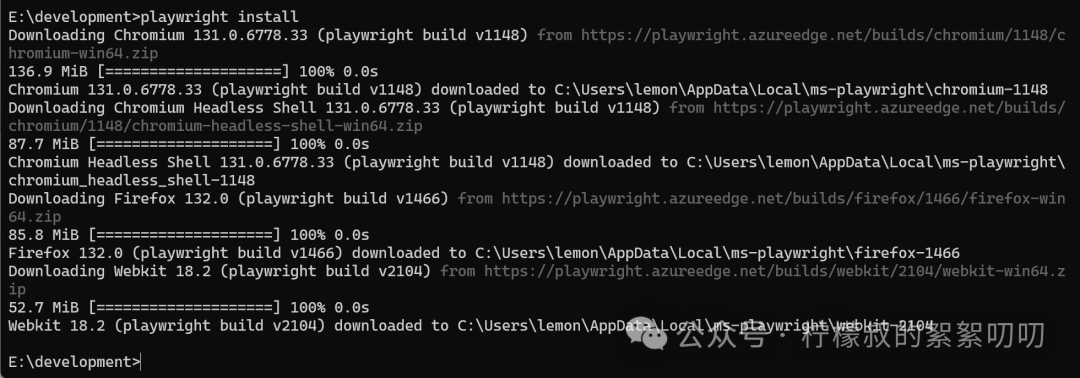
playwright install
然后它会安装四个游览器
C:\Users\lemon\AppData\Local\ms-playwright\chromium-1148
C:\Users\lemon\AppData\Local\ms-playwright\chromium_headless_shell-1148
C:\Users\lemon\AppData\Local\ms-playwright\firefox-1466
C:\Users\lemon\AppData\Local\ms-playwright\webkit-2104
把这几个地址还是要记下来的,后面配置
紧接着装use本身
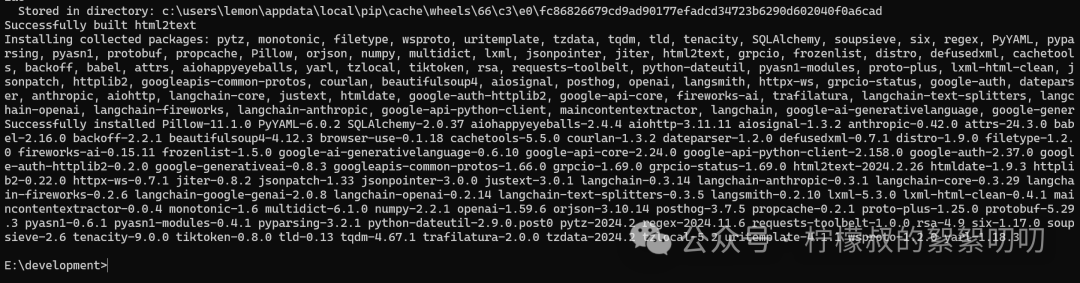
pip install browser-use
这个包是相当吓人啊,一堆依赖
新建一个目录
然后它本身的官方文档在这里:
https://docs.browser-use.com/introduction
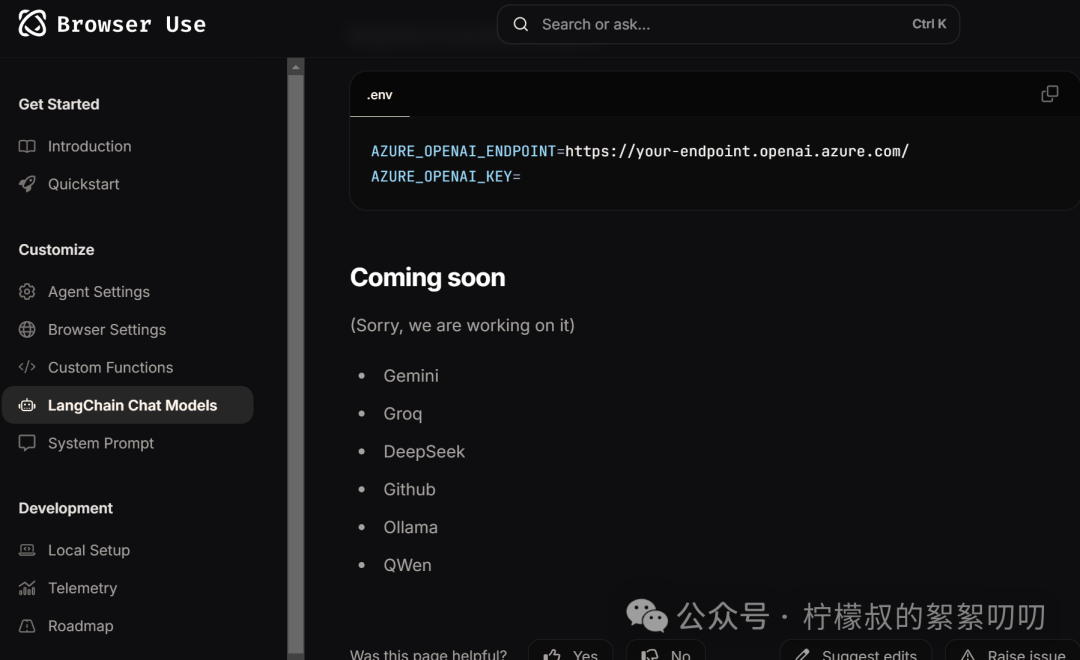
https://docs.browser-use.com/customize/langchain-models
看了一下官网,其实并没有支持deepseek
好吧,转到web-ui
https://github.com/browser-use/web-ui
先clone
git clone https://github.com/browser-use/web-ui.git
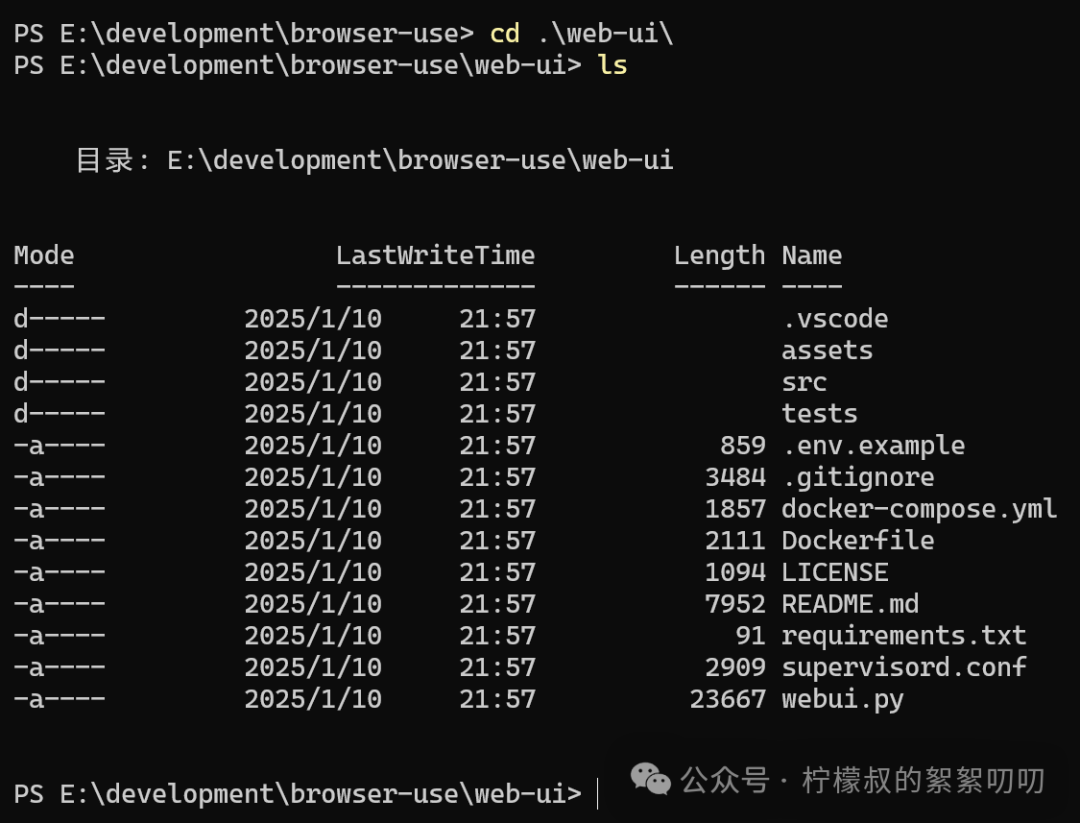
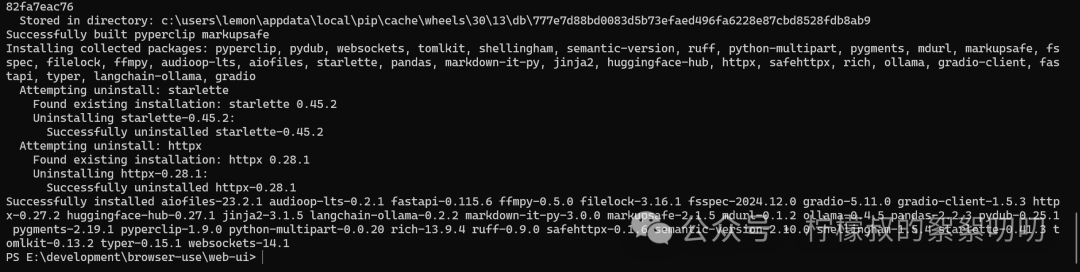
pip install -r requirements.txt
又安装了相当多的依赖包
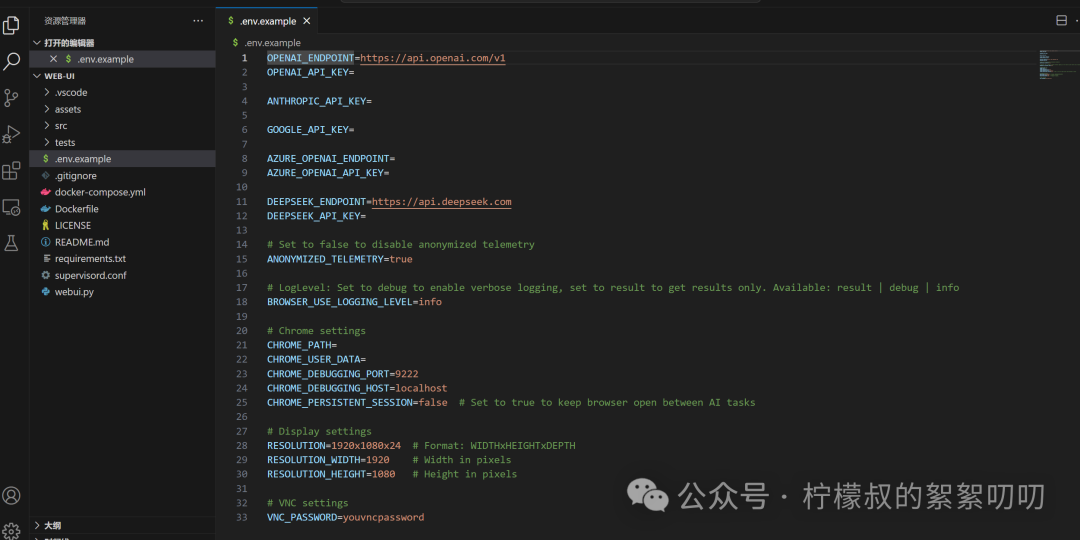
打开环境配置文件
基于这篇文章:https://mp.weixin.qq.com/s/Qk5EwKecK64eY5aCd5X4BA
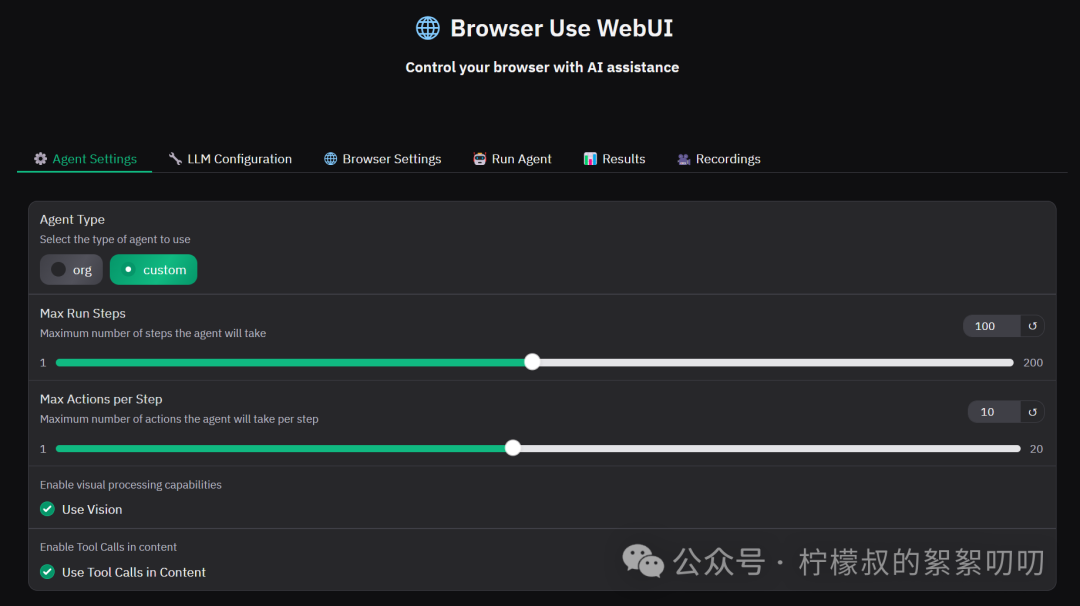
python webui.py --ip 127.0.0.1 --port 7788

把use vision干掉
然后大模型配置成deep-seek就行了
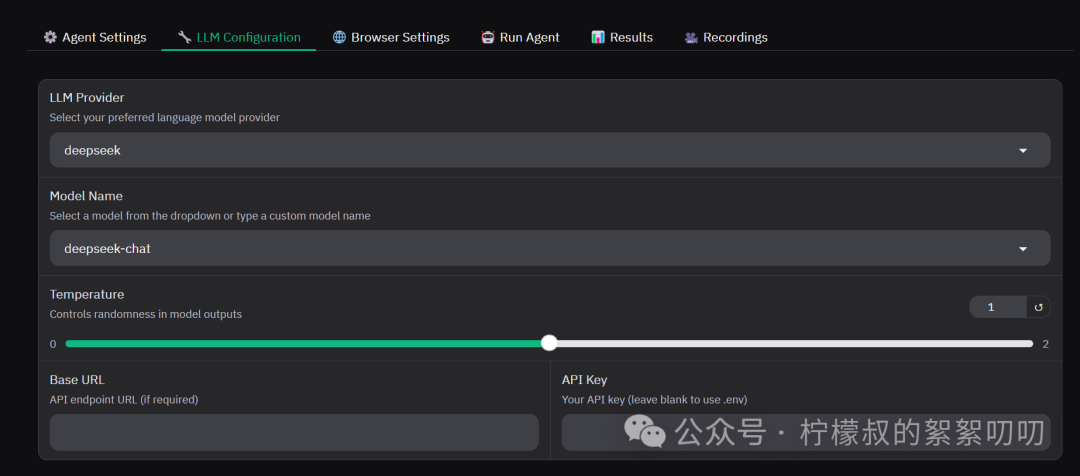
其余的我都在.env里面配置好了的
然后给它第一个任务
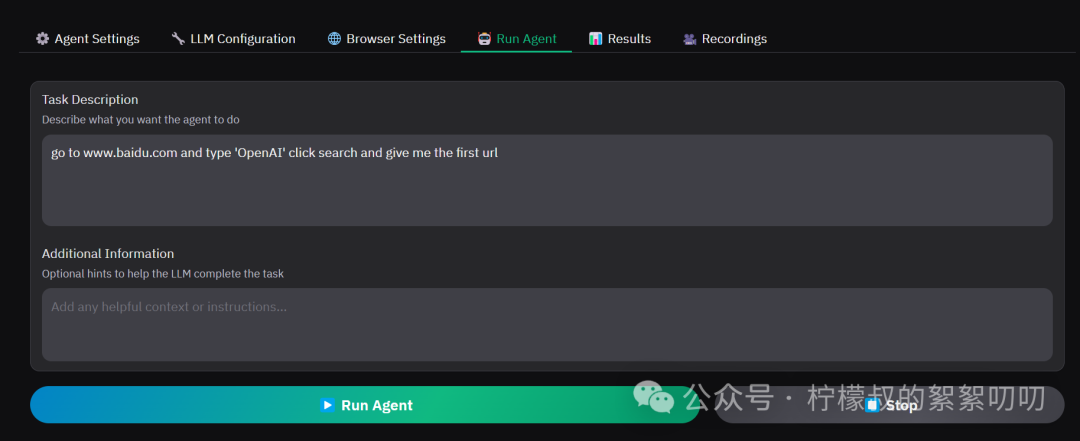
go to www.baidu.com and type 'OpenAI' click search and give me the first url
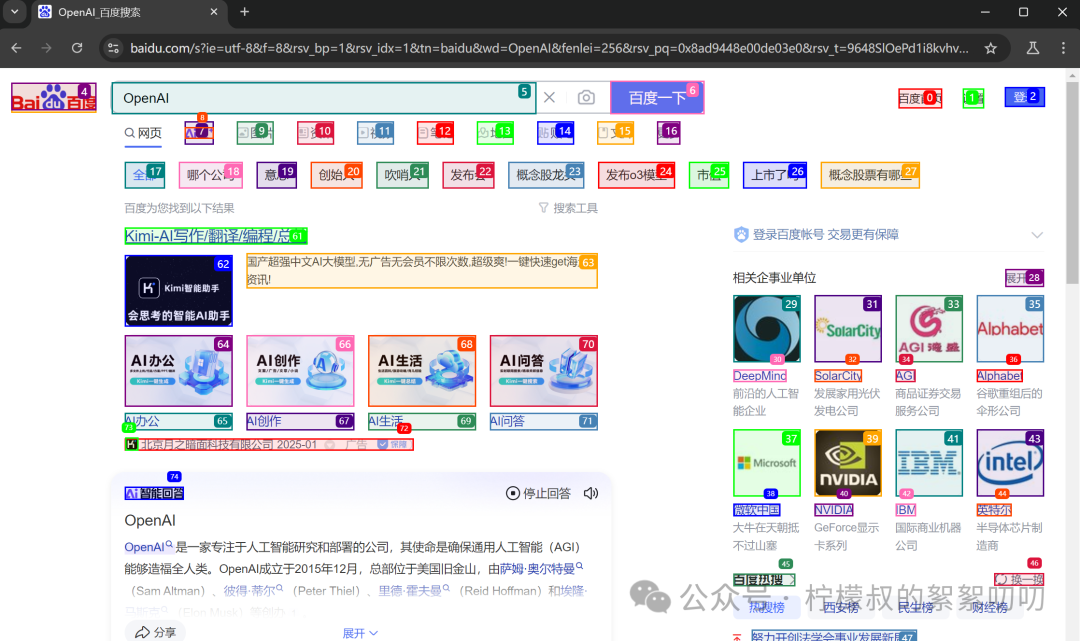
然后到result里
人家竟然给你录下来了:
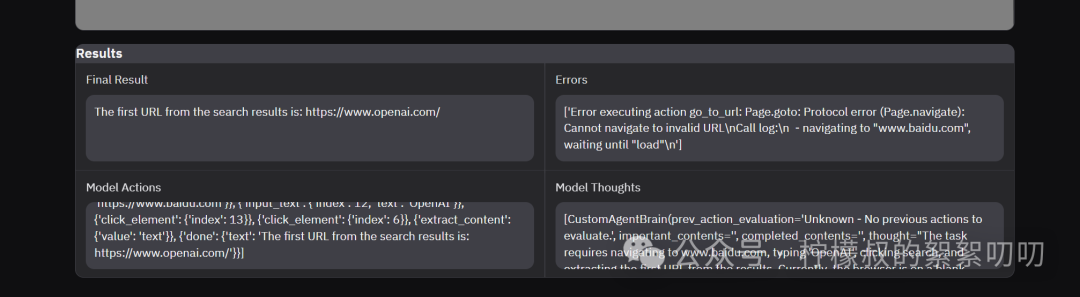
还有最后的结果,卧槽,牛逼了