书接上回: https://blog.lemonhall.me/notesview/show/618
切到工作目录:E:\development\browser-use\web-ui
git pull拿到最新的代码
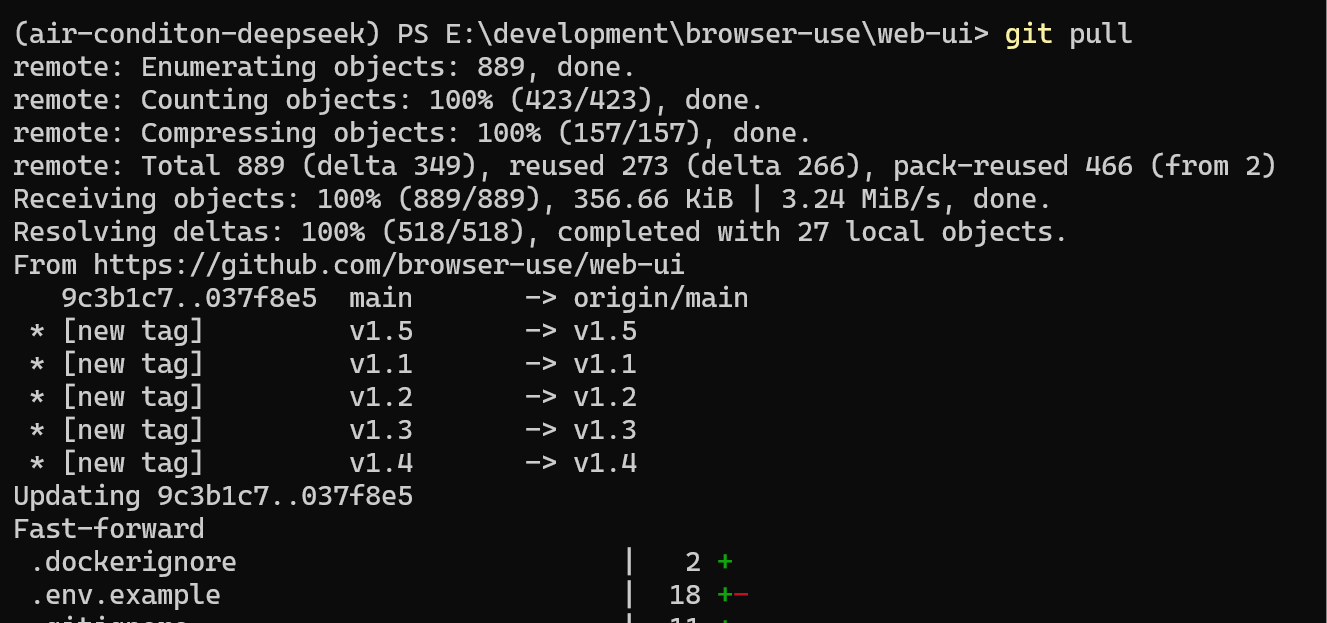
1.5版本
pip install -r requirements.txt更新依赖包
OPENAI_ENDPOINT=https://api.openai.com/v1
OPENAI_API_KEY=

ANTHROPIC_API_KEY=

GOOGLE_API_KEY=

AZURE_OPENAI_ENDPOINT=
AZURE_OPENAI_API_KEY=

DEEPSEEK_ENDPOINT=https://api.deepseek.com
DEEPSEEK_API_KEY=xxxxxxxxxxxx

# Set to false to disable anonymized telemetry
ANONYMIZED_TELEMETRY=true

# LogLevel: Set to debug to enable verbose logging, set to result to get results only. Available: result | debug | info
BROWSER_USE_LOGGING_LEVEL=info

# Chrome settings
CHROME_PATH=C:\Users\lemon\AppData\Local\ms-playwright\chromium-1148\chrome-win\chrome.exe
CHROME_USER_DATA=E:\development\browser-use\chrome-user-data
CHROME_DEBUGGING_PORT=9222
CHROME_DEBUGGING_HOST=localhost
CHROME_PERSISTENT_SESSION=false  # Set to true to keep browser open between AI tasks

# Display settings
RESOLUTION=1920x1080x24  # Format: WIDTHxHEIGHTxDEPTH
RESOLUTION_WIDTH=1920    # Width in pixels
RESOLUTION_HEIGHT=1080   # Height in pixels

# VNC settings
VNC_PASSWORD=youvncpassword
检查配置文件
python webui.py --ip 127.0.0.1 --port 7788这样启动
但是我因为开着代理,所以出现错误:
INFO     [browser_use] BrowserUse logging setup complete with level info
INFO     [root] Anonymized telemetry enabled. See https://github.com/browser-use/browser-use for more information.
* Running on local URL:  http://127.0.0.1:7788
Traceback (most recent call last):
  File "E:\development\browser-use\web-ui\webui.py", line 1003, in <module>
    main()
    ~~~~^^
  File "E:\development\browser-use\web-ui\webui.py", line 1000, in main
    demo.launch(server_name=args.ip, server_port=args.port)
    ~~~~~~~~~~~^^^^^^^^^^^^^^^^^^^^^^^^^^^^^^^^^^^^^^^^^^^^
  File "C:\Python313\Lib\site-packages\gradio\blocks.py", line 2621, in launch
    raise ValueError(
        "When localhost is not accessible, a shareable link must be created. Please set share=True or check your proxy settings to allow access to localhost."
    )
ValueError: When localhost is not accessible, a shareable link must be created. Please set share=True or check your proxy settings to allow access to localhost.
PS E:\development\browser-use\web-ui>
所以根据建议:
$env:NO_PROXY = "localhost,127.0.0.1"
python webui.py --ip 127.0.0.1 --port 7788
import os
os.environ['NO_PROXY'] = 'localhost,127.0.0.1'用以上办法解决
接着打开
http://127.0.0.1:7788/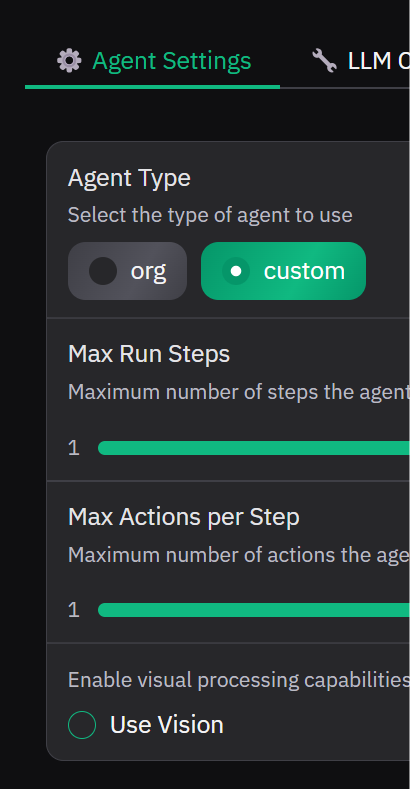
使用视觉,关掉
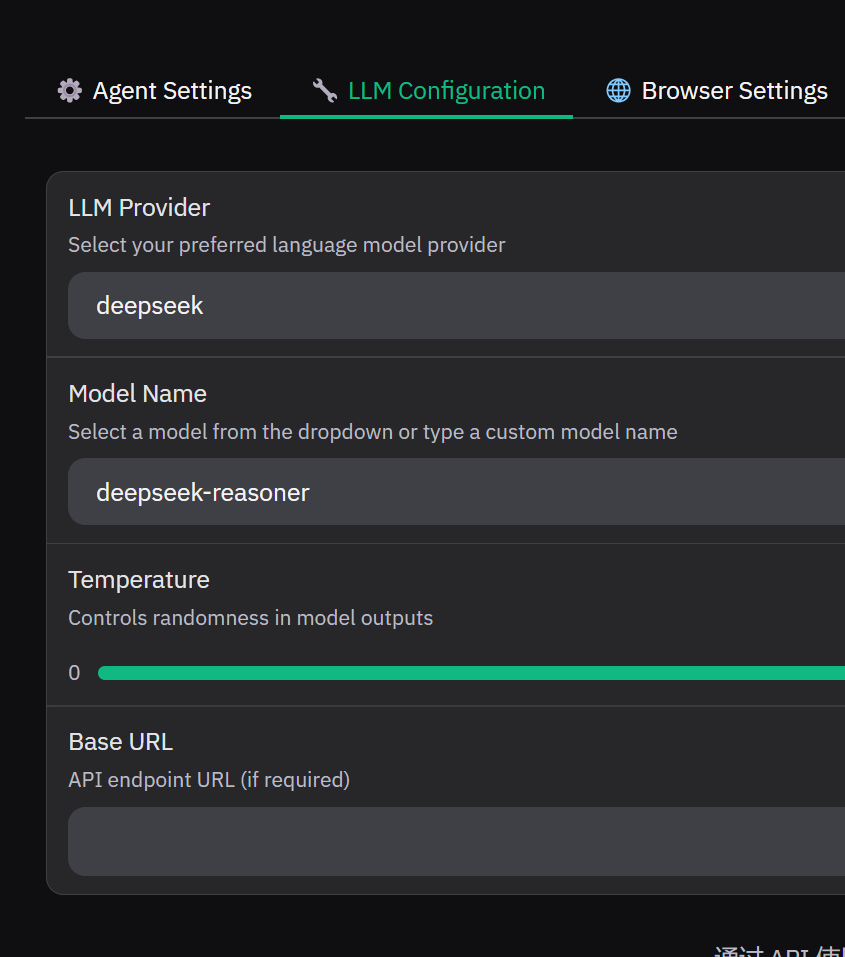
deepseek设置好
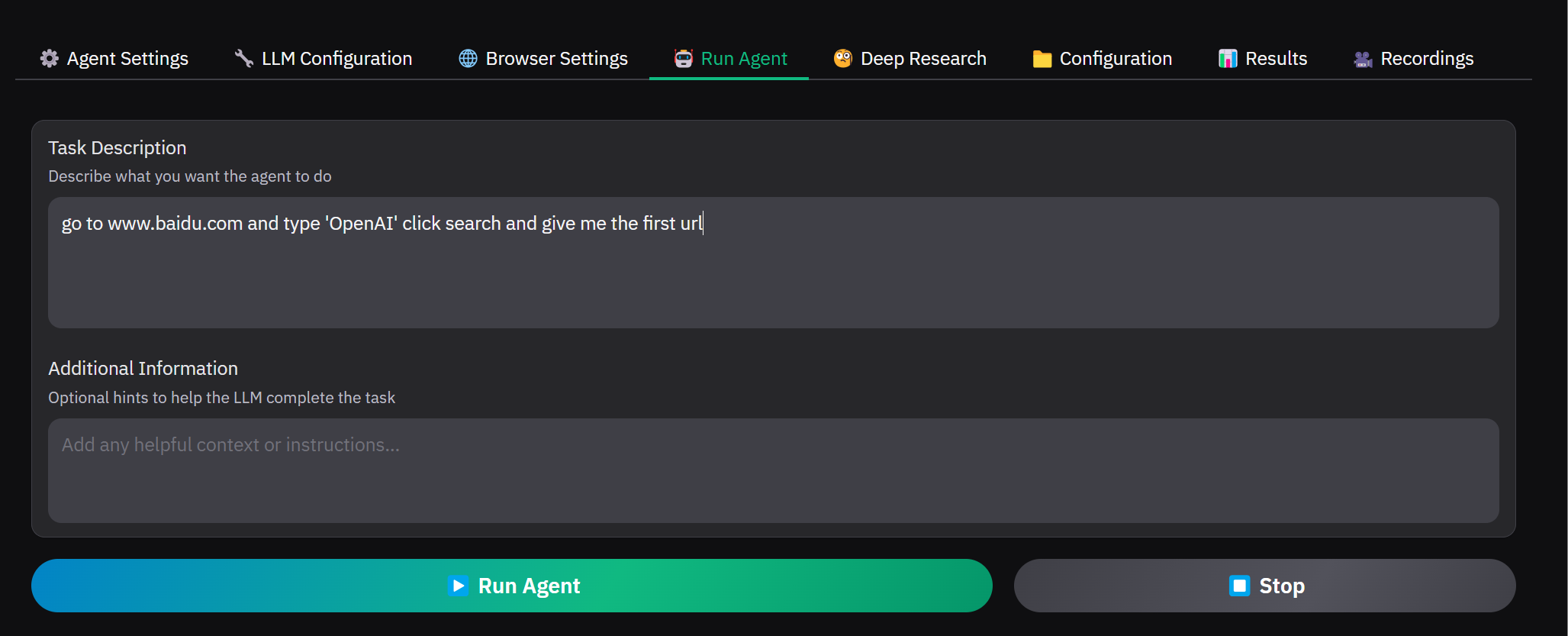
到Run Agent里面去搞第一个任务
go to www.baidu.com and type 'OpenAI' click '百度一下' and give me the first url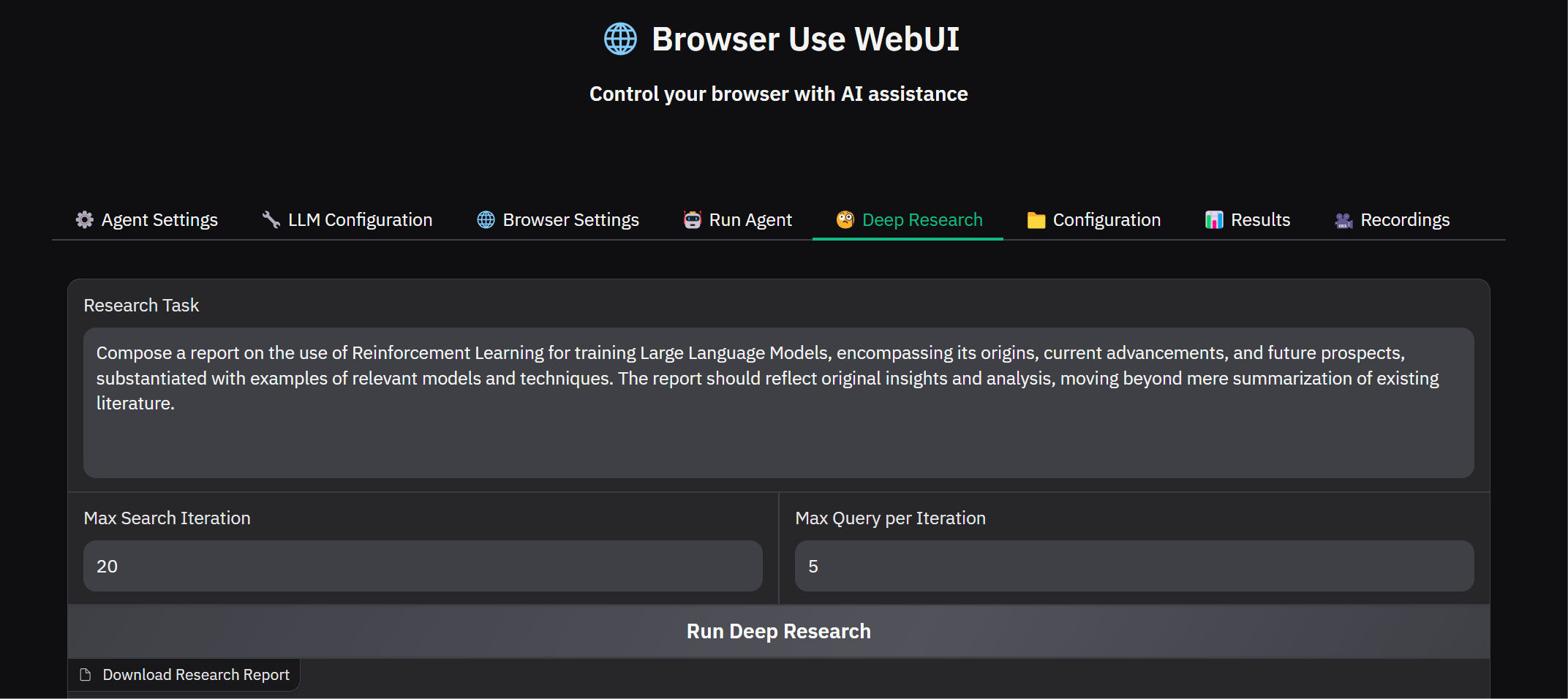
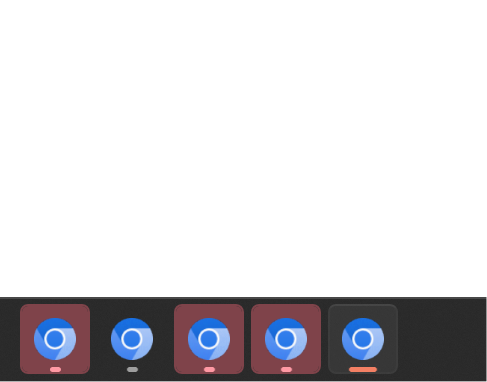
然后它一口气就打开了5个游览器