# importing the modules
from bs4 import BeautifulSoup
import os,sys
import requests
from app import app
from flask_appbuilder.models.sqla.interface import SQLAInterface
from app import appbuilder, db
from app.models import Notes
import logging
log = logging.getLogger(__name__)


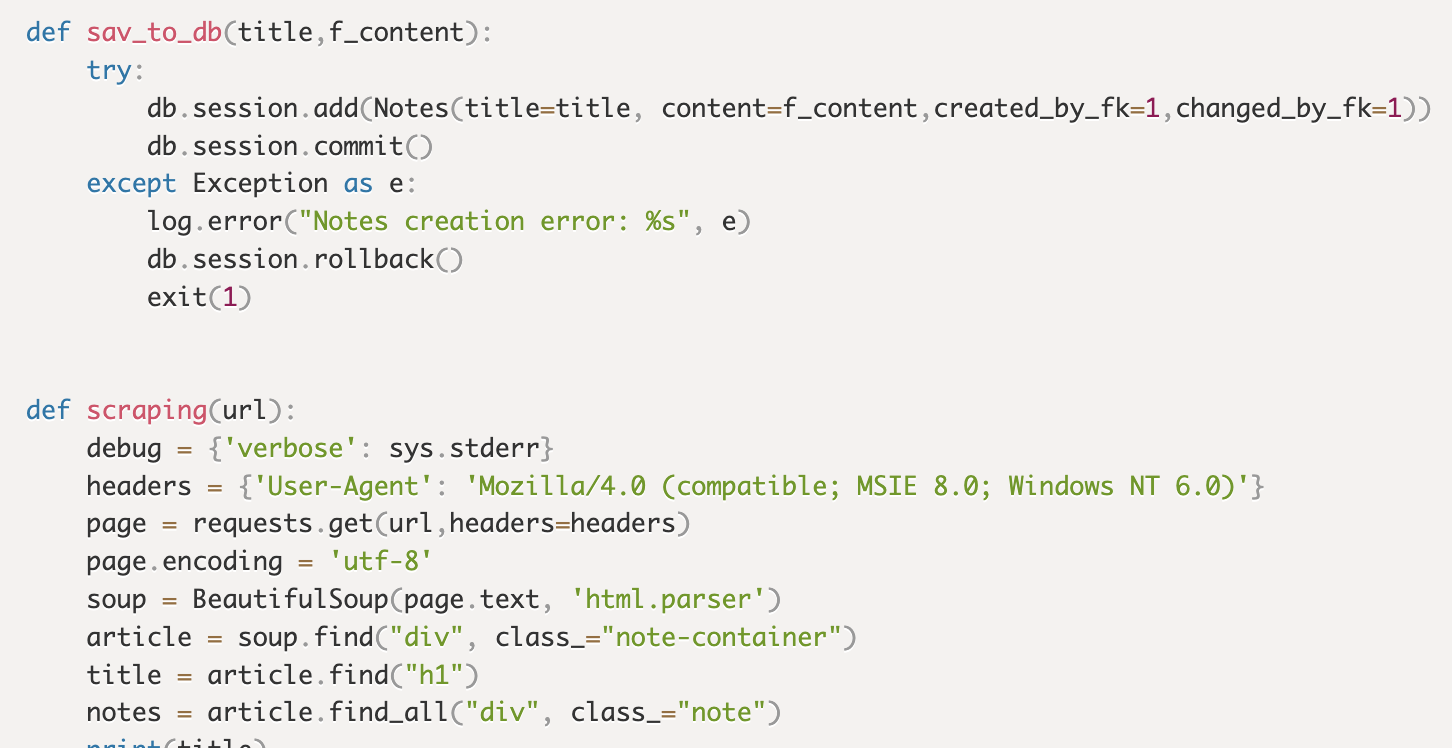
def sav_to_db(title,f_content):
	try:
		db.session.add(Notes(title=title, content=f_content,created_by_fk=1,changed_by_fk=1))
		db.session.commit()
	except Exception as e:
		log.error("Notes creation error: %s", e)
		db.session.rollback()
		exit(1)


def scraping(url):
	debug = {'verbose': sys.stderr}
	headers = {'User-Agent': 'Mozilla/4.0 (compatible; MSIE 8.0; Windows NT 6.0)'}
	page = requests.get(url,headers=headers)
	page.encoding = 'utf-8'
	soup = BeautifulSoup(page.text, 'html.parser')
	article = soup.find("div", class_="note-container")
	title = article.find("h1")
	notes = article.find_all("div", class_="note")
	print(title)
	print(notes[1])
	#<h1>榨菜肉丝面</h1>
	#<div class="note">
	#<div class="image-container image-float-center">
	#<div class="image-wrapper">
	#<img height="auto" src="https://cfa88nrmbjjfatjz.public.blob.vercel-storage.com/legacy/uploads/p89110217-476b0b9889b5.jpg"/>
	#</div>
	#</div>
	#<div class="image-container image-float-center">
	#<div class="image-wrapper">
	#<img height="auto" src="https://cfa88nrmbjjfatjz.public.blob.vercel-storage.com/legacy/uploads/p89110227-0b1314385c69.jpg"/>
	#</div>
	#</div>
	#<div class="image-container image-float-center">
	#<div class="image-wrapper">
	#<img height="auto" src="https://cfa88nrmbjjfatjz.public.blob.vercel-storage.com/legacy/uploads/p89110216-52a40fae29df.jpg"/>
	#</div>
	#</div>
	#<div class="image-container image-float-center">
	#<div class="image-wrapper">
	#<img height="auto" src="https://cfa88nrmbjjfatjz.public.blob.vercel-storage.com/legacy/uploads/p89110224-1a22ddd94099.jpg"/>
	#</div>
	#</div>
	#<div class="image-container image-float-center">
	#<div class="image-wrapper">
	#<img height="auto" src="https://cfa88nrmbjjfatjz.public.blob.vercel-storage.com/legacy/uploads/p89110232-06e77f7991fe.jpg"/>
	#</div>
	#</div>
	#<div class="image-container image-float-center">
	#<div class="image-wrapper">
	#<img height="auto" src="https://cfa88nrmbjjfatjz.public.blob.vercel-storage.com/legacy/uploads/p89110223-dab6e86cbcef.jpg"/>
	#</div>
	#</div>
	#<div class="image-container image-float-center">
	#<div class="image-wrapper">
	#<img height="auto" src="https://cfa88nrmbjjfatjz.public.blob.vercel-storage.com/legacy/uploads/p89110230-476b0b9889b5.jpg"/>
	#</div>
	#</div>
	#<p data-align="left">不错,原来汤面的核心是做汤底</p>
	#</div>
	#怎么处理这个content是我的烦恼了看来是
	#第一步:
	#replace掉这个多余的东西
	#<div class="image-container image-float-center">
	#
	#第二步:
	#replace掉所有的关闭
	#/></div></div>
	#to
	#</p>
	#
	#第三步:
	#replace掉这个东西
	#<div class="note">
	#
	#第四步:
	#replace
	#<div class="image-wrapper">
	#to
	#<p>
	note = str(notes[1])
	step1 = note.replace('<div class="image-container image-float-center">',"")
	#print("STEP1 reasult:========================")
	#print(step1)
	step2 = step1.replace('/></div></div>',"</p>")
	#print("STEP2 reasult:========================")
	#print(step2)
	step3 = step2.replace('<div class="note">',"")
	#print("STEP3 reasult:========================")
	#print(step3)
	step4 = step3.replace('<div class="image-wrapper">',"<p>")
	#print("STEP4 reasult:========================")
	#print(step4)
	step5 = step4.replace('</div>',"")
	#print("STEP5 reasult:========================")
	#print(step5)
	step6 = step5.replace('https://img1.doubanio.com/view/note/l/public/',"/static/uploads/")
	step7 = step6.replace('https://img2.doubanio.com/view/note/l/public/',"/static/uploads/")
	step8 = step7.replace('https://img3.doubanio.com/view/note/l/public/',"/static/uploads/")
	step9 = step8.replace('https://img4.doubanio.com/view/note/l/public/',"/static/uploads/")
	step10 = step9.replace('https://img5.doubanio.com/view/note/l/public/',"/static/uploads/")
	step11 = step10.replace('https://img6.doubanio.com/view/note/l/public/',"/static/uploads/")
	step12 = step11.replace('https://img7.doubanio.com/view/note/l/public/',"/static/uploads/")
	step13 = step12.replace('https://img8.doubanio.com/view/note/l/public/',"/static/uploads/")
	step14 = step13.replace('https://img9.doubanio.com/view/note/l/public/',"/static/uploads/")
	step15 = step14.replace('https://img10.doubanio.com/view/note/l/public/',"/static/uploads/")
	step16 = step15.replace('https://img11.doubanio.com/view/note/l/public/',"/static/uploads/")
	print("STEP16 reasult:========================")
	print(step16)
	#OK,第四步其实就已经是我想要的结果了
	#接下来该处理所有的图片
	imgs = notes[1].find_all("img")
	print("images reasult:========================")
	for img in imgs:
		img_src = img["src"]
		root = './app/static/uploads/'
		path = root + img_src.split('/')[-1]
		print("remote images src:========================")
		print(img_src)
		print("local images src:========================")
		print(path)
		#这里本来还应该有个try的,但是为了调试方便,不放了,没有考虑图片重名的问题
		if not os.path.exists(root):
			print("root not exists")
			os.mkdir(root)
		if not os.path.exists(path):
			r=requests.get(img_src,headers=headers)
			with open(path,"wb") as f:
				f.write(r.content)
				f.close
				print("file save succ")
		else:
			print("file exists")
	#最终需要存储的标题
	title = title.getText()
	#最终需要存储的内容
	f_content = step16
	print(title)
	print(f_content)
	sav_to_db(title,f_content)


#=========main=============#
s_url = sys.argv[1]
scraping(s_url)