参考地址: https://github.com/ipfs/js-ipfs
sudo npm install -g ipfslemonhall@yuningdeMBP:~$ jsipfs daemon
Initializing IPFS daemon...
System version: x64/darwin
Node.js version: 16.15.0
Swarm listening on /ip4/127.0.0.1/tcp/4002/p2p/12D3KooWFPDx9xTfY34WktX9RukmescJJHRV6vPj97hmQRKcTzd8
Swarm listening on /ip4/192.168.50.84/tcp/4002/p2p/12D3KooWFPDx9xTfY34WktX9RukmescJJHRV6vPj97hmQRKcTzd8
Swarm listening on /ip4/127.0.0.1/tcp/4003/ws/p2p/12D3KooWFPDx9xTfY34WktX9RukmescJJHRV6vPj97hmQRKcTzd8
js-ipfs version: 0.14.3
HTTP API listening on /ip4/127.0.0.1/tcp/5002/http
gRPC listening on /ip4/127.0.0.1/tcp/5003/ws
Gateway (read only) listening on /ip4/127.0.0.1/tcp/9090/http
Web UI available at http://127.0.0.1:5002/webui
Daemon is readylemonhall@yuningdeMBP:~/Downloads$ jsipfs add ./shuo.txt
added QmXj57yYxbm4YrW1xR5bwKno3eKm6S7D1JZowMU3AuuTHV shuo.txt
lemonhall@yuningdeMBP:~/Downloads$lemonhall@yuningdeMBP:~$ jsipfs config --json API.HTTPHeaders.Access-Control-Allow-Origin '["http://127.0.0.1:5002", "http://localhost:3000", "http://127.0.0.1:5001", "https://webui.ipfs.io"]'
lemonhall@yuningdeMBP:~$ jsipfs config --json API.HTTPHeaders.Access-Control-Allow-Methods '["PUT", "POST"]'
lemonhall@yuningdeMBP:~$ jsipfs daemon
Initializing IPFS daemon...
System version: x64/darwin
Node.js version: 16.15.0
Swarm listening on /ip4/127.0.0.1/tcp/4002/p2p/12D3KooWFPDx9xTfY34WktX9RukmescJJHRV6vPj97hmQRKcTzd8
Swarm listening on /ip4/192.168.50.84/tcp/4002/p2p/12D3KooWFPDx9xTfY34WktX9RukmescJJHRV6vPj97hmQRKcTzd8
Swarm listening on /ip4/127.0.0.1/tcp/4003/ws/p2p/12D3KooWFPDx9xTfY34WktX9RukmescJJHRV6vPj97hmQRKcTzd8
js-ipfs version: 0.14.3
HTTP API listening on /ip4/127.0.0.1/tcp/5002/http
gRPC listening on /ip4/127.0.0.1/tcp/5003/ws
Gateway (read only) listening on /ip4/127.0.0.1/tcp/9090/http
Web UI available at http://127.0.0.1:5002/webui
Daemon is ready总是报错,最后才发现是因为跨域的403问题,配置了一下好了
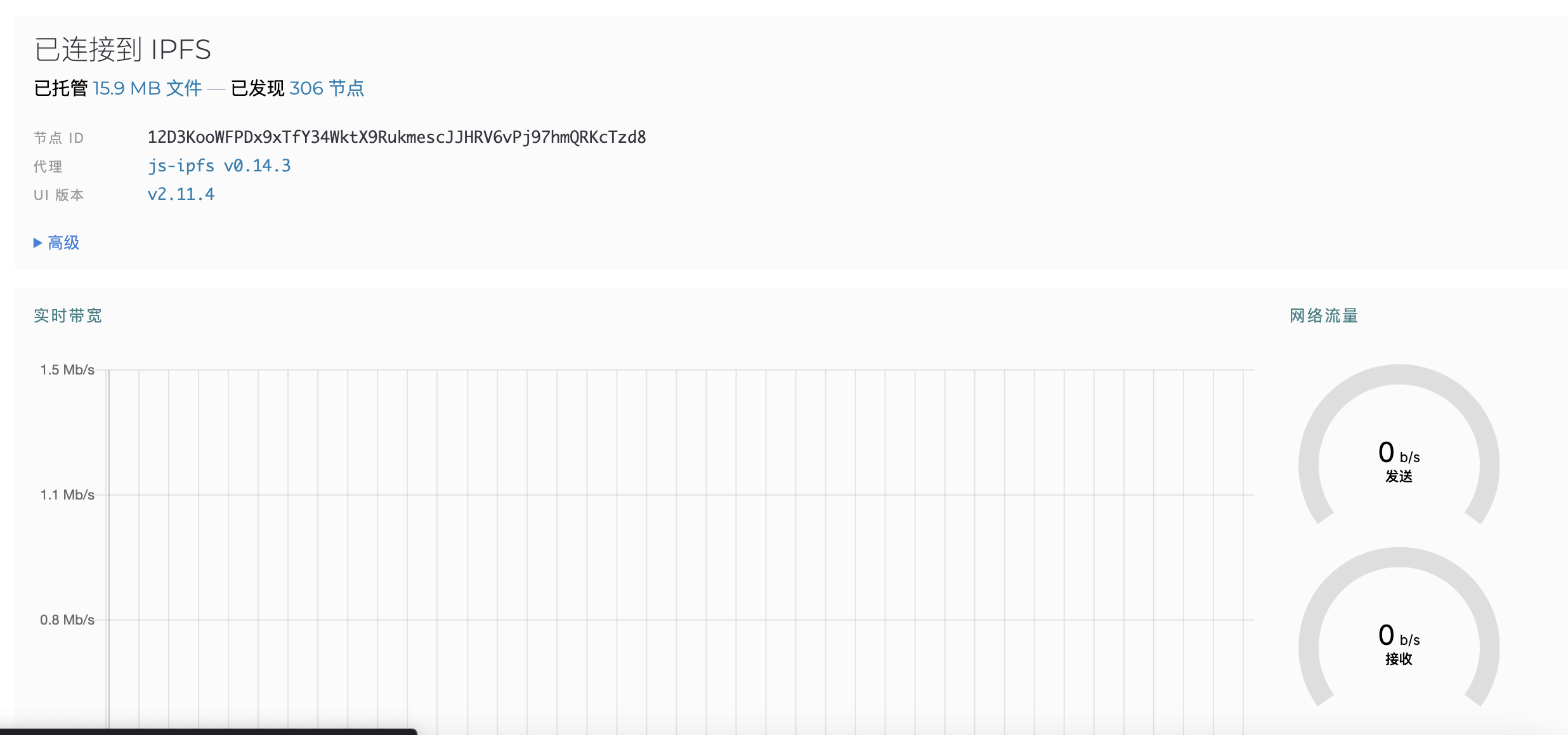
OK,这就运行起来了