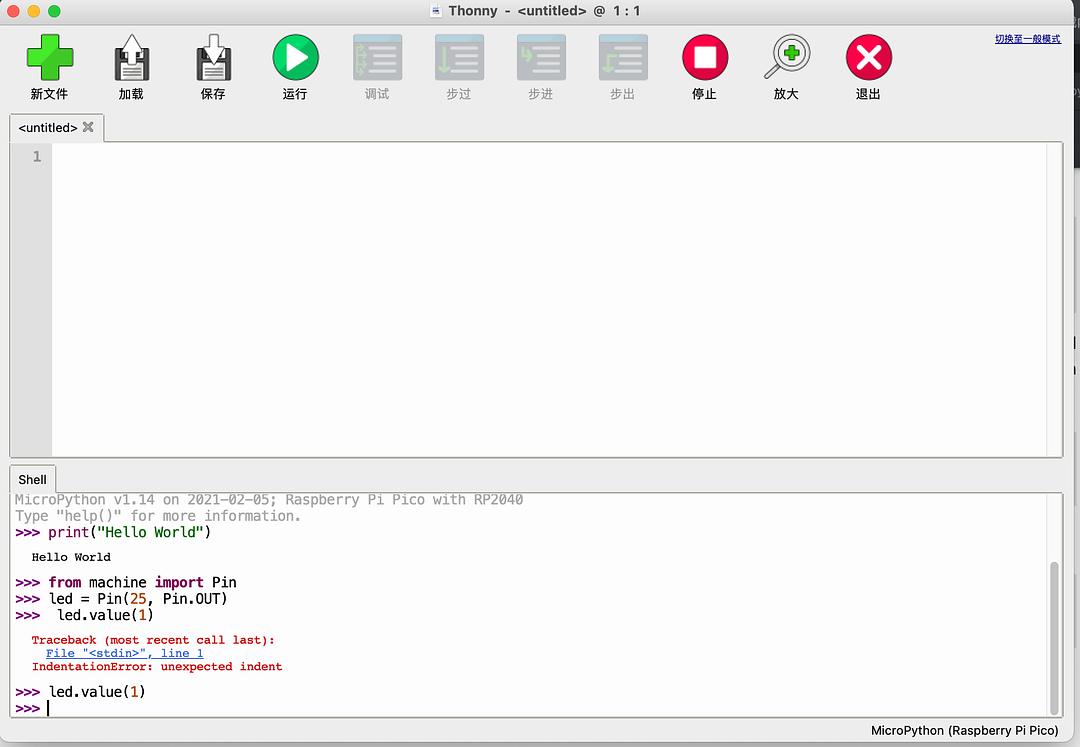
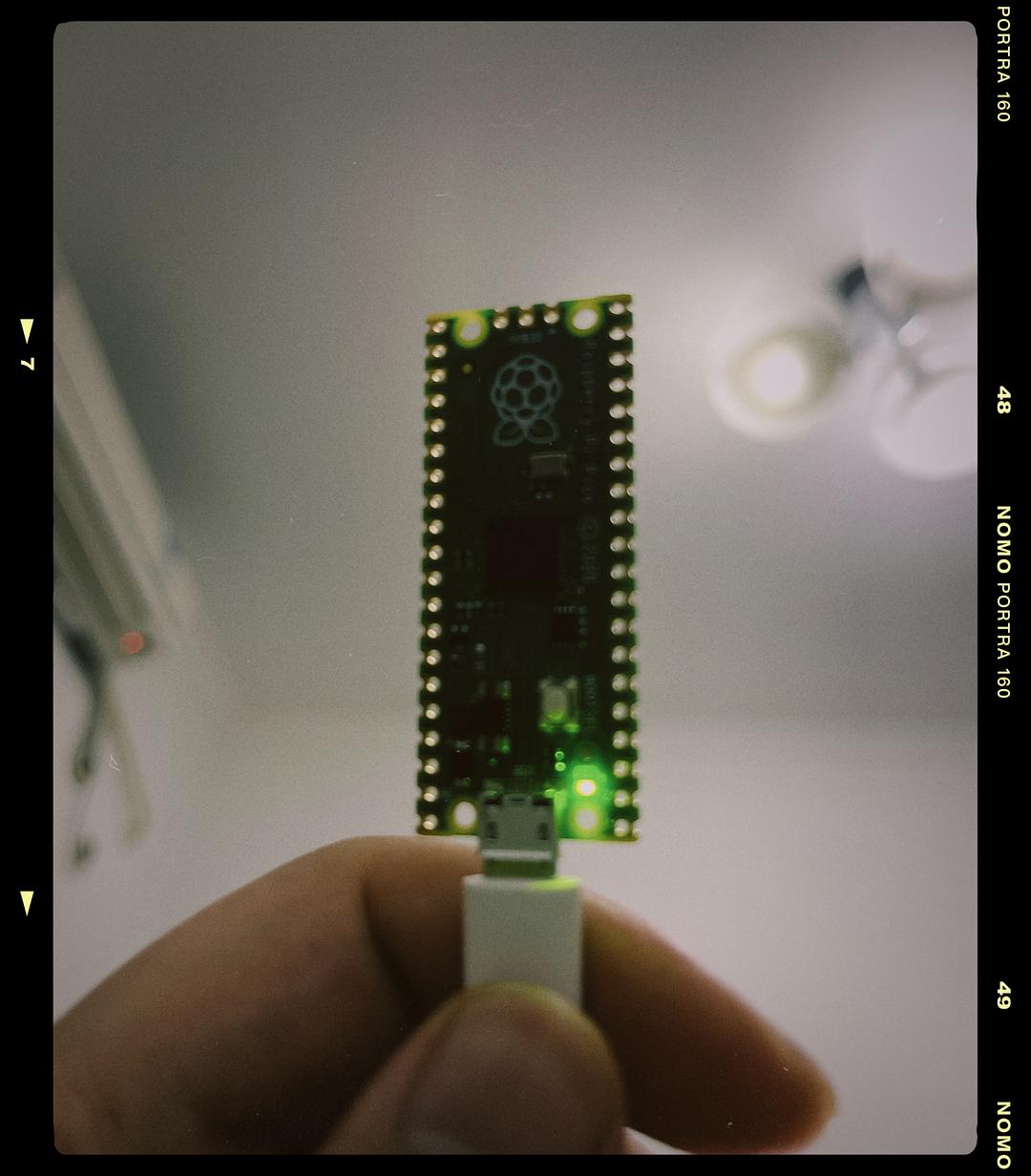
https://www.raspberrypi.org/documentation/rp2040/getting-started/#getting-started-with-micropython
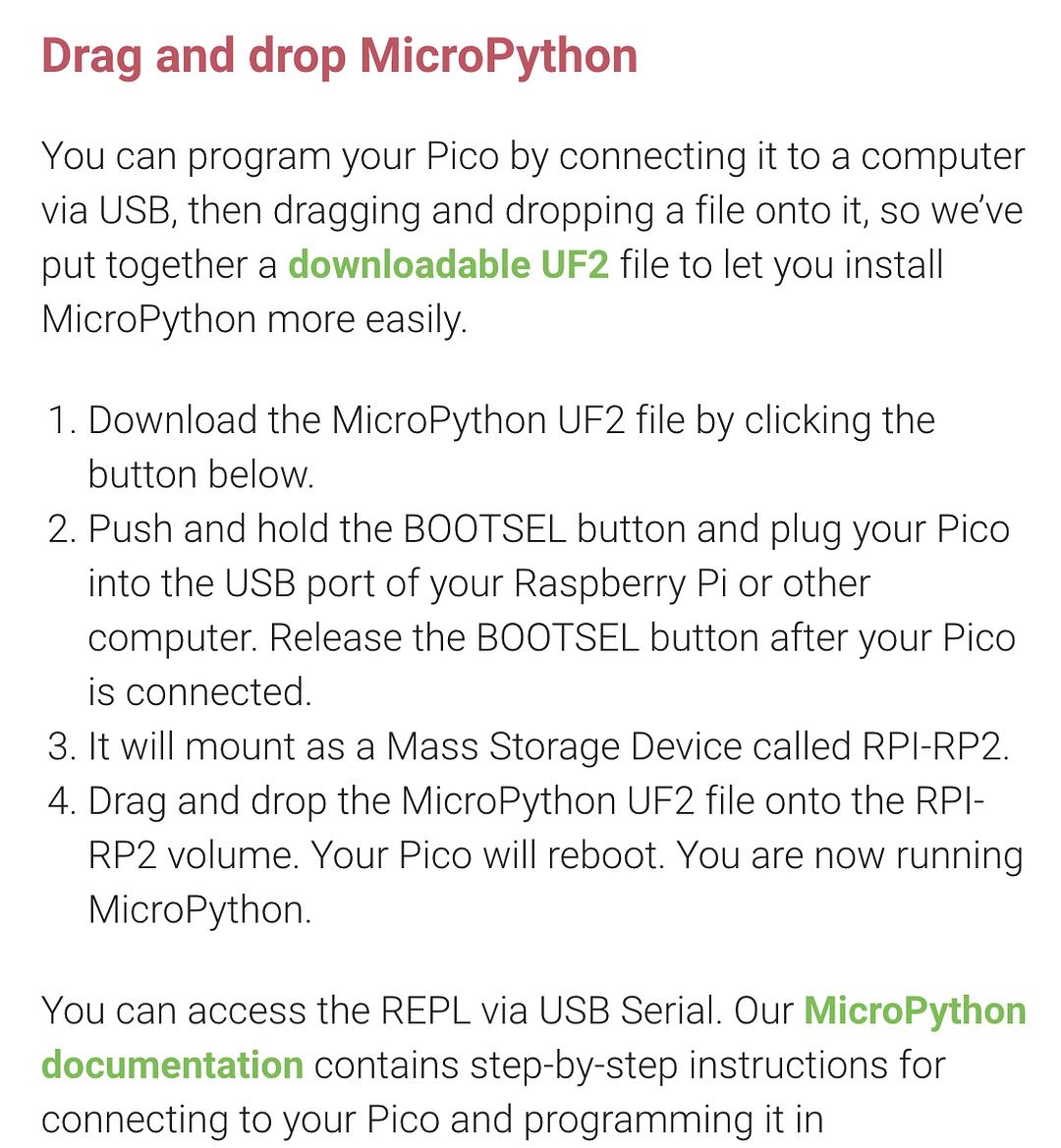
基本上就是下载好UF2文件,按下那个bootsel 按钮的同时插入usb
拖进去文件,自动会重启
然后就是安装一个minicom就可以开始了
https://datasheets.raspberrypi.org/pico/raspberry-pi-pico-python-sdk.pdf
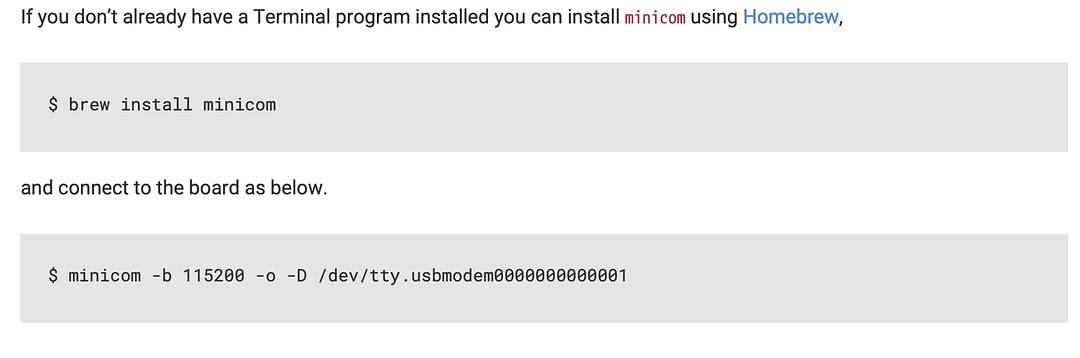
MAC下应该是免驱的
minicom -b 115200 -o -D /dev/tty.usbmodem0000000000001
疯了,brew现在很难装
换这个玩意吧,24MB起码还能下载下来