https://blog.lemonhall.me/notesview/show/439
首先是参考我自己的文章:【code-server在wsl2下使用docker安装】
1、 长期未开对吧?那先维护一下wsl2
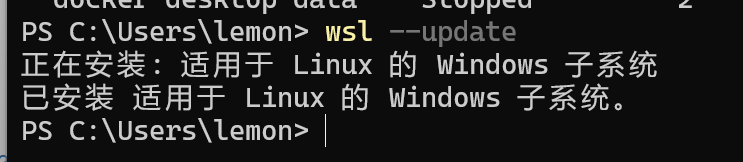
wsl --update
先更新一下系统本身
2、检查一下系统版本
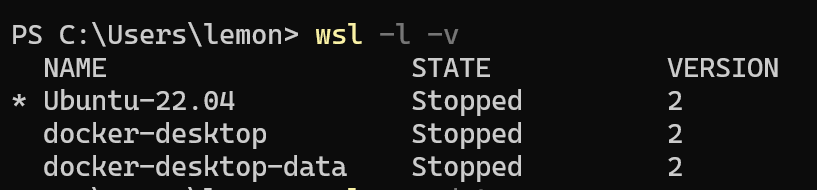
wsl -l -v
3、更新ubuntu本身
sudo apt update
sudo apt upgrade
4、做一个小动作,看能不能把history这个命令的记录长度扩展
https://jingyan.baidu.com/article/5bbb5a1b6c20c553eba179a2.html


加这一句
就是10000行的了
HISTSIZE = 10000
5、然后干脆不装本地的了
就在wsl2里面装一个code-server算了,都习惯了不是
6、大版本更新
sudo do-release-upgrade
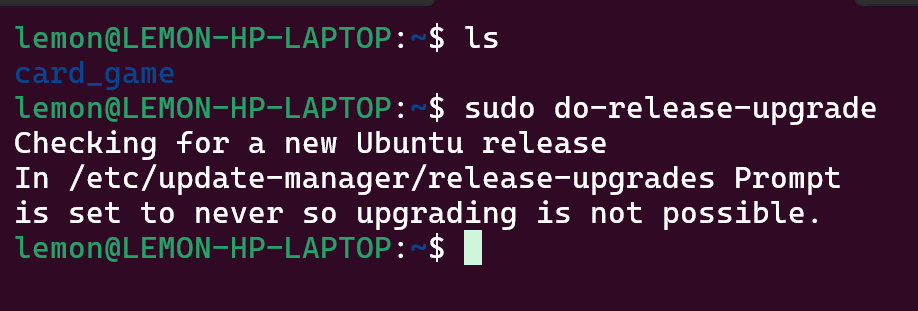
草,不能这么做大版本更新
7、那就看能不能新安装一个ubuntu什么的
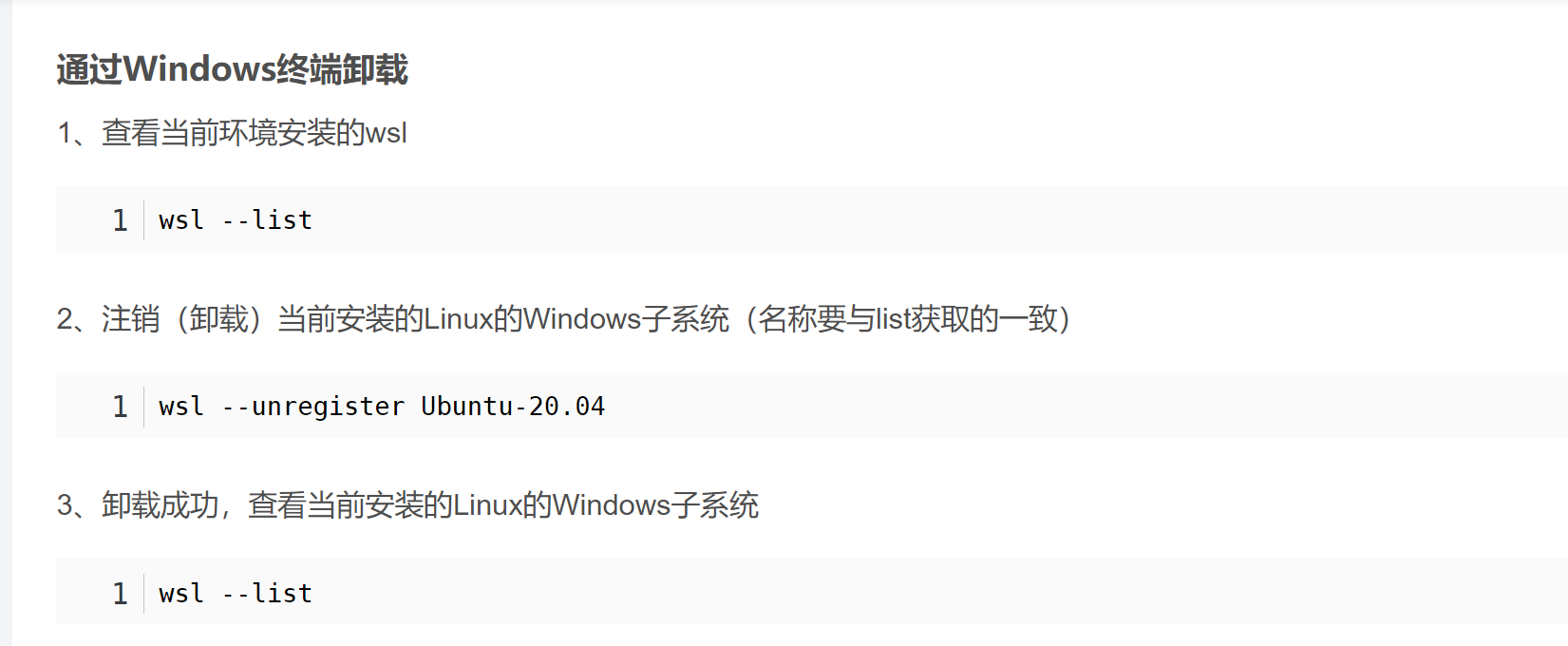
https://learn.microsoft.com/zh-cn/windows/wsl/basic-commands
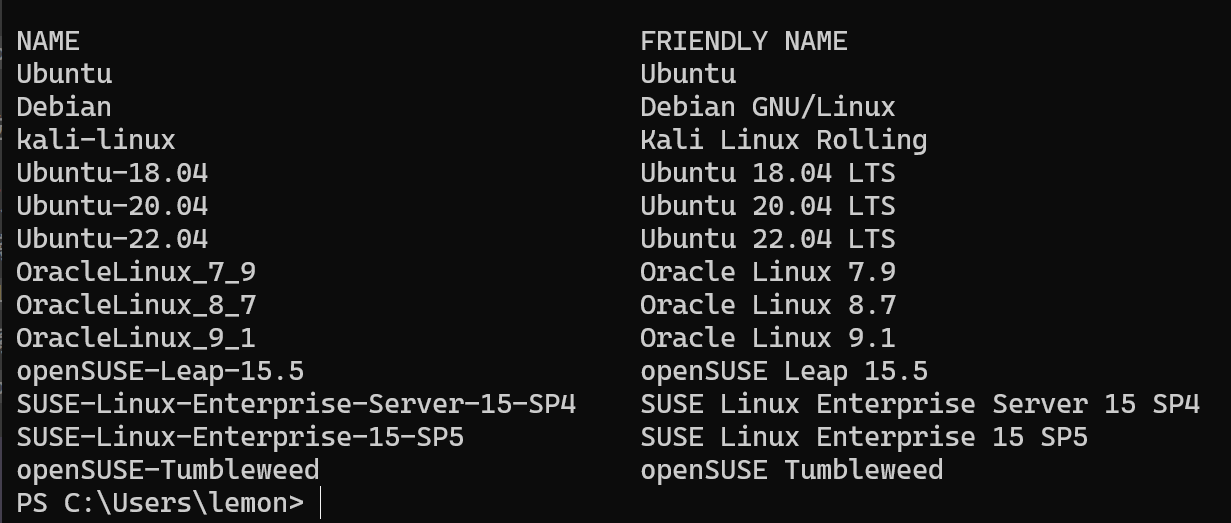
草,已经是最新了
22.04
重装了一遍ubuntu
wsl --install Ubuntu-22.04
这样也好,干净
然后:
sudo apt update
sudo apt upgrade
修改profile到
HISTSIZE = 10000
8、开始装code-server
先需要解决proxy的问题
所以
开始
wf.msc
Enter
”,键入 ,然后按 。如果要配置单个设备,则必须对设备具有管理权限。 在这种情况下,若要访问 具有高级安全性的 Windows 防火墙 控制台,请选择“ 开始”,键入 wf.msc,然后按 Enter。
参照文章: https://zhuanlan.zhihu.com/p/144647249
可以试试在Windows防火墙里面打开WSL的入站访问
New-NetFirewallRule -DisplayName "WSL" -Direction Inbound -InterfaceAlias "vEthernet (WSL)" -Action Allow
PS C:\Users\lemon> wsl
wsl: 检测到 localhost 代理配置,但未镜像到 WSL。NAT 模式下的 WSL 不支持 localhost 代理。
-bash: HISTSIZE: command not found
lemonhall@LEMON-HP-LAPTOP:/mnt/c/Users/lemon$
https://github.com/microsoft/WSL/issues/10753
PS C:\Users\lemon> wsl
wsl: 检测到 localhost 代理配置,但未镜像到 WSL。NAT 模式下的 WSL 不支持 localhost 代理。
-bash: HISTSIZE: command not found
lemonhall@LEMON-HP-LAPTOP:/mnt/c/Users/lemon$
还是报错
需要先:
wsl --shutdown
关闭一下已有的镜像
然后在C:\Users\lemon
新建一个文件
[experimental]
autoMemoryReclaim=gradual  # gradual  | dropcache | disabled
networkingMode=mirrored
dnsTunneling=true
firewall=true
autoProxy=true
然后再次启动

就不报错了
9、解决了错误,开始装code-server
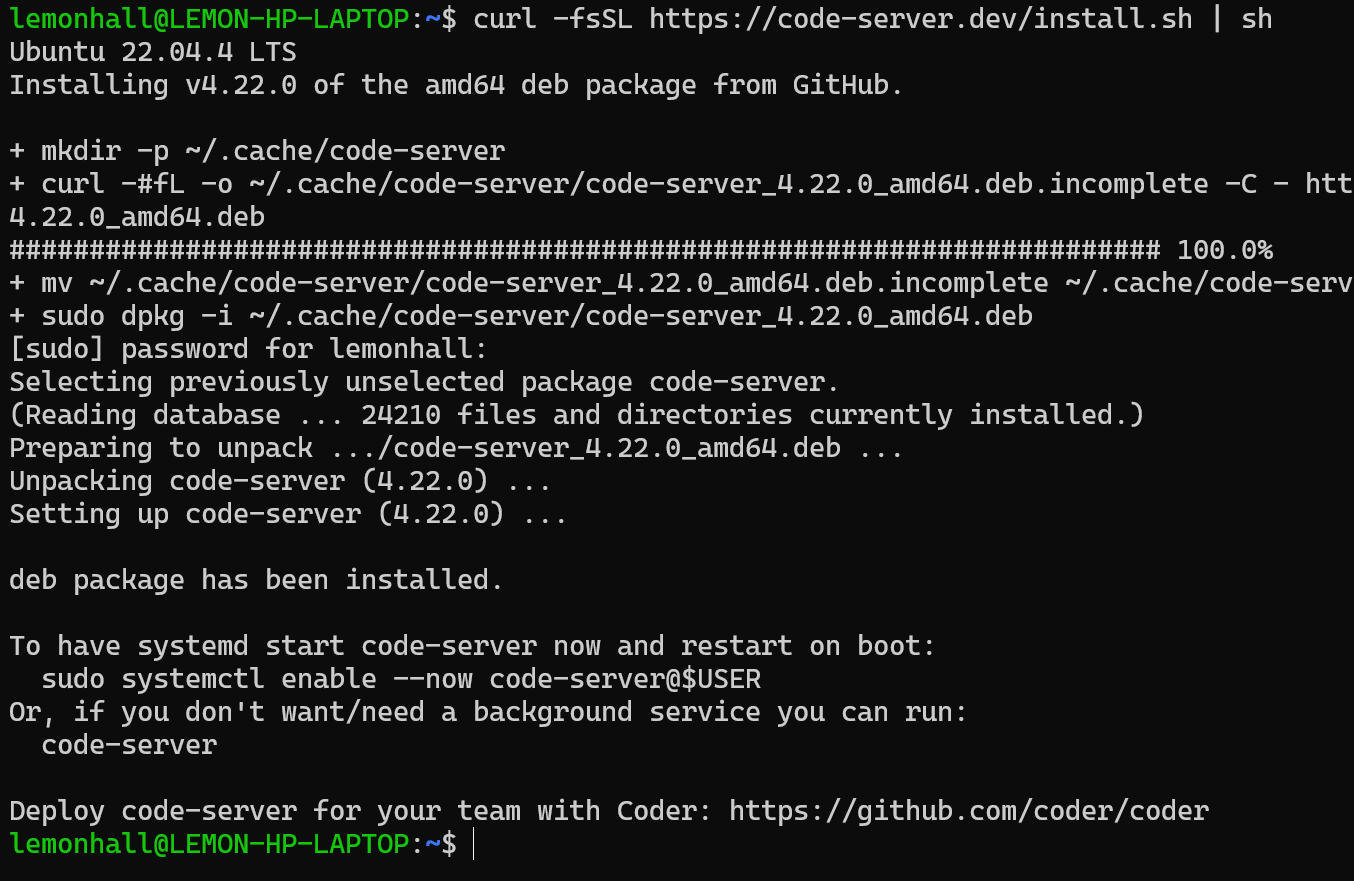
sudo apt install net-tools
sudo netstat -tuln | grep LISTEN

非常干净
sudo systemctl enable --now code-server@$USER

然后就多了一个8080
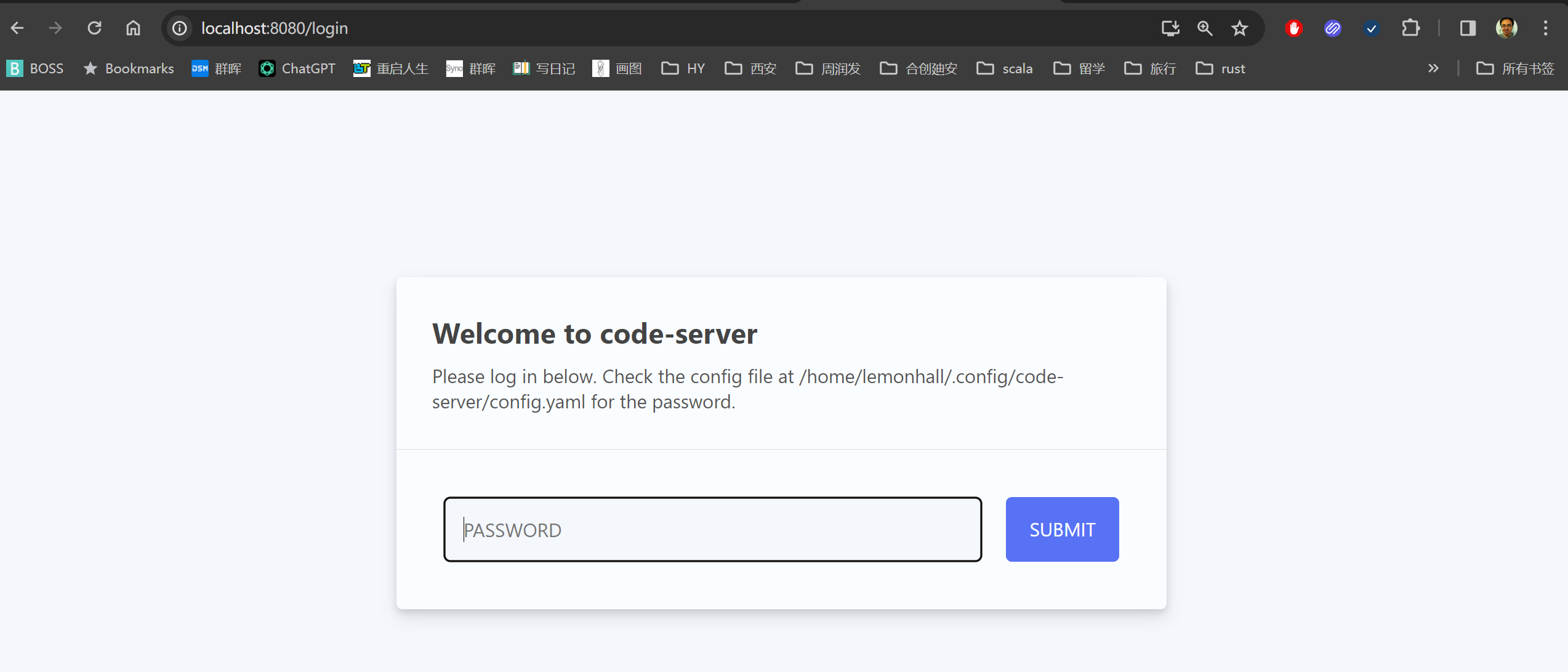
然后你就会发现
主机的网络在镜像状态下和Ubuntu那边完全是互通的,不需要再映射了,方便啊,这个特性好啊
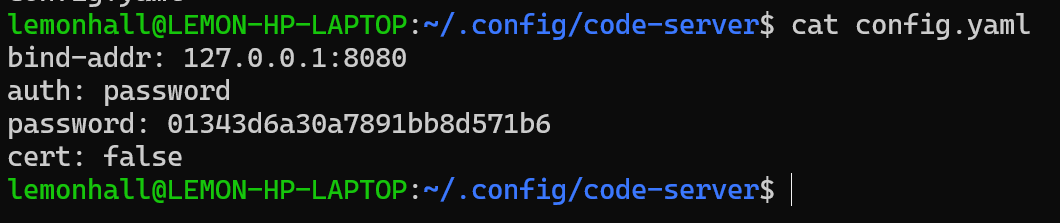
这里有密码
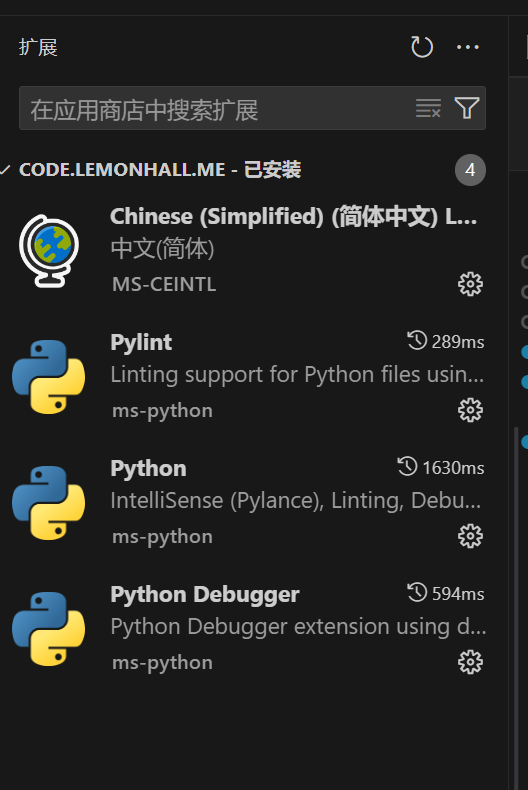
效果奇佳
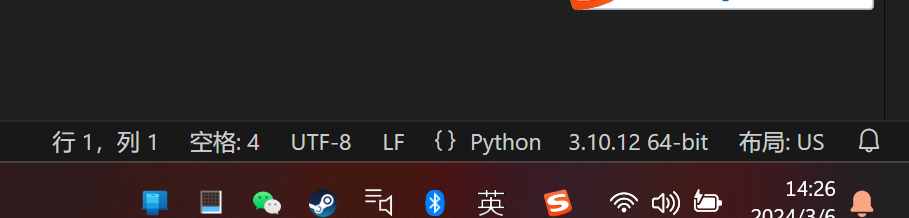
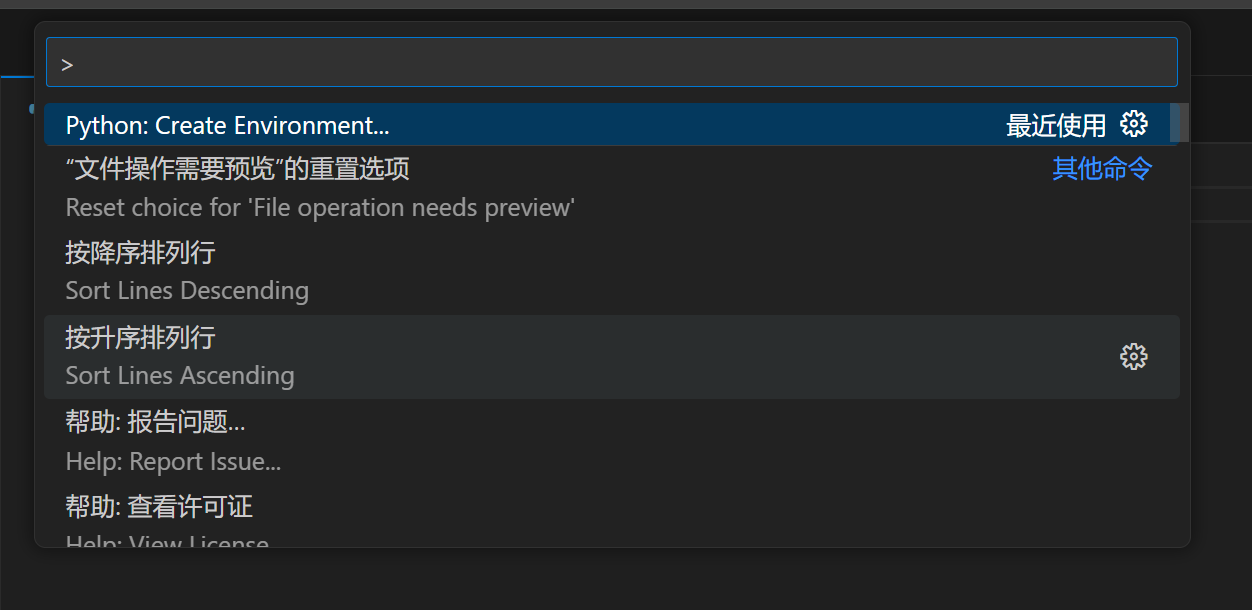
CTRL+SHIFT P
然后创建新环境

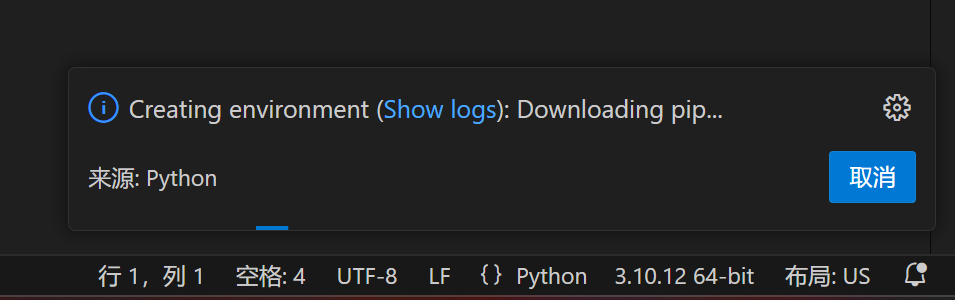
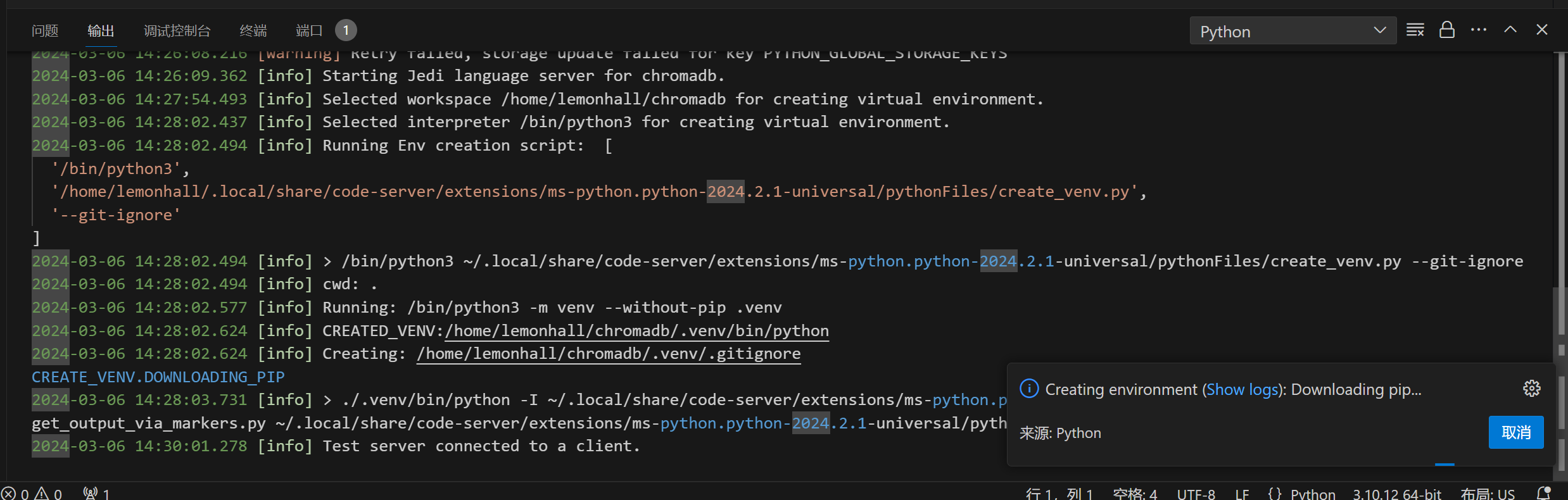
然后你就看它一阵输出
干得非常欢快