1、opneai的页面
https://platform.openai.com/docs/guides/text-to-speech
https://github.com/openai/whisper
对应的github的页面
2、建立环境
mkdir whisper
cd whisper/
python3 -m venv .venv
source .venv/bin/activate
3、开始安装
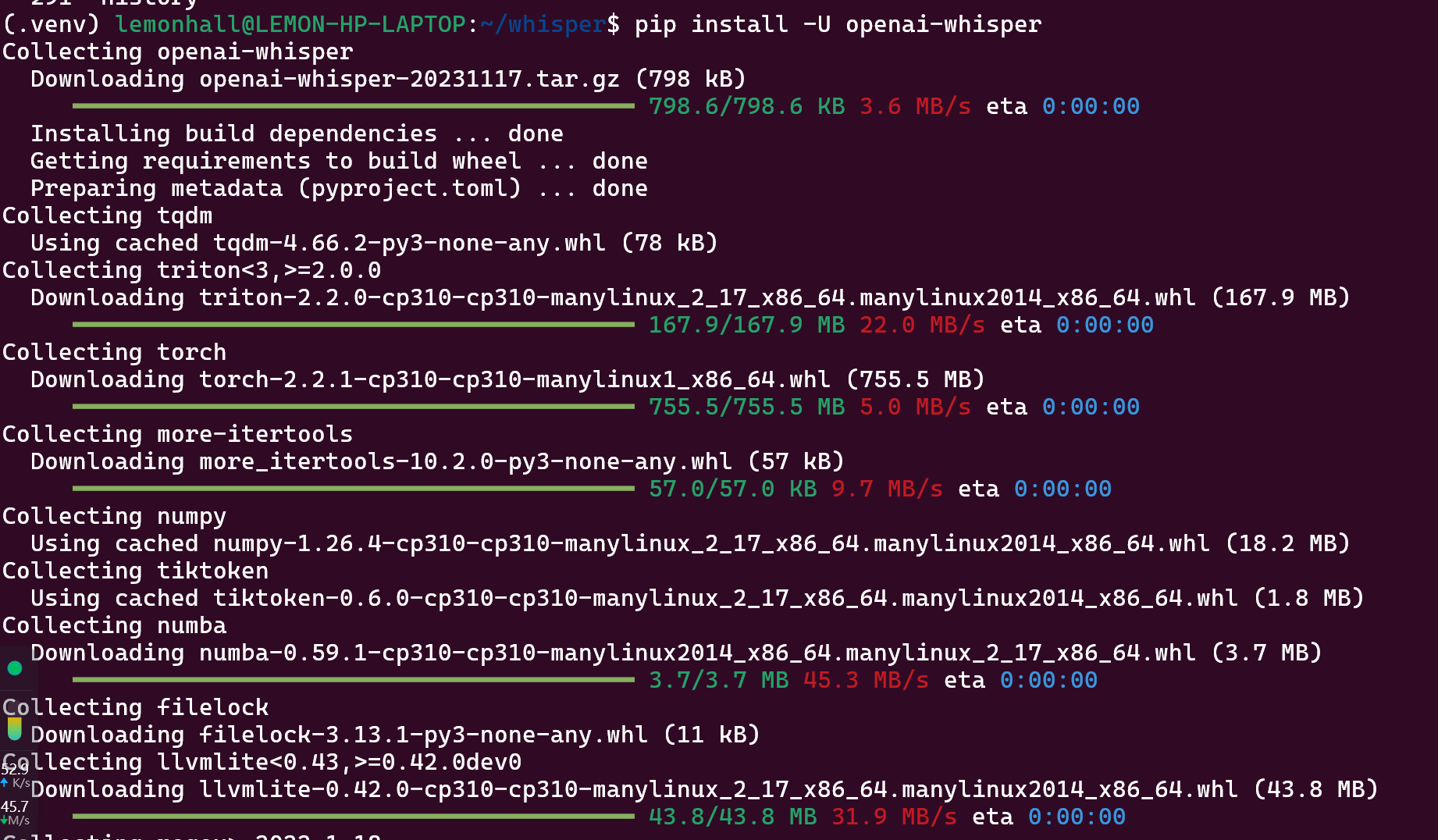
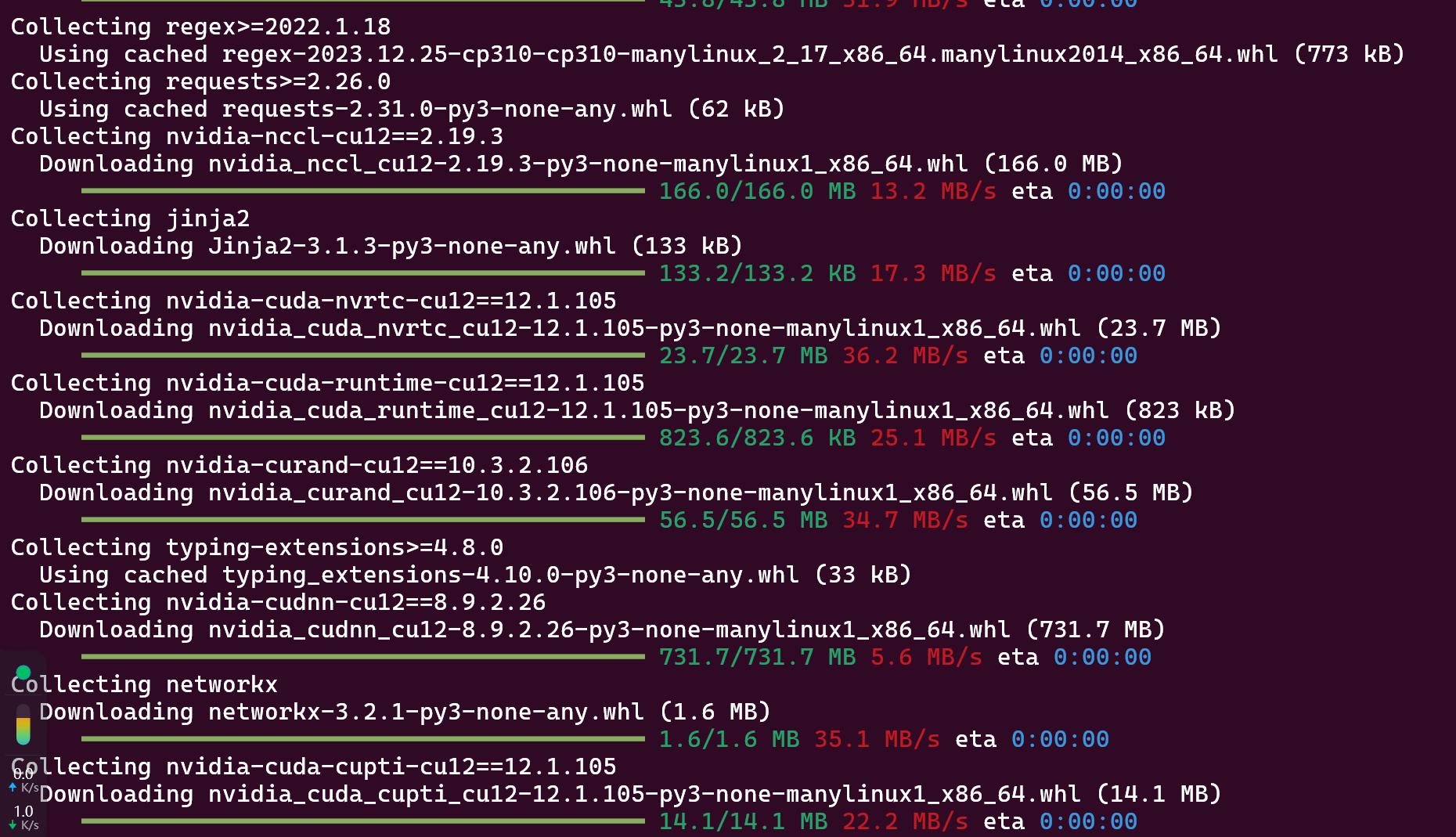
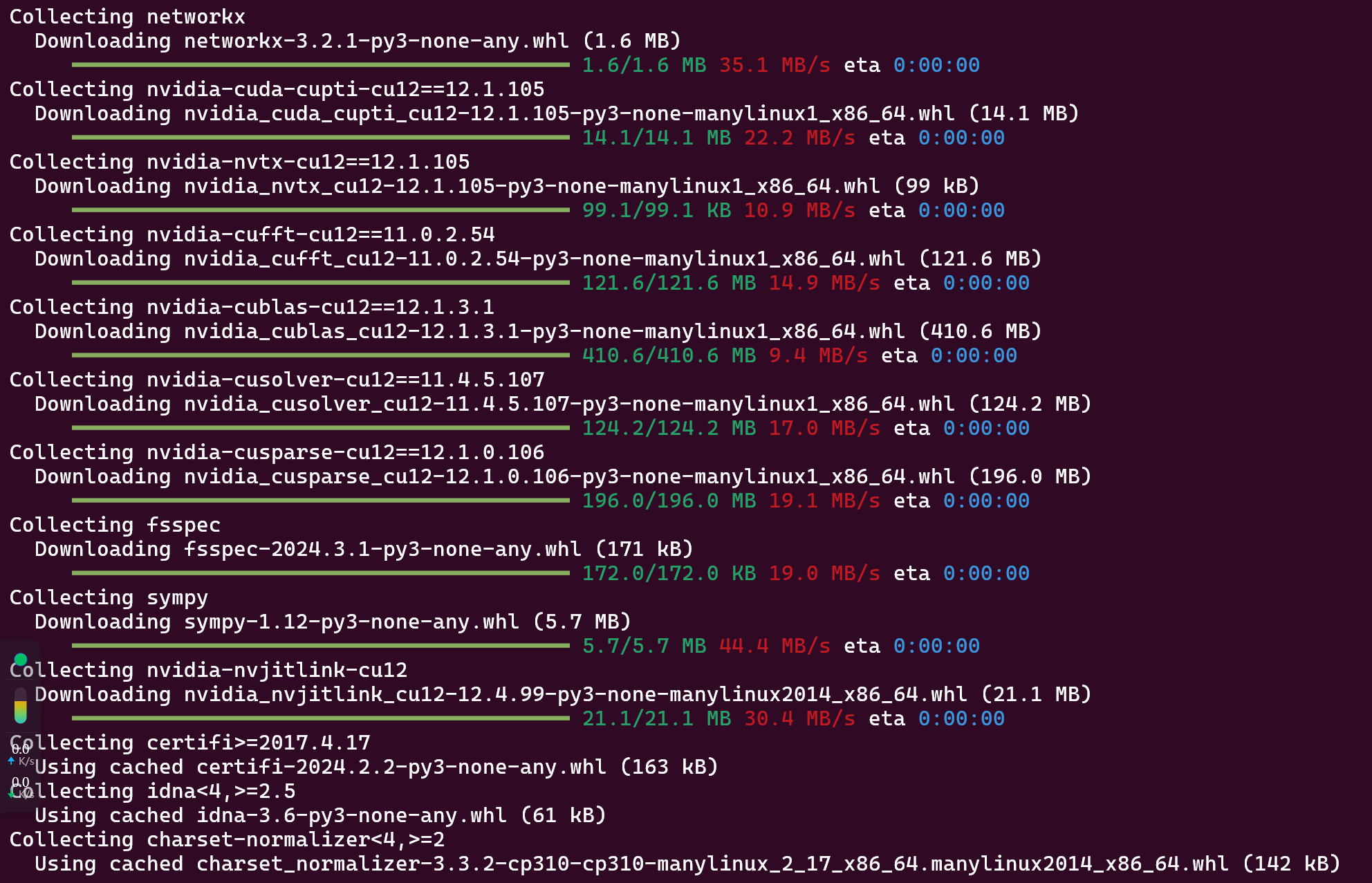
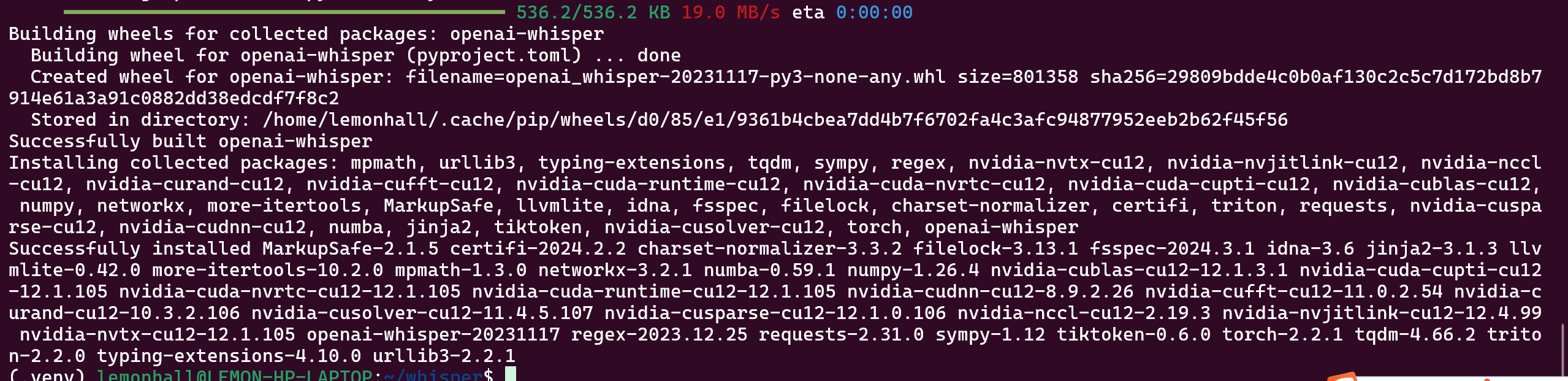
pip install -U openai-whisper这依赖是相当可观的
# on Ubuntu or Debian
sudo apt update && sudo apt install ffmpeg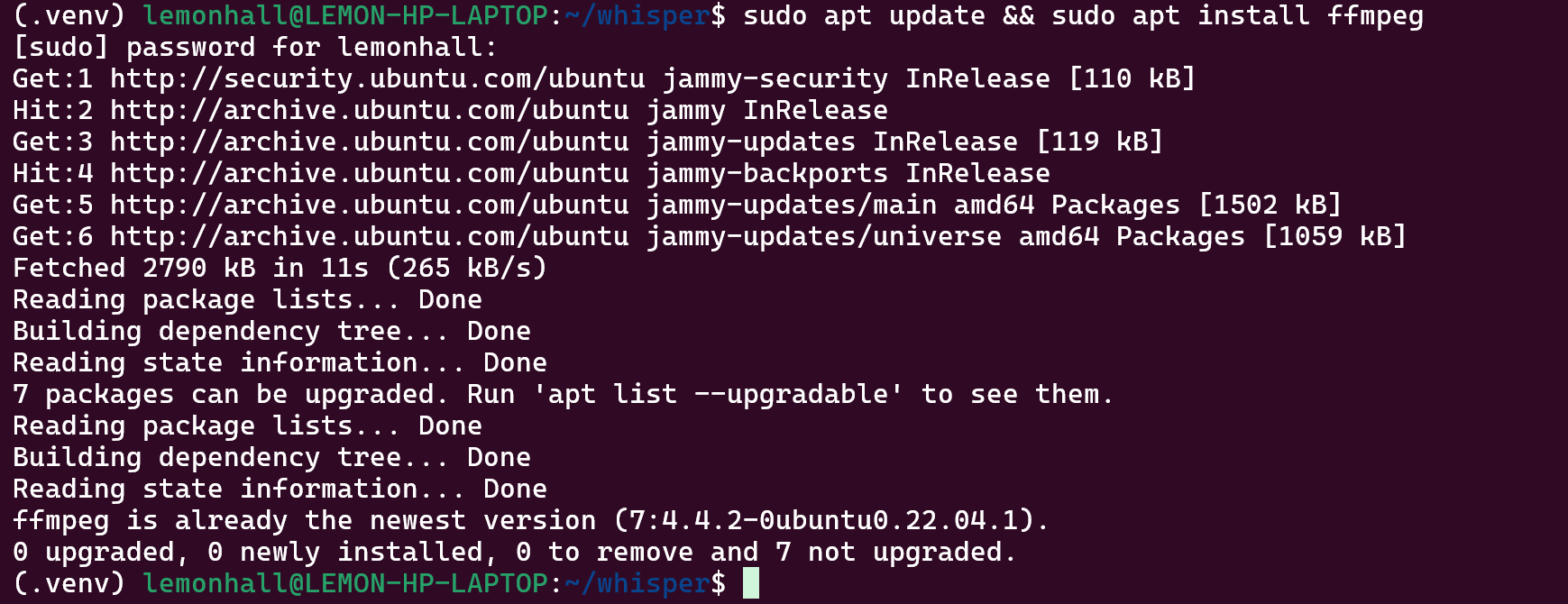
装好了ffmpeg
然后接下来是
https://github.com/openai/tiktoken

然后是装好了的
pip install setuptools-rust
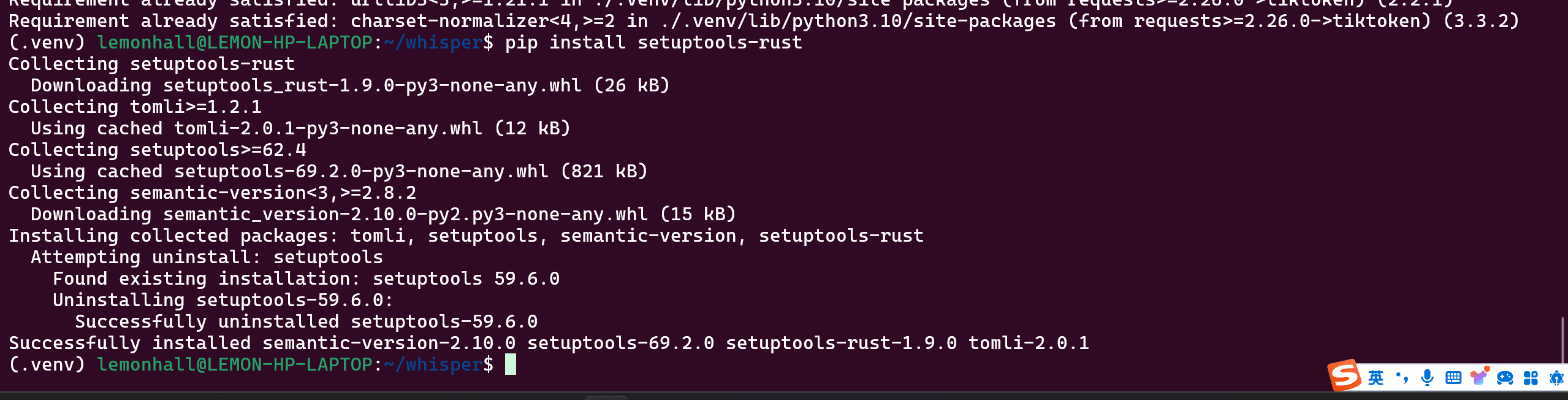
似乎比较顺利
4、模型
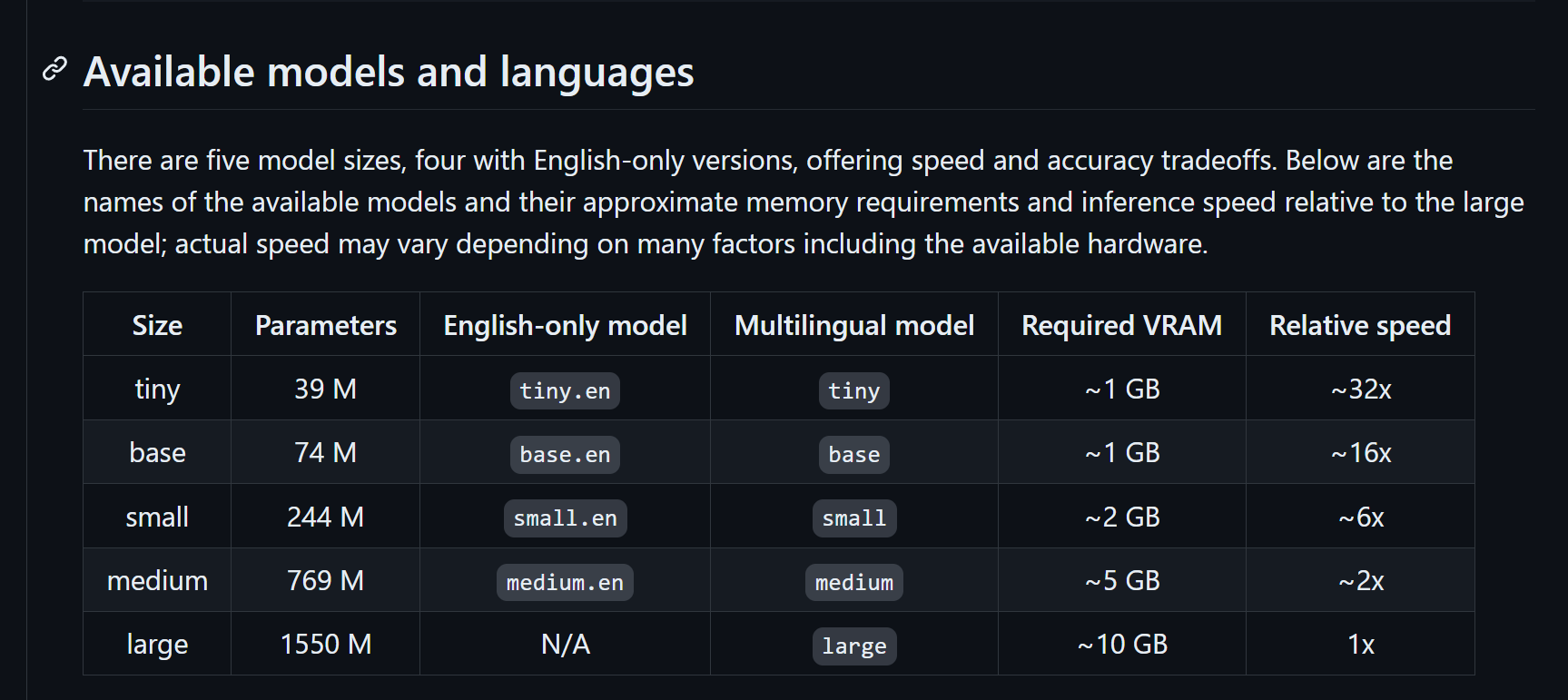
5、用法
whisper audio.flac audio.mp3 audio.wav --model medium普通写法
whisper japanese.wav --language Japanese指定了语言的写法
whisper japanese.wav --language Japanese --task translate带翻译的写法
whisper --help帮助
试试:
whisper test_speech.mp3 --model medium --language Chinese用windows的录音机录一段哈
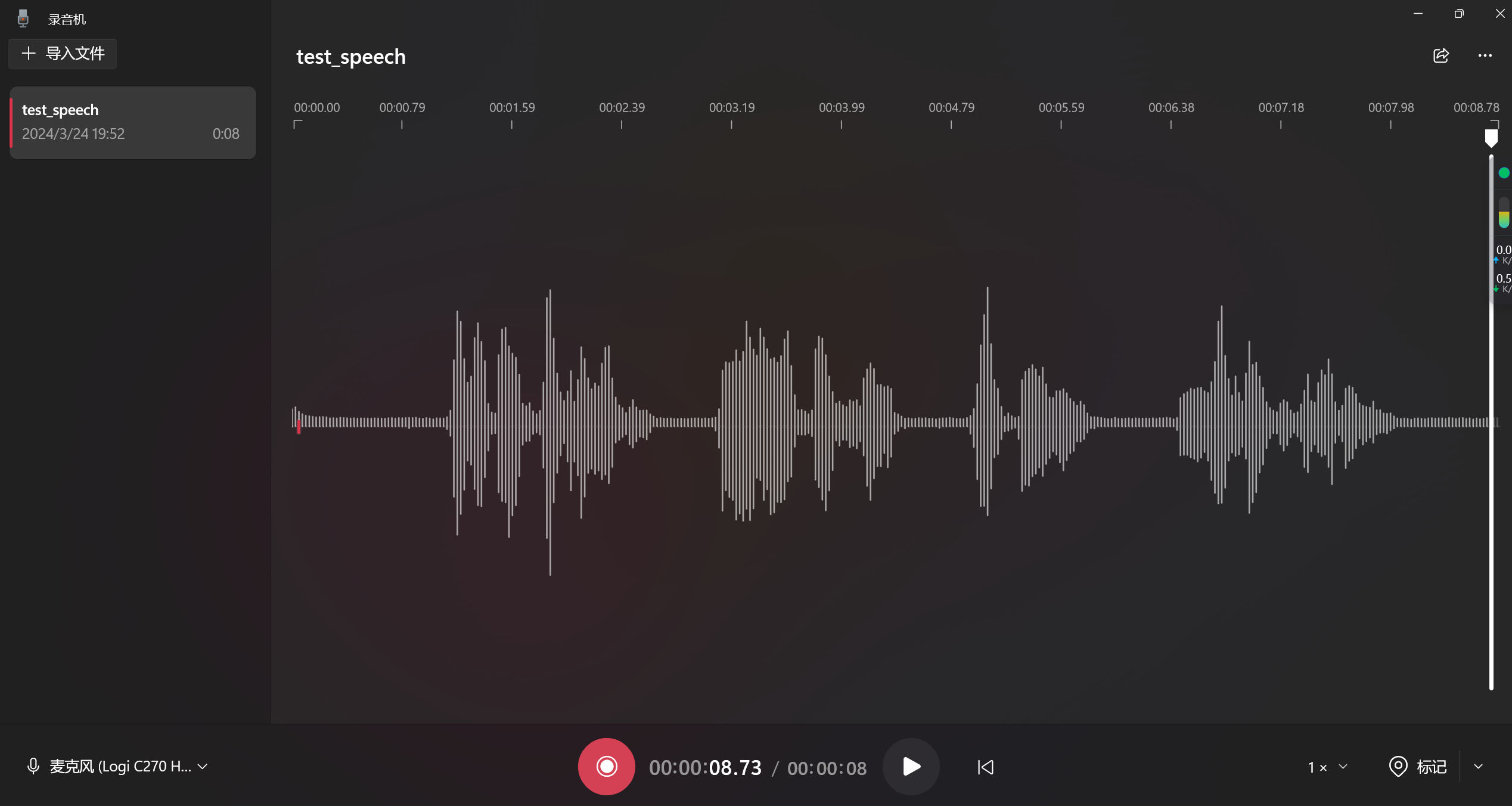
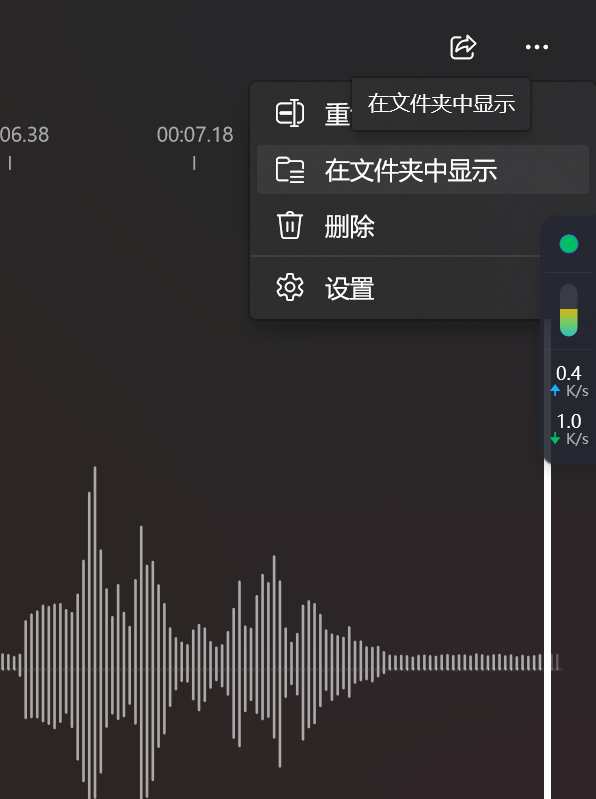
这玩意儿的右上角有一个在文件夹显示,里面有具体的文件
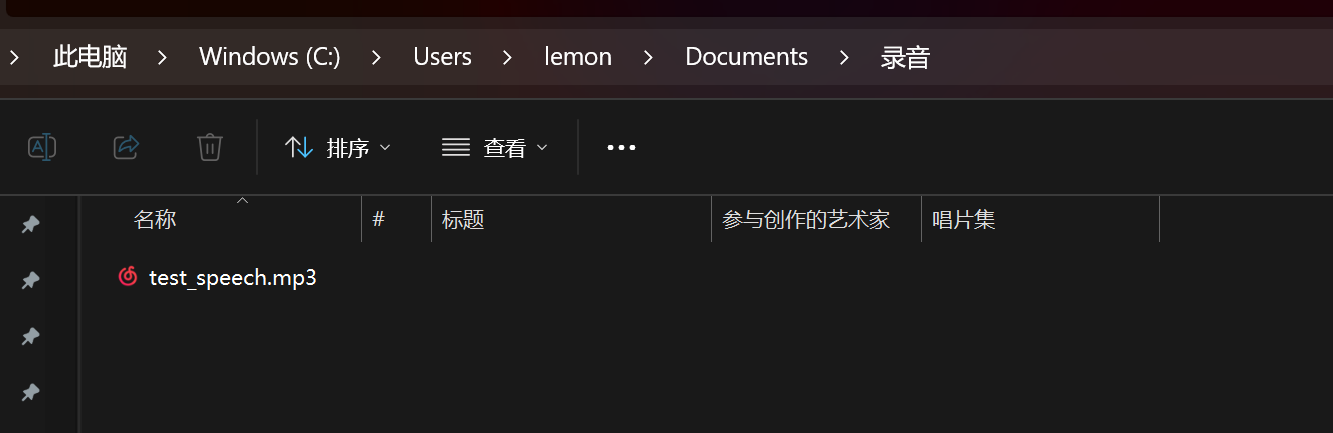
whisper test_speech.mp3 --model medium --language Chinese
然后是效果
我的天啊,这个效果实在不要太好,同时又可以翻译
赶紧下一个large的模型来到本地
6、live
还有人做了Live的尝试
https://github.com/Nikorasu/LiveWhisper