参考资料:【 https://google.github.io/comprehensive-rust/zh-CN/cargo.html 】
谷歌内部的一个4天的教案,被他们自己的工程师翻译成了中文,所以还挺好使的
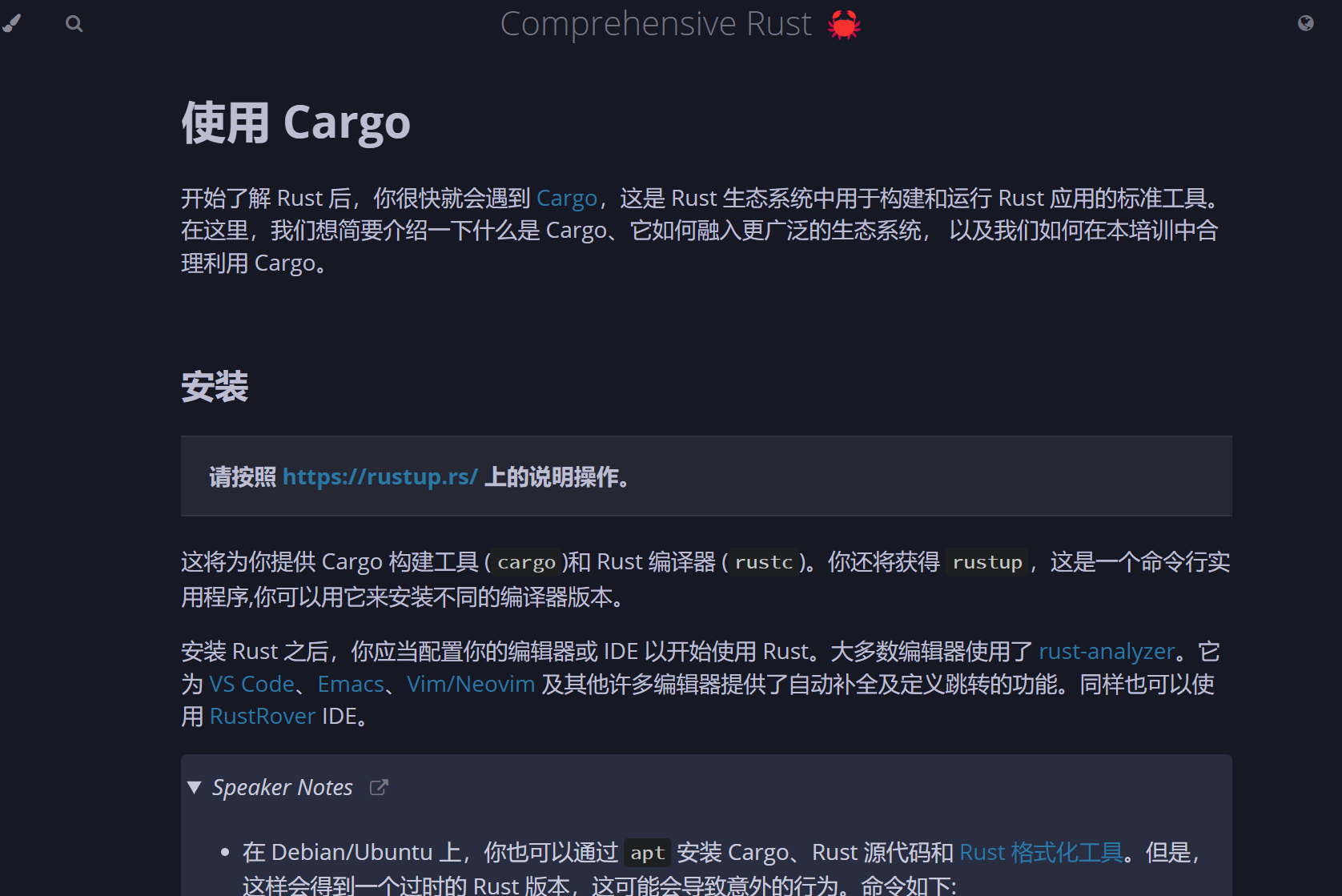
1、先安装吧
我最后是听了人家的建议,还是用这个来装:
curl --proto '=https' --tlsv1.2 -sSf https://sh.rustup.rs | sh看上去不错
lemonhall@LEMON-HP-LAPTOP:~/rs$ curl --proto '=https' --tlsv1.2 -sSf https://sh.rustup.rs | sh
info: downloading installer

Welcome to Rust!

This will download and install the official compiler for the Rust
programming language, and its package manager, Cargo.

Rustup metadata and toolchains will be installed into the Rustup
home directory, located at:

  /home/lemonhall/.rustup

This can be modified with the RUSTUP_HOME environment variable.

The Cargo home directory is located at:

  /home/lemonhall/.cargo

This can be modified with the CARGO_HOME environment variable.

The cargo, rustc, rustup and other commands will be added to
Cargo's bin directory, located at:

  /home/lemonhall/.cargo/bin

This path will then be added to your PATH environment variable by
modifying the profile files located at:

  /home/lemonhall/.profile
  /home/lemonhall/.bashrc

You can uninstall at any time with rustup self uninstall and
these changes will be reverted.

Current installation options:


   default host triple: x86_64-unknown-linux-gnu
     default toolchain: stable (default)
               profile: default
  modify PATH variable: yes

1) Proceed with standard installation (default - just press enter)
2) Customize installation
3) Cancel installation
>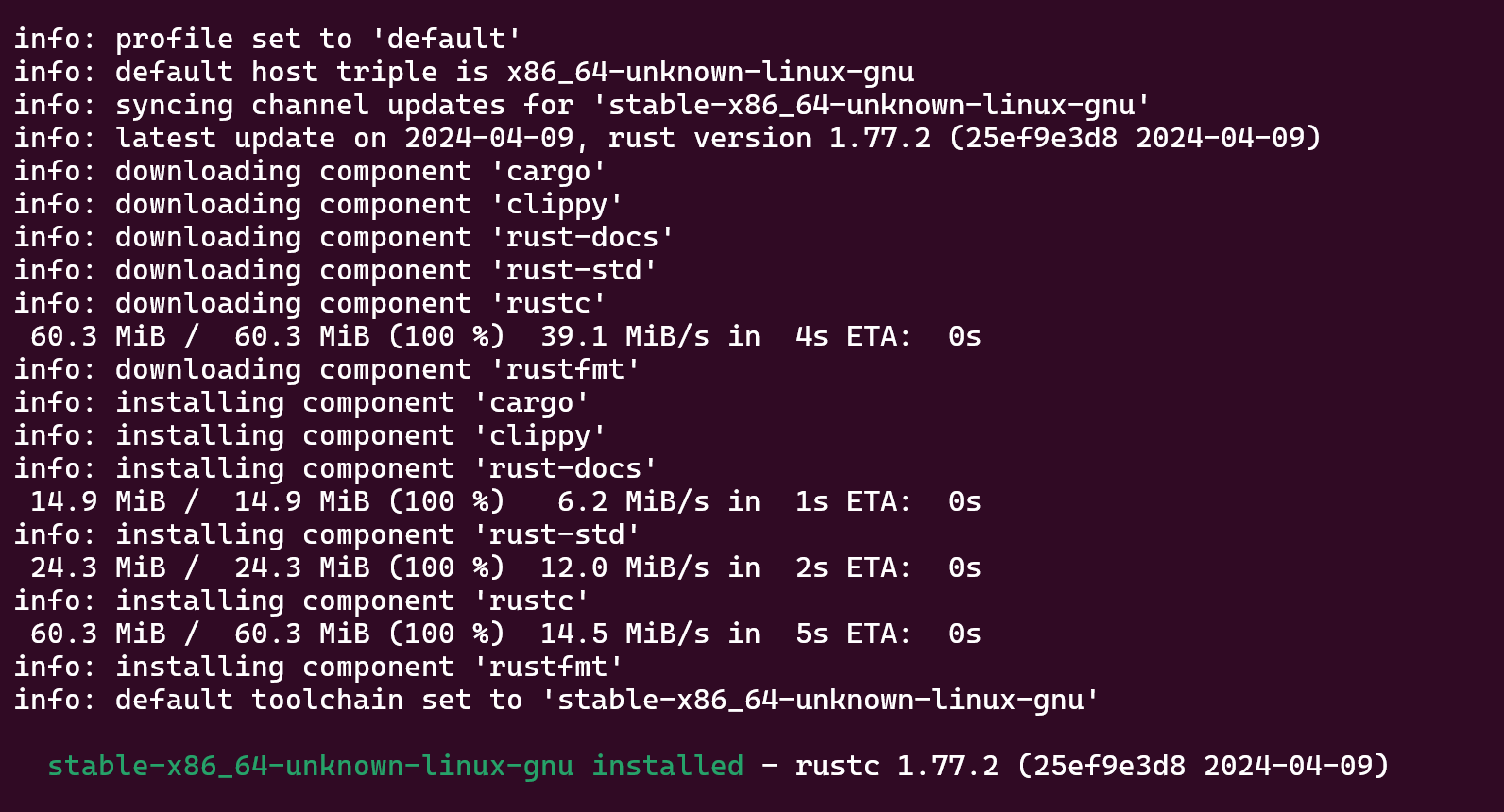
1.77.2
这一口气是装了不少工具啊
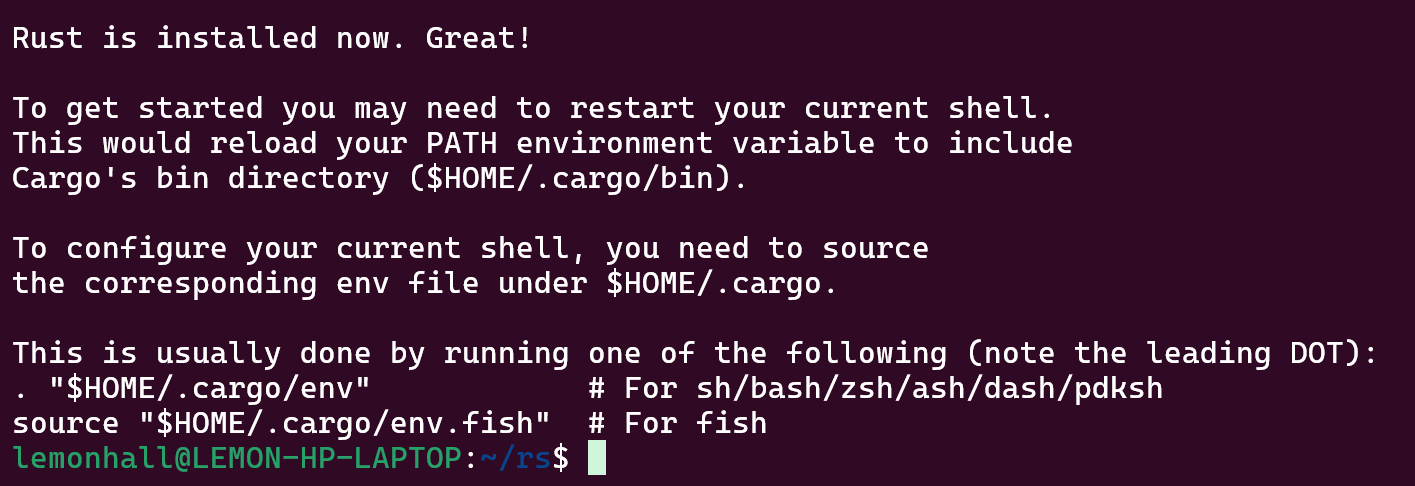
人家建议是重启shell
哎,那就重启吧
参考之前的这一篇:
https://blog.lemonhall.me/notesview/show/468
【vs code与wsl2配合跑python项目】
等于是我已经拥有了一个8080下跑着的vs code,直接打开就好了
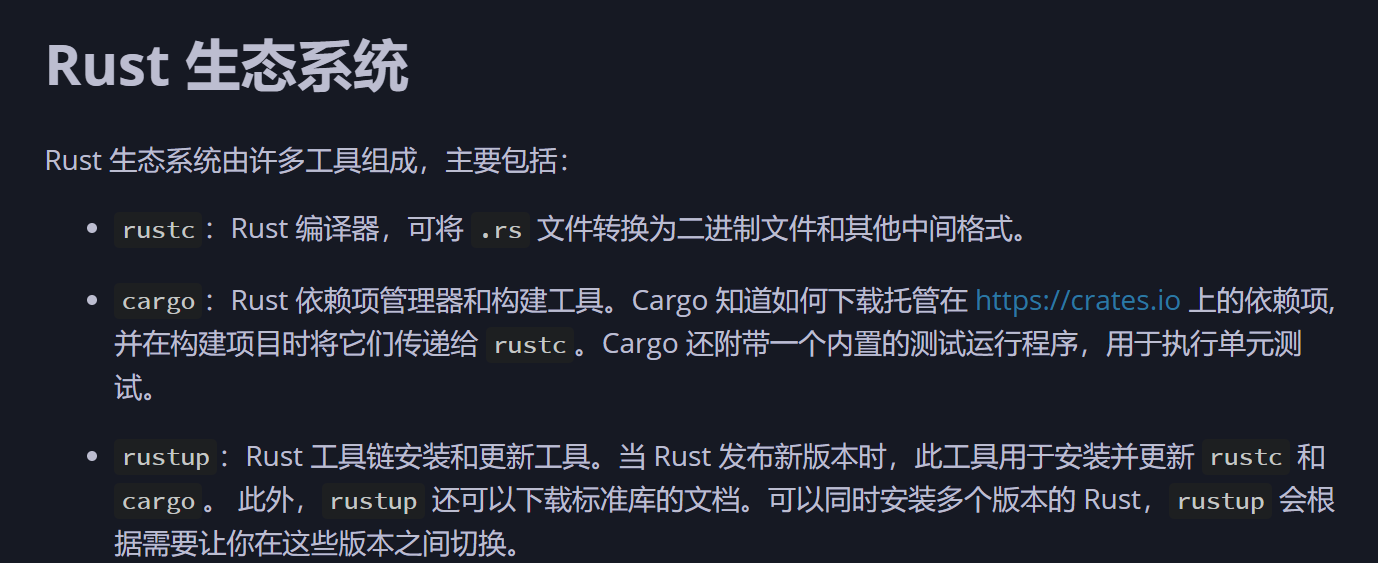
这是rust的基础工具
还行
https://google.github.io/comprehensive-rust/zh-CN/cargo/running-locally.html
我们先来个简单的Hello World
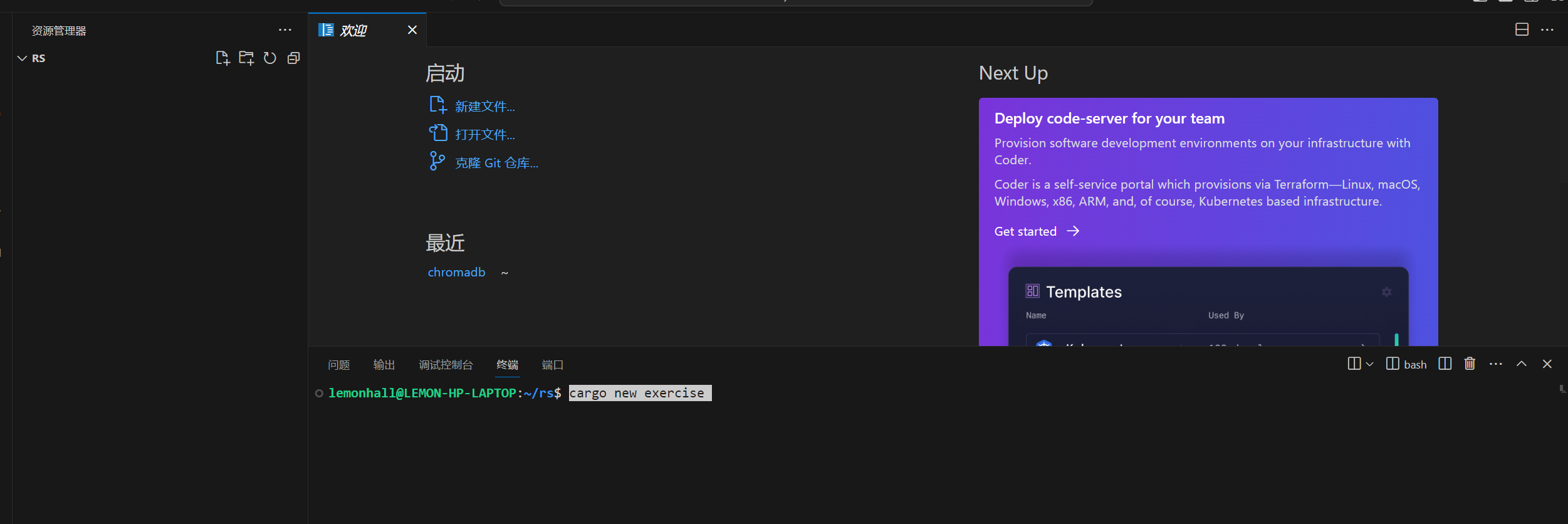
cargo new exercise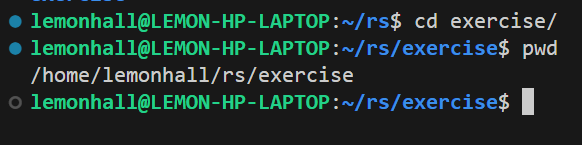
切换目录
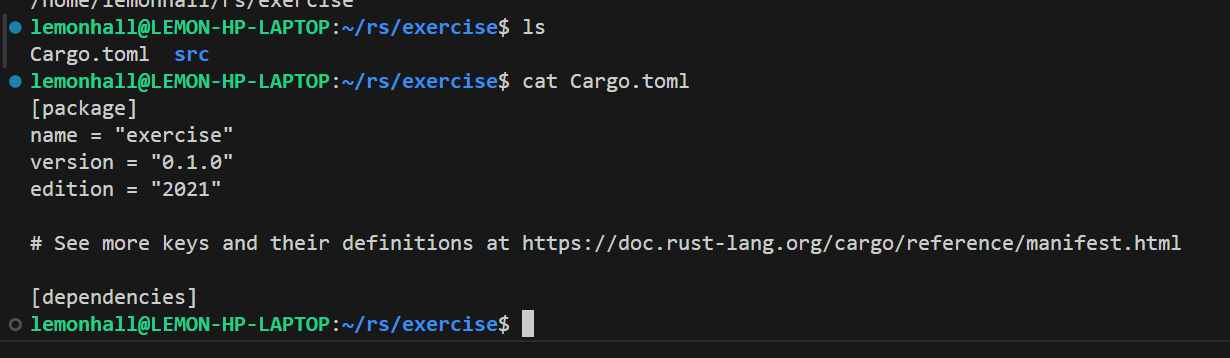
它直接就新建了一个叫Cargo.toml的项目描述文件
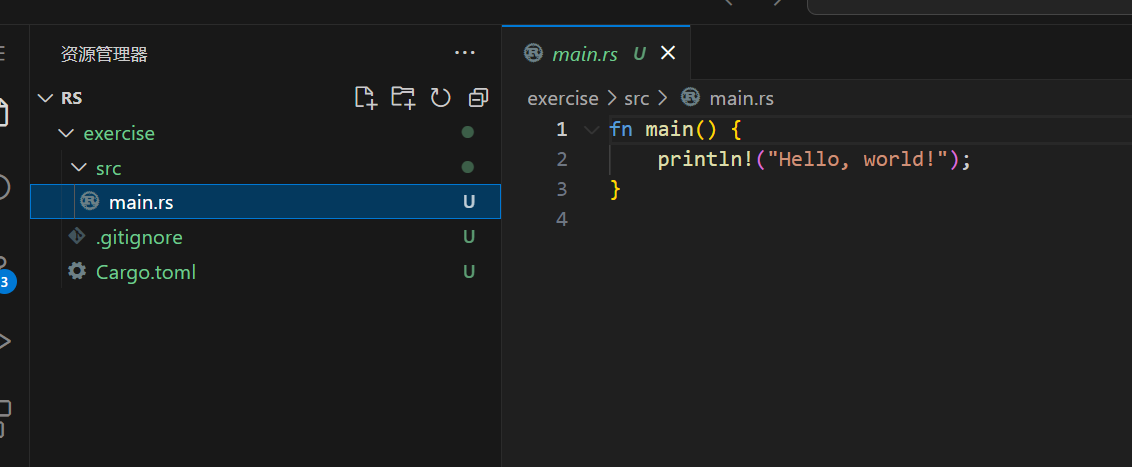
main.rs里面直接也有了内容
好好,好吧
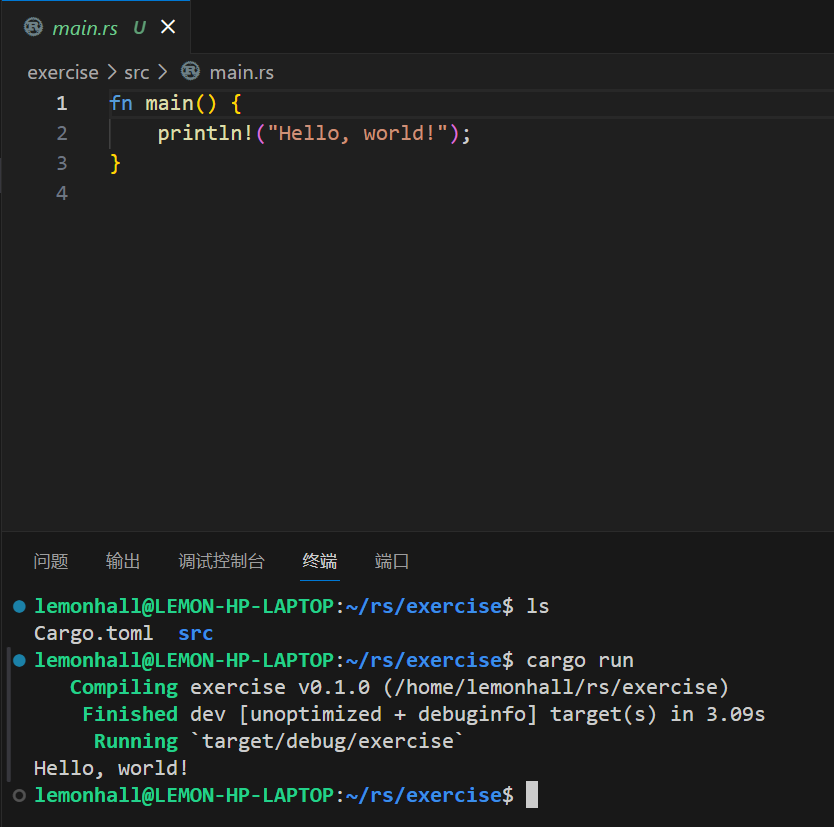
然后
cargo run一下,倒是直接就输出了
2、配置vscode哈
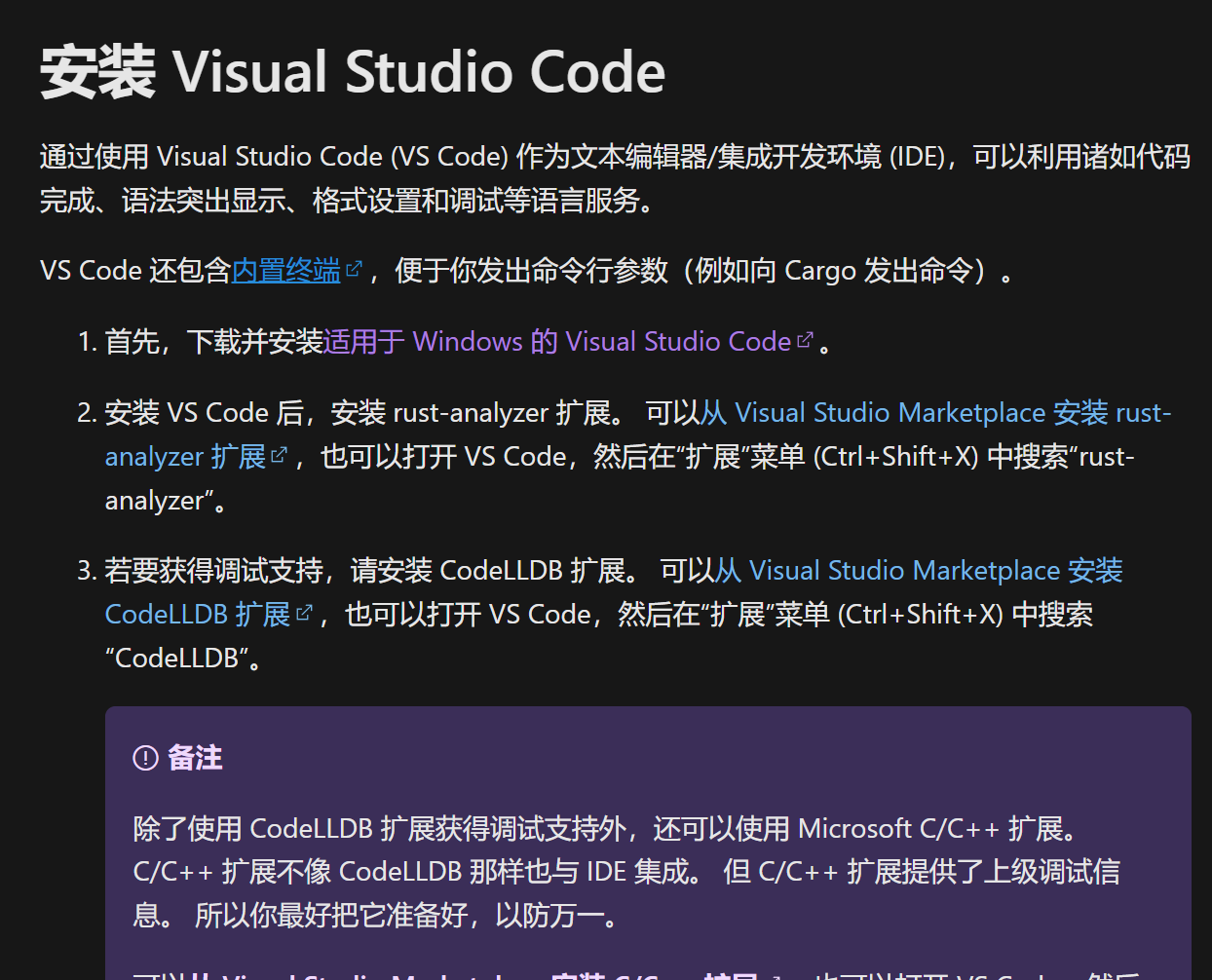
https://learn.microsoft.com/zh-cn/windows/dev-environment/rust/setup
参考微软的文档
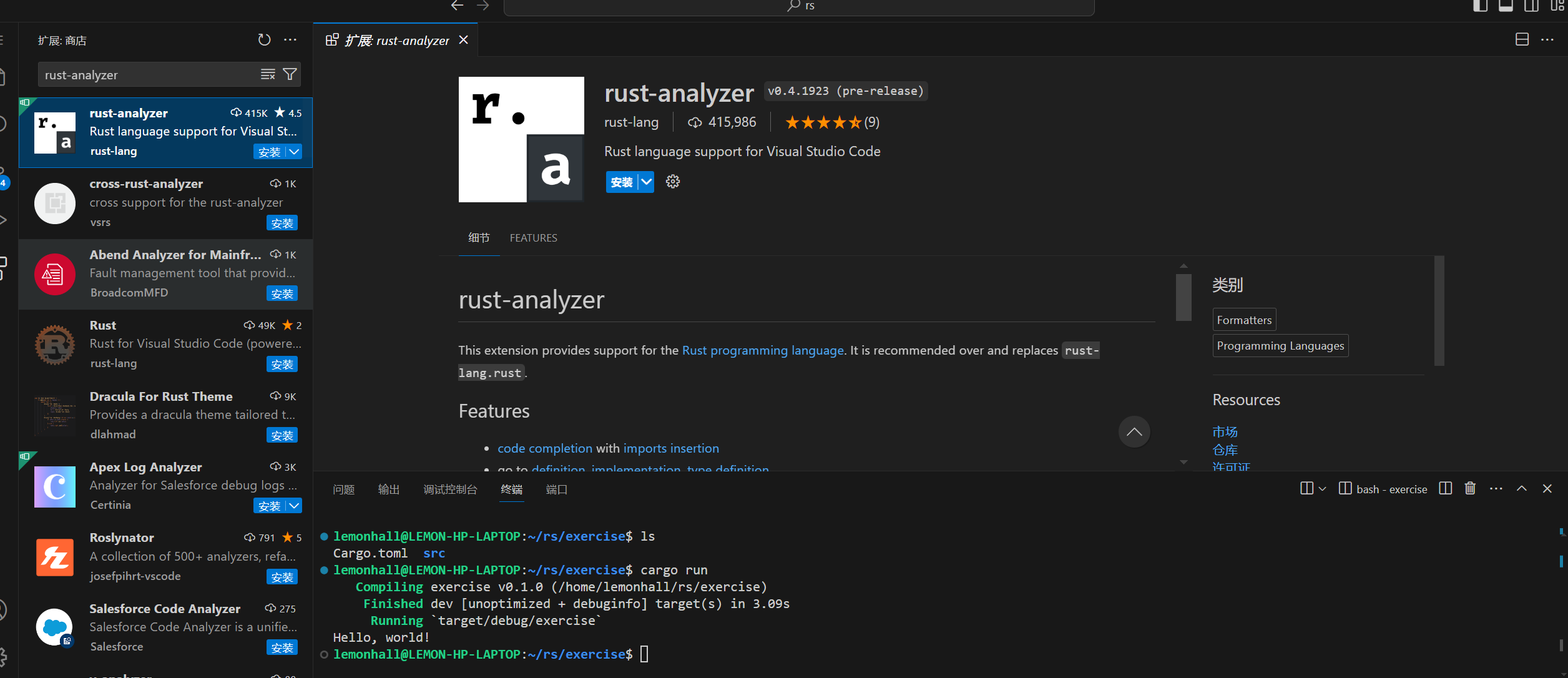
好的,找到了,0.4.1923版本

然后回到main.ts之下
会发现,ok
在拉取什么东西,行吧,等它
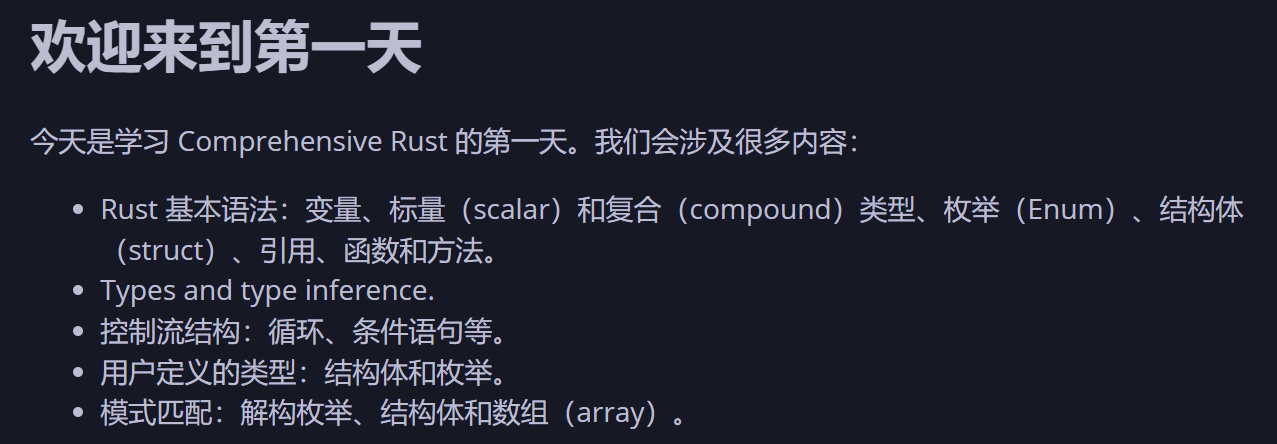
接着我们溜一边最基础的概念
等等那边拉取各种材料和服务器
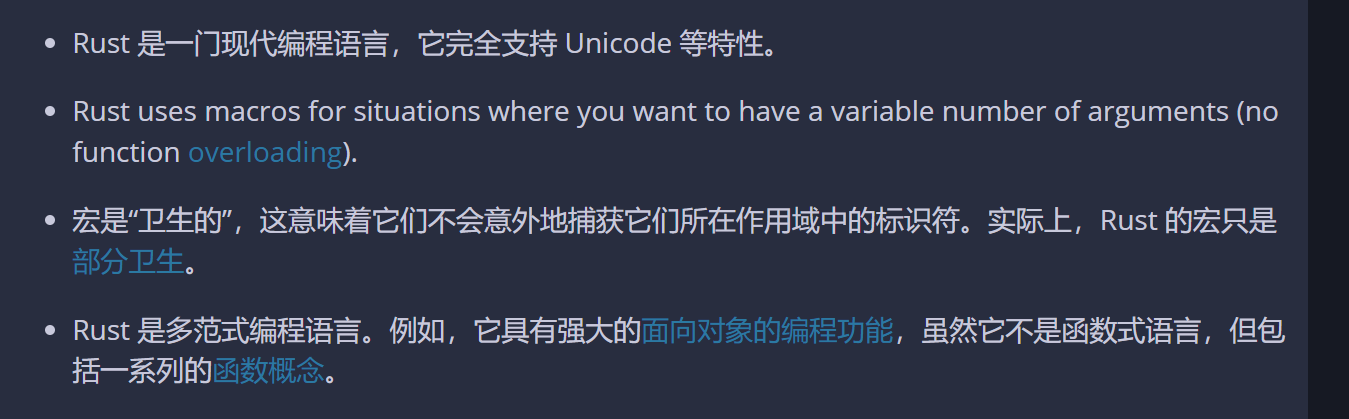
这里列举了一些不太一样的概念
比如,卫生的宏?
行吧,稍后需要查一下这些东西
Rust 的优势
Rust 有一些独特的卖点:
- 编译时内存安全:在编译时可防止所有类内存 bug不存在未初始化的变量。不存在“双重释放”。不存在“释放后使用”。不存在 NULL 指针。不存在被遗忘的互斥锁。不存在线程之间的数据竞争。不存在迭代器失效。
- 没有未定义的运行时行为:每个 Rust 语句的行为都有明确定义数组访问有边界检查。整数溢出有明确定义(panic 或回绕)。
- 现代语言功能:具有与高级语言一样丰富且人性化的表达能力枚举和模式匹配。泛型。无额外开销的外部函数接口(FFI)。零成本抽象。强大的编译器错误提示。内置依赖管理器。对测试的内置支持。优秀的语言服务协议(Language Server Protocol)支持。
然后列举了很多优势
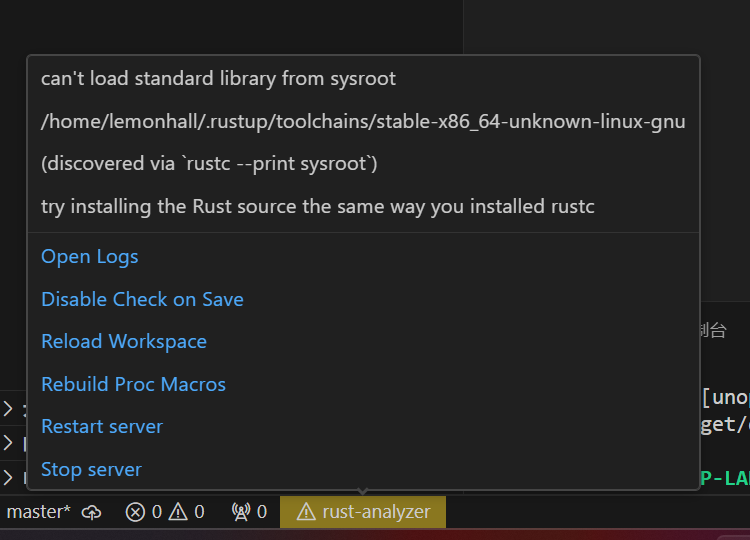
插件那边报错了
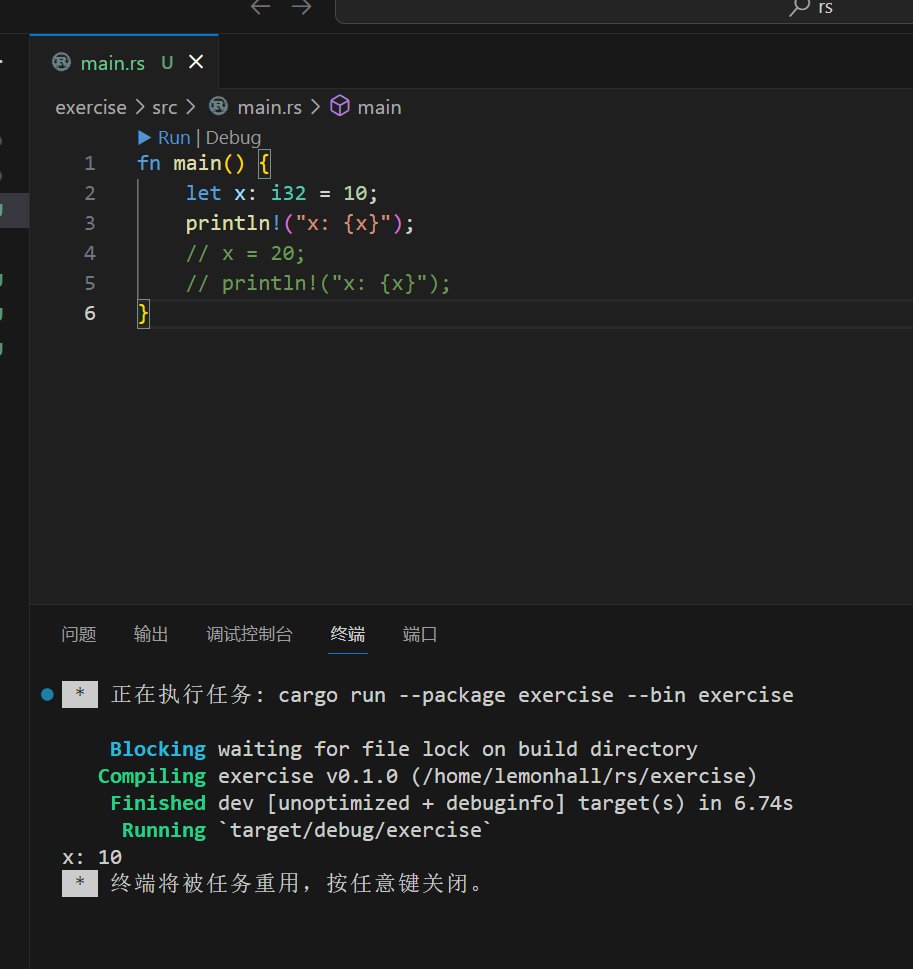
这是变量的例子
直接按gui上的run按钮,跑的也算顺利
rust看来会区分类型,当然教程里说不加这个类型也ok?
let默认是不可变的,mut才能可变,这一点是较为严格一些,确实
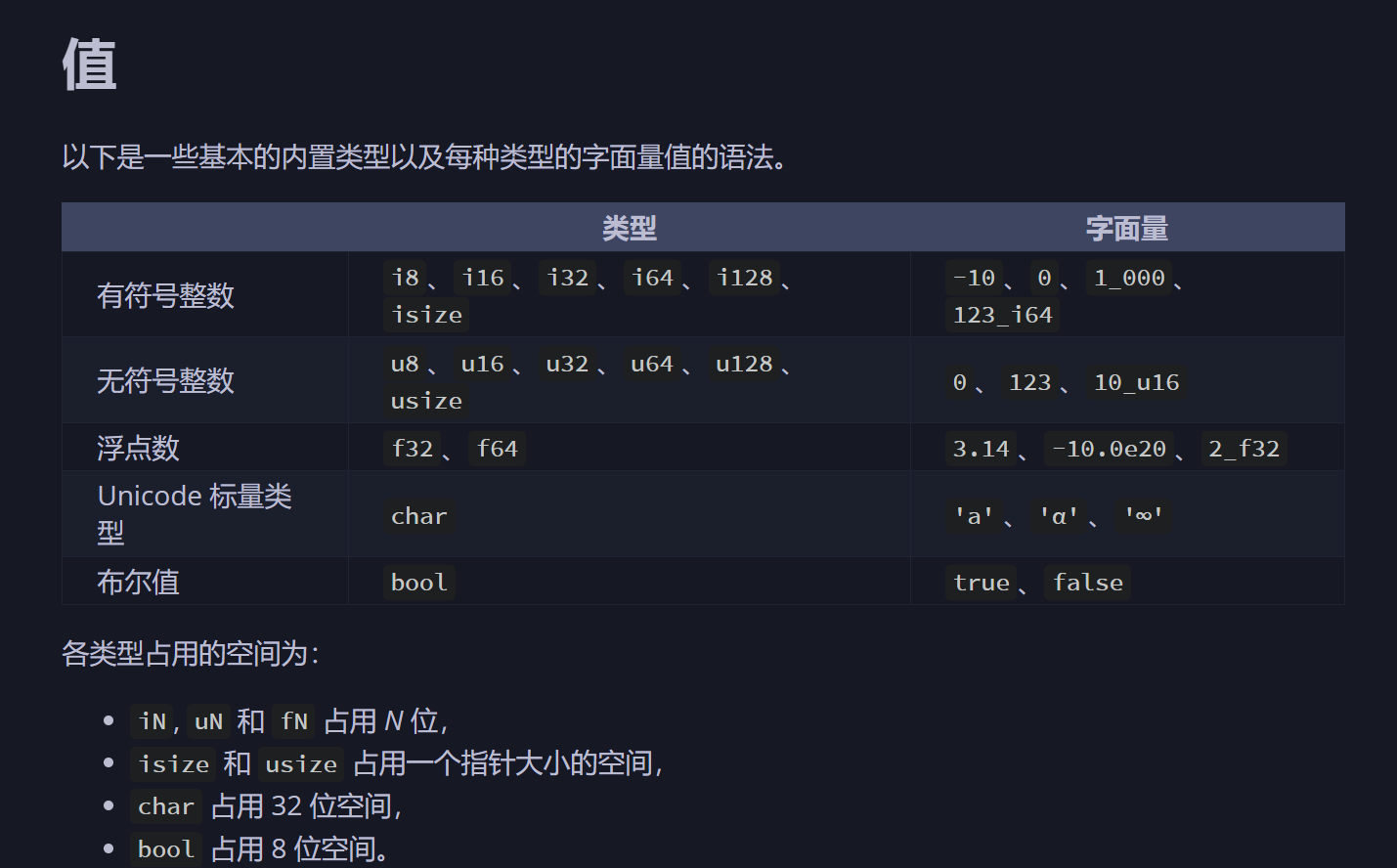
以上是基础类型
还行
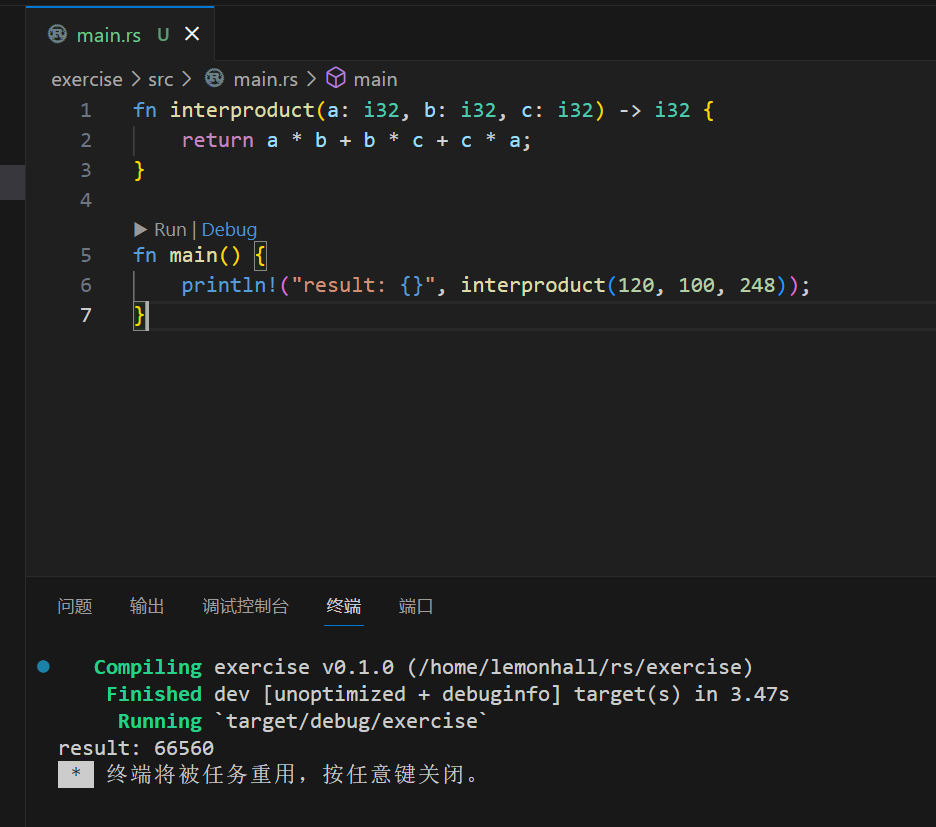
第二个例子就是函数调用了
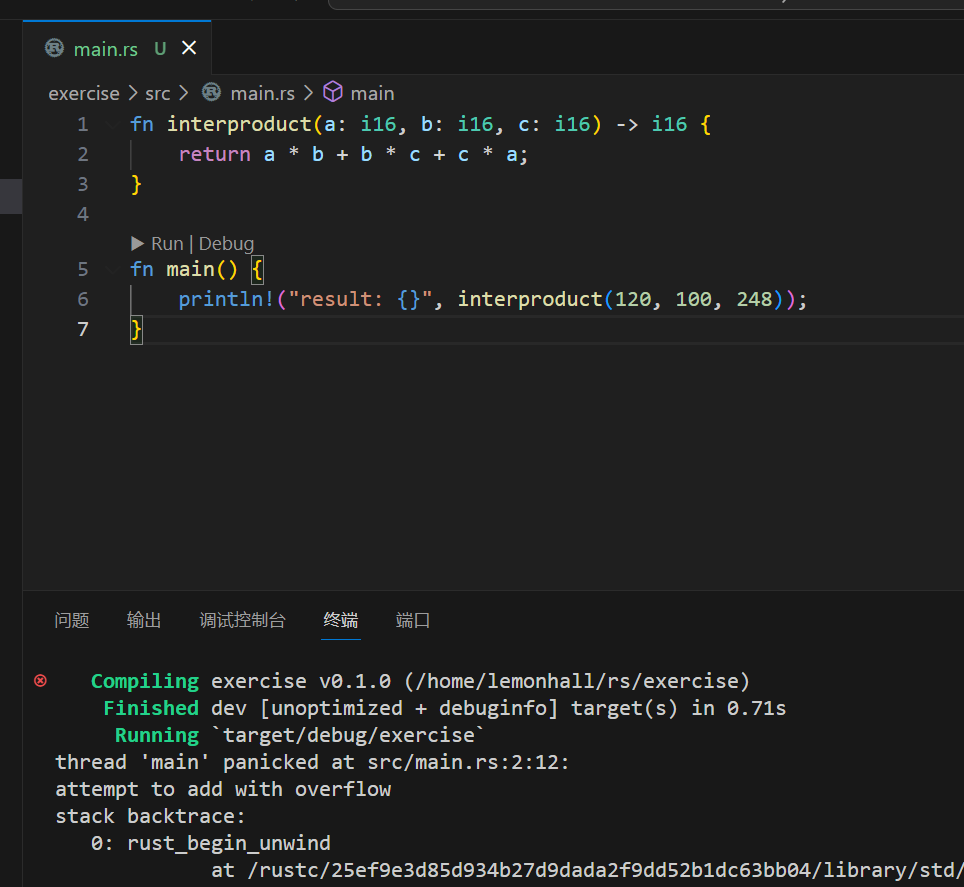
教程让我们试试改成i16,看看panic是啥样子
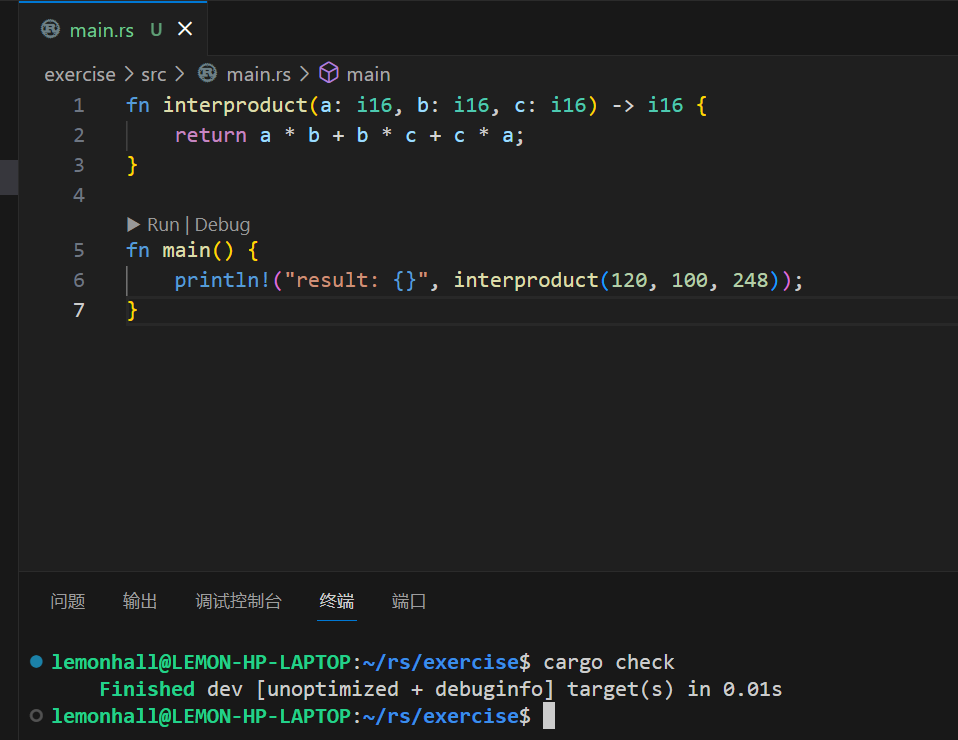
我好奇了一下,用了一下所谓的cargo check
看了一下,这种不报错
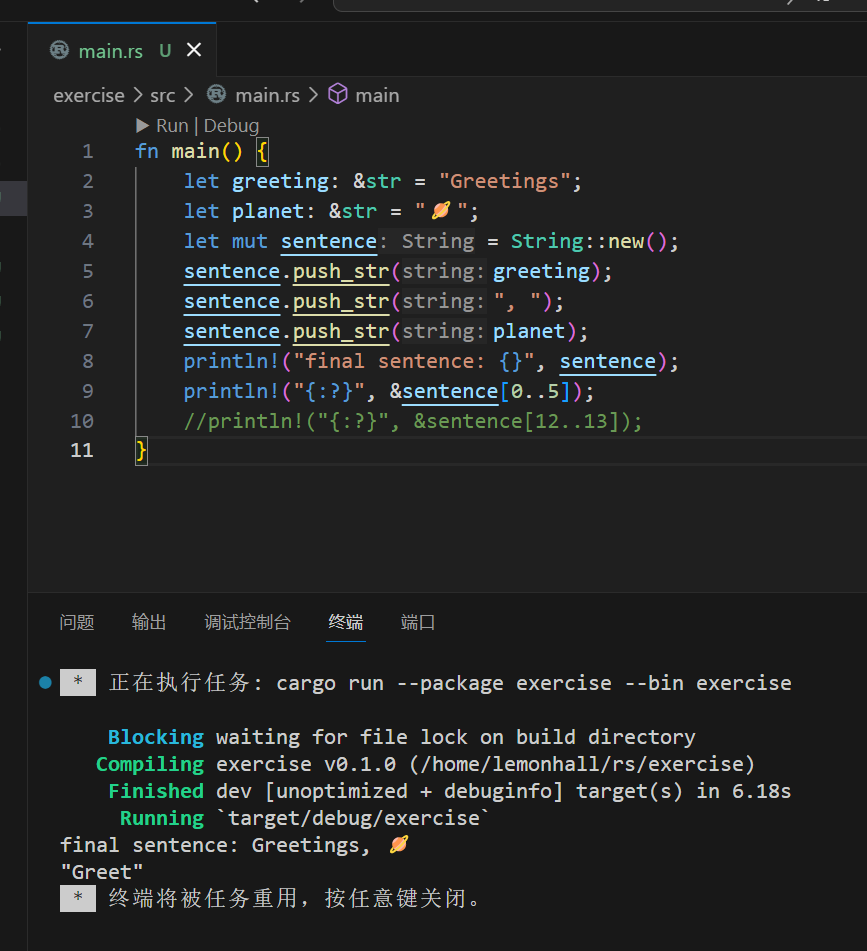
字符串
反正就是一个是原始类型,一个是类类型呗
这个和java是类似的,然后可以直接对着string用下标语法
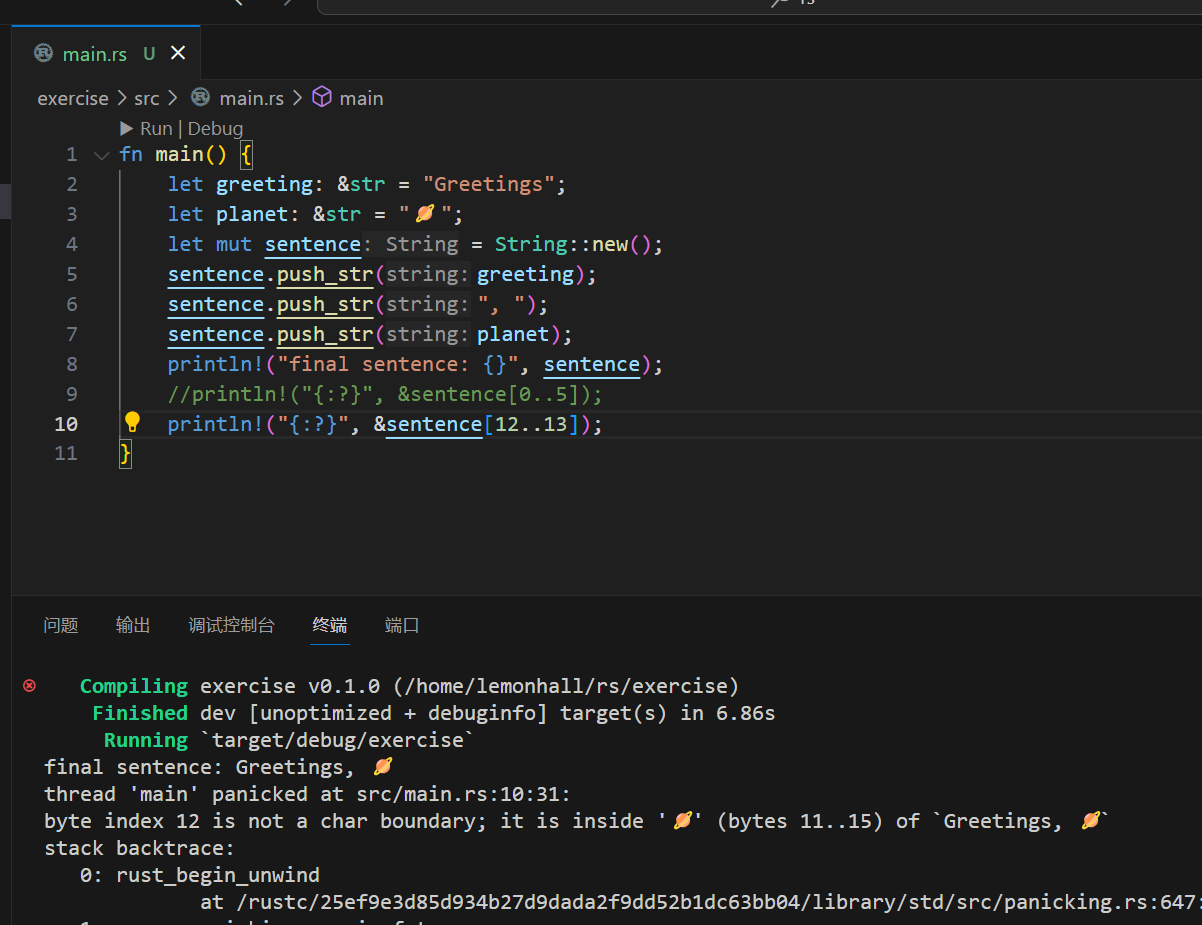
然后又超了
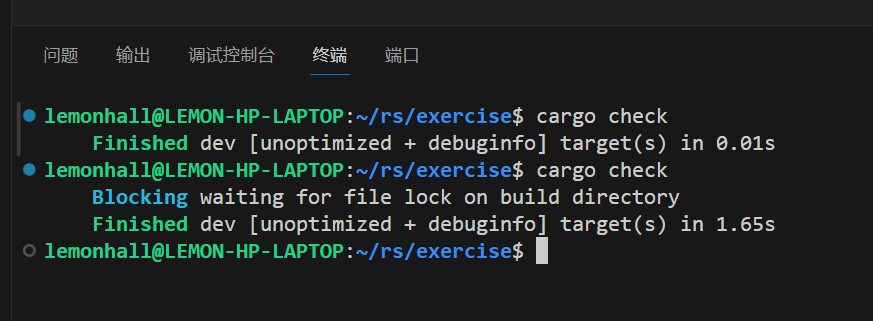
所以这种超过界限的事情不还是需要靠run么
emmmmmm
行吧
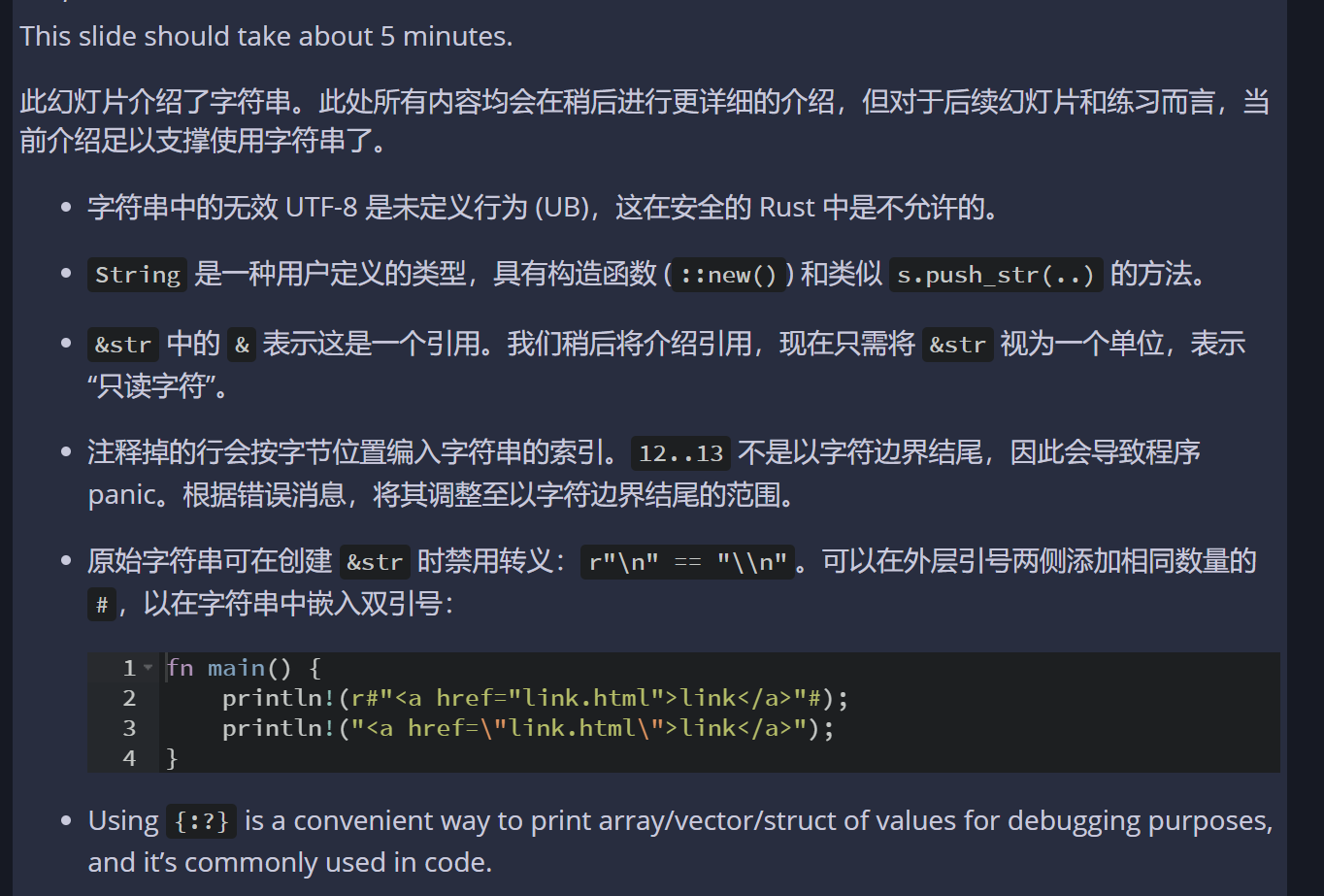
然后教案里提到了一下引用的小技巧
挺好的
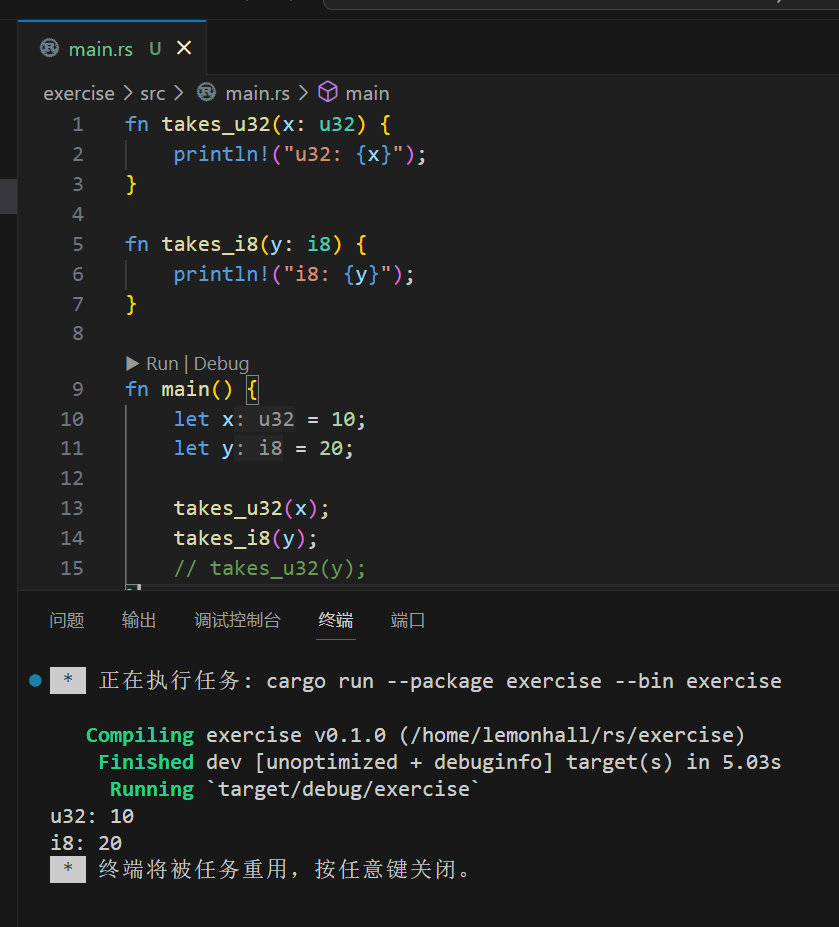
然后是类型推断
根据函数入参自动搞?
这不好吧
操
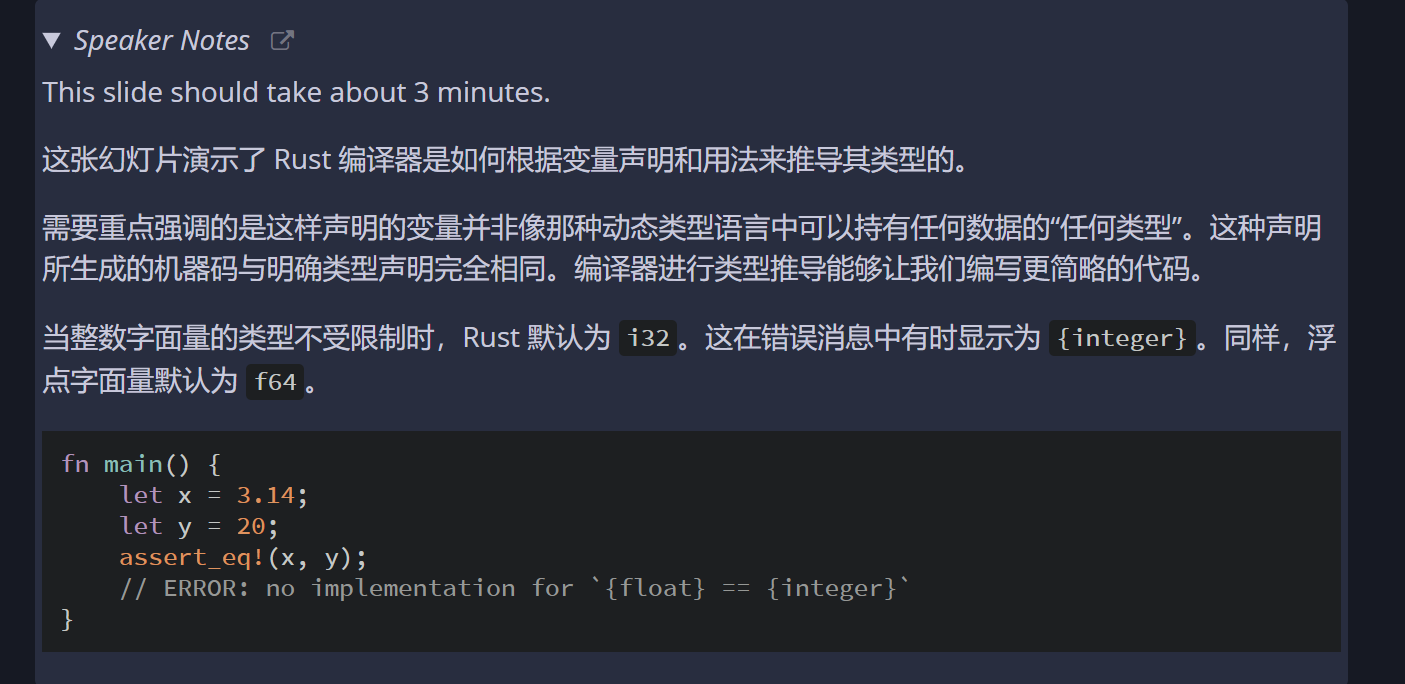
这种类型推断
实际上是一种类型转义
或者叫翻译
就是方便书写
行吧
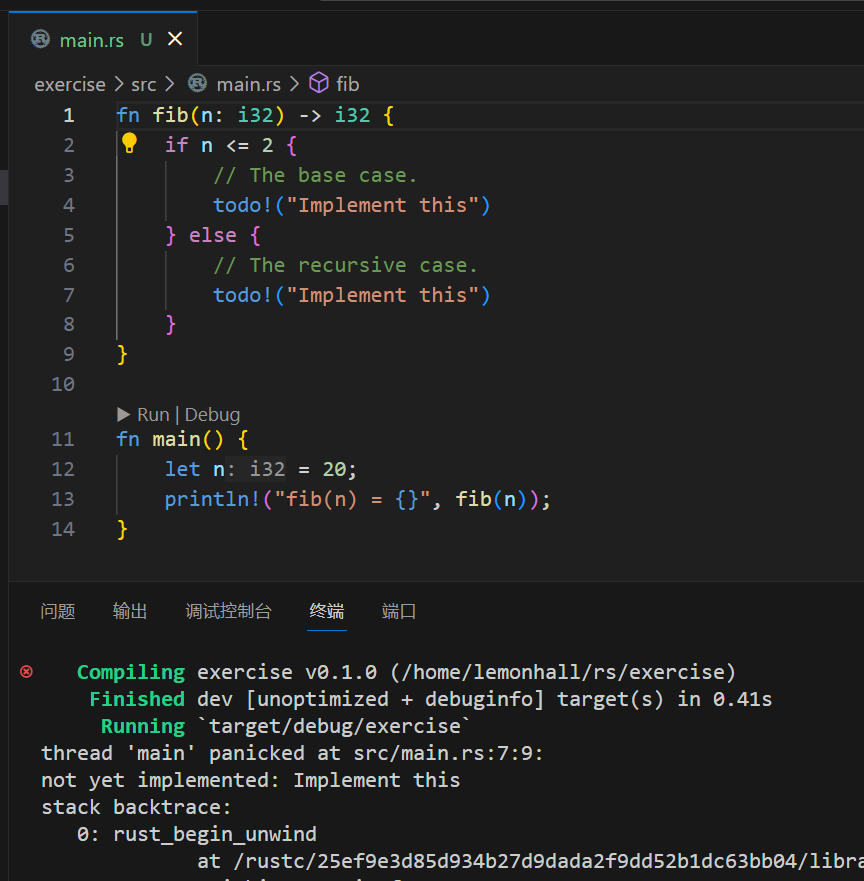
呵呵
有意思,我一开始以为是报错
没想到这个panic是一个语法
用
todo!(dsadfsdafdf)
就能搞出来的
行吧
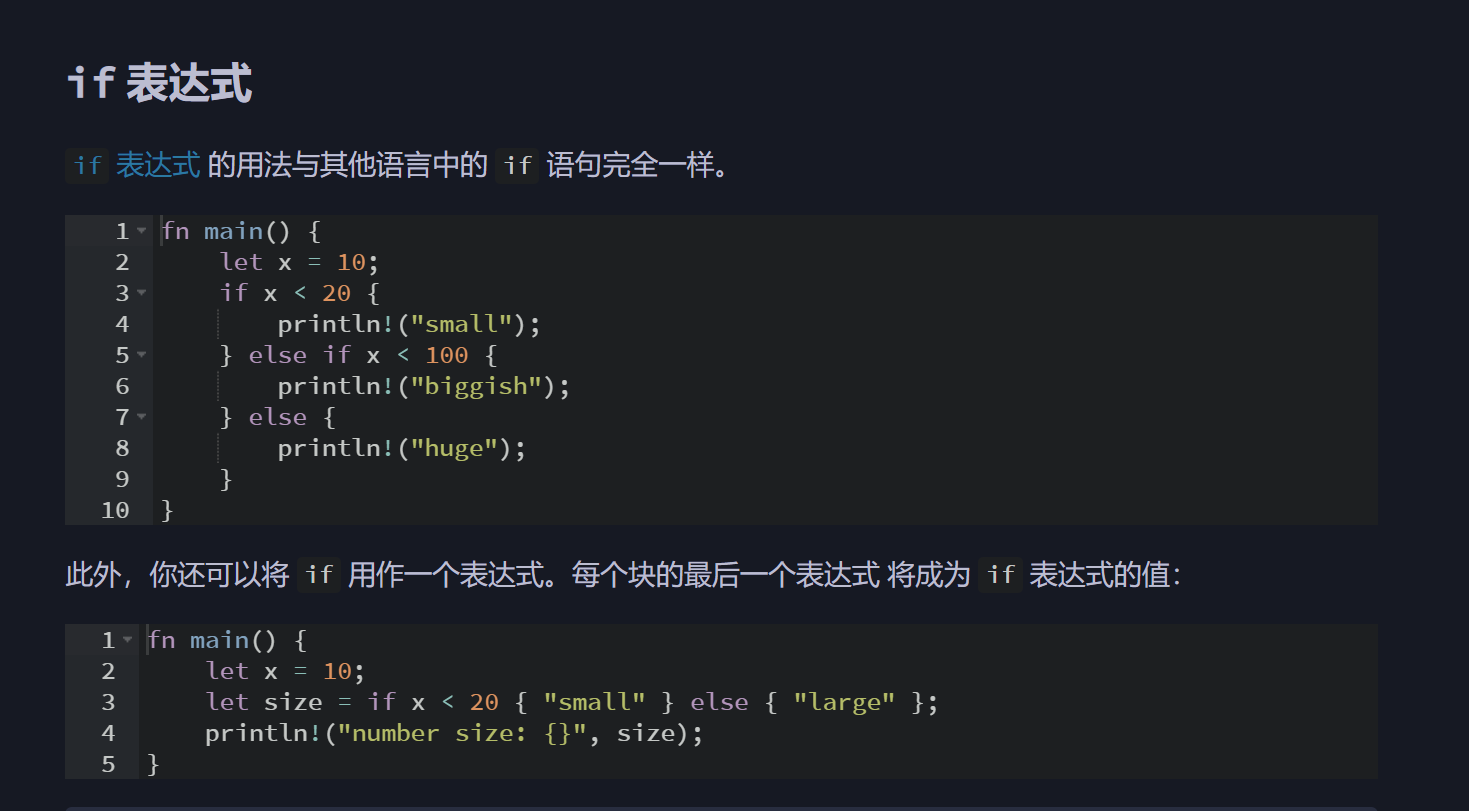
if表达式没啥特殊
但是因为是支持;分隔符的
所以有个inline的if表达式用法,这个还挺好的,nice
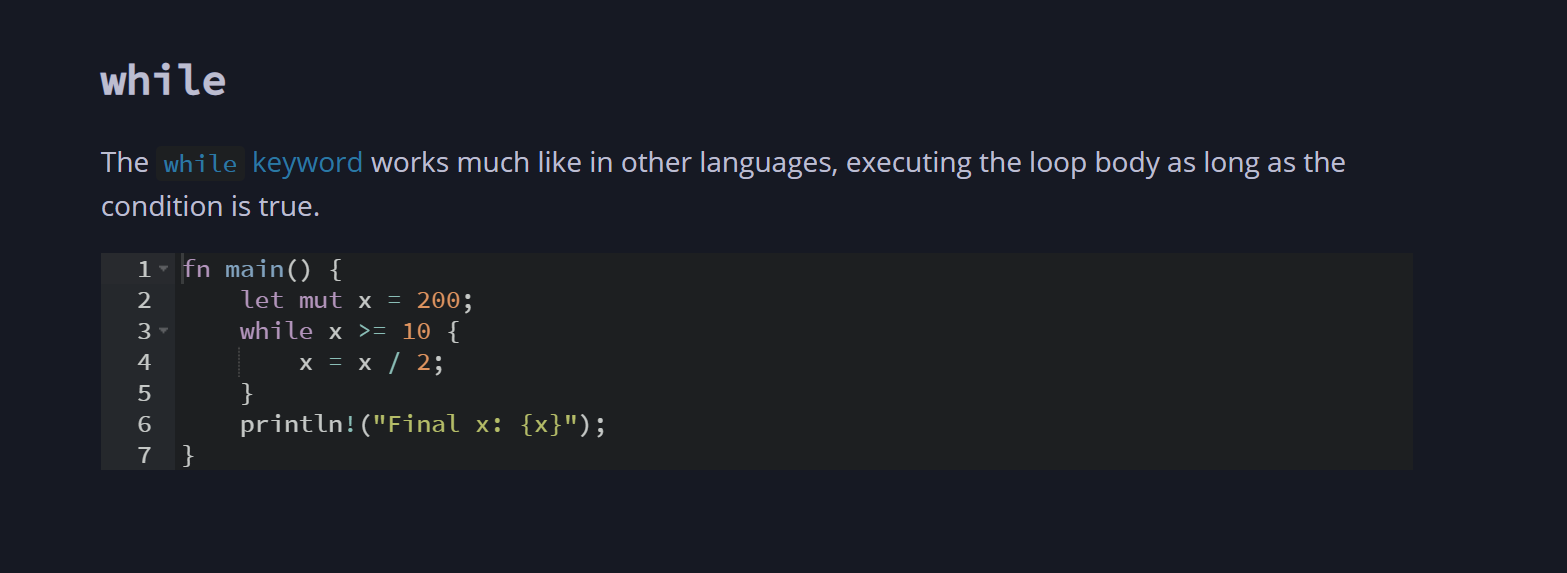
while也没啥特殊的
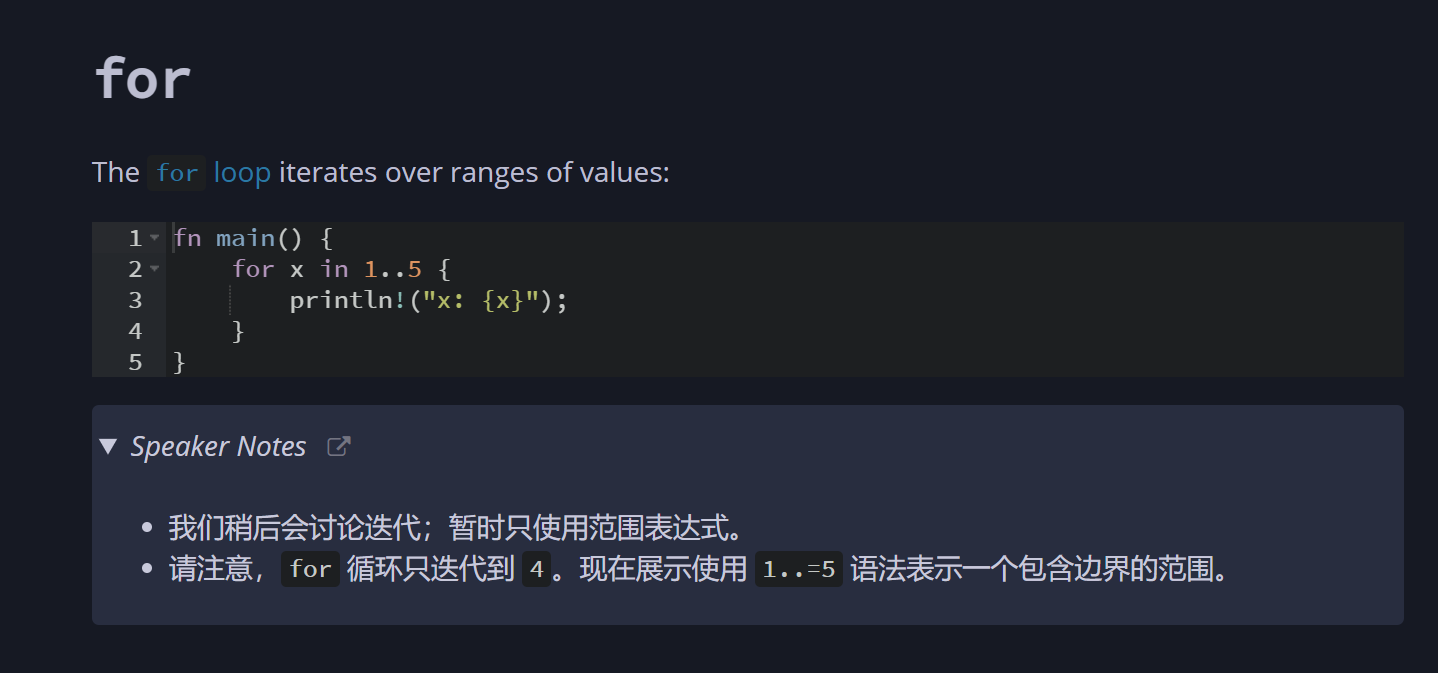
for就有点。。。。
啊
这。
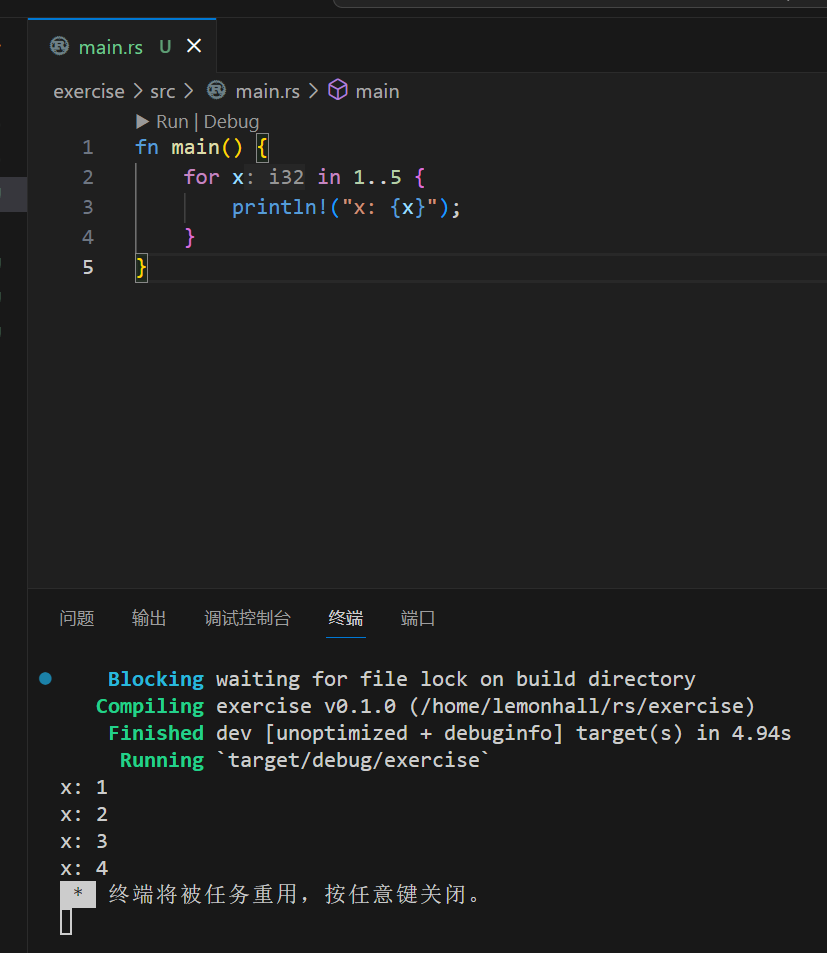
嘿嘿
有个小细节,vscode直接自动推断x是个i32,嗯挺好的,nice
然后1..5这个只数到4,有点反直觉
其它还好
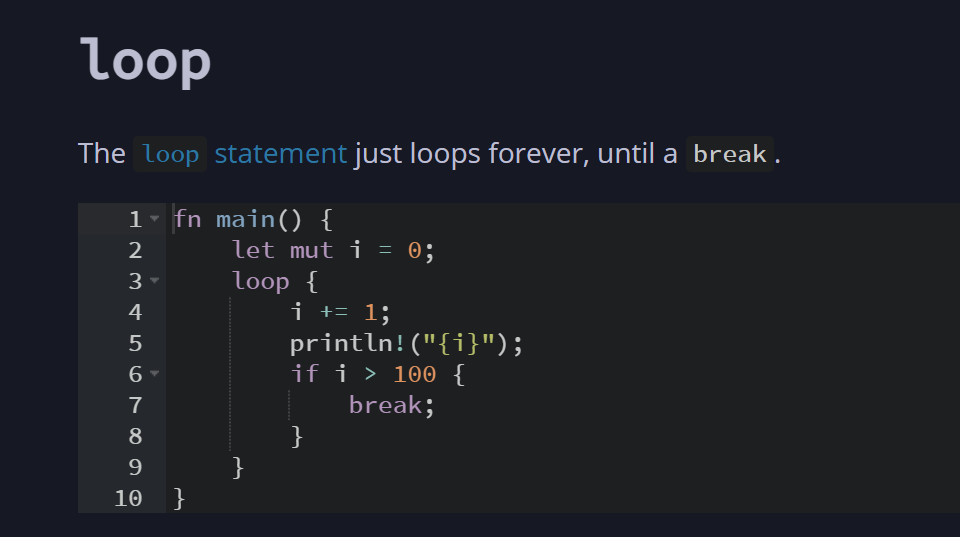
loop语法其它语言不常见
挺好的,一个语法糖吧
nice
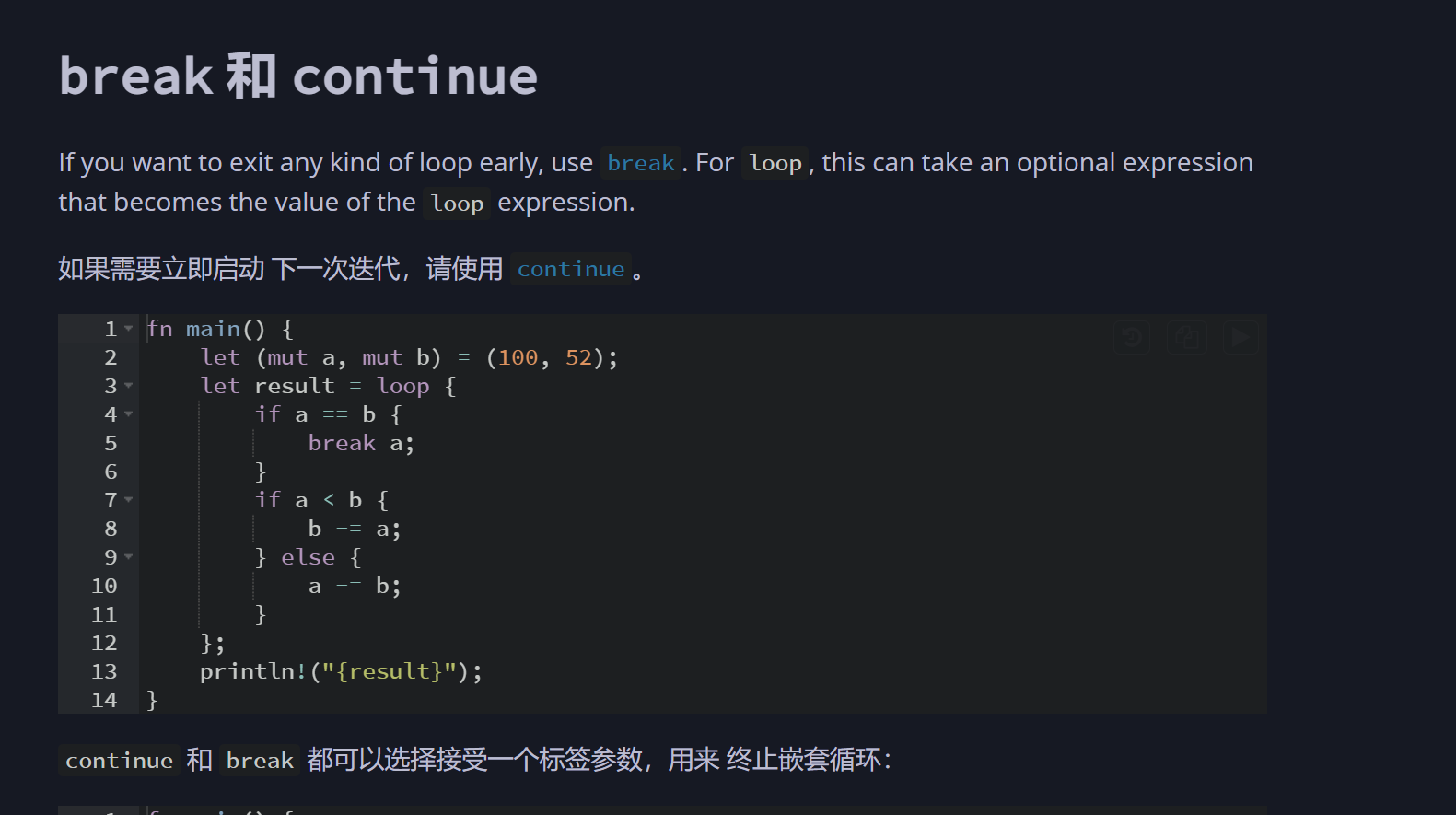
这个是一样的,掠过
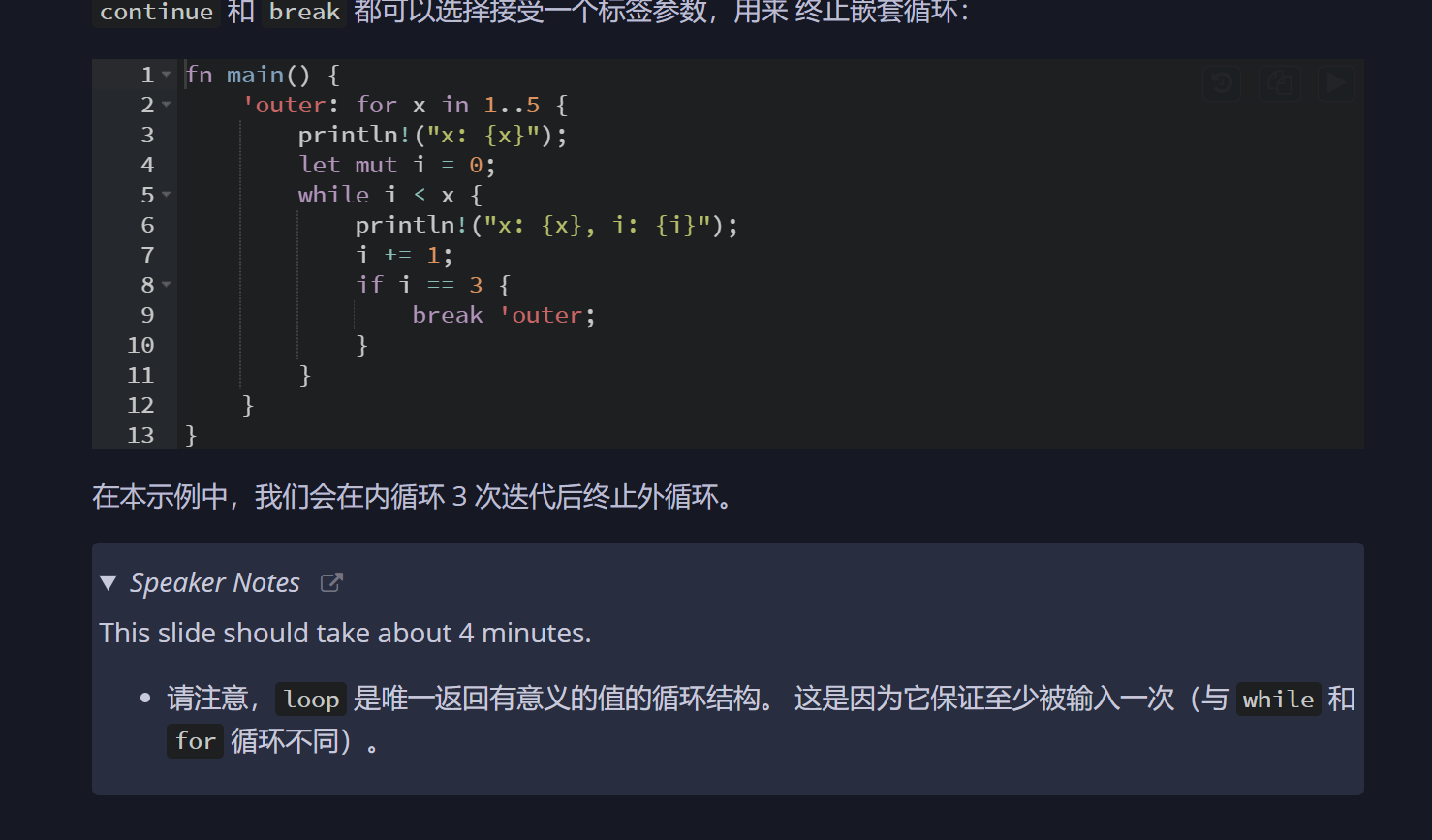
然后,它可以break后面跟字符串,这个比较少见
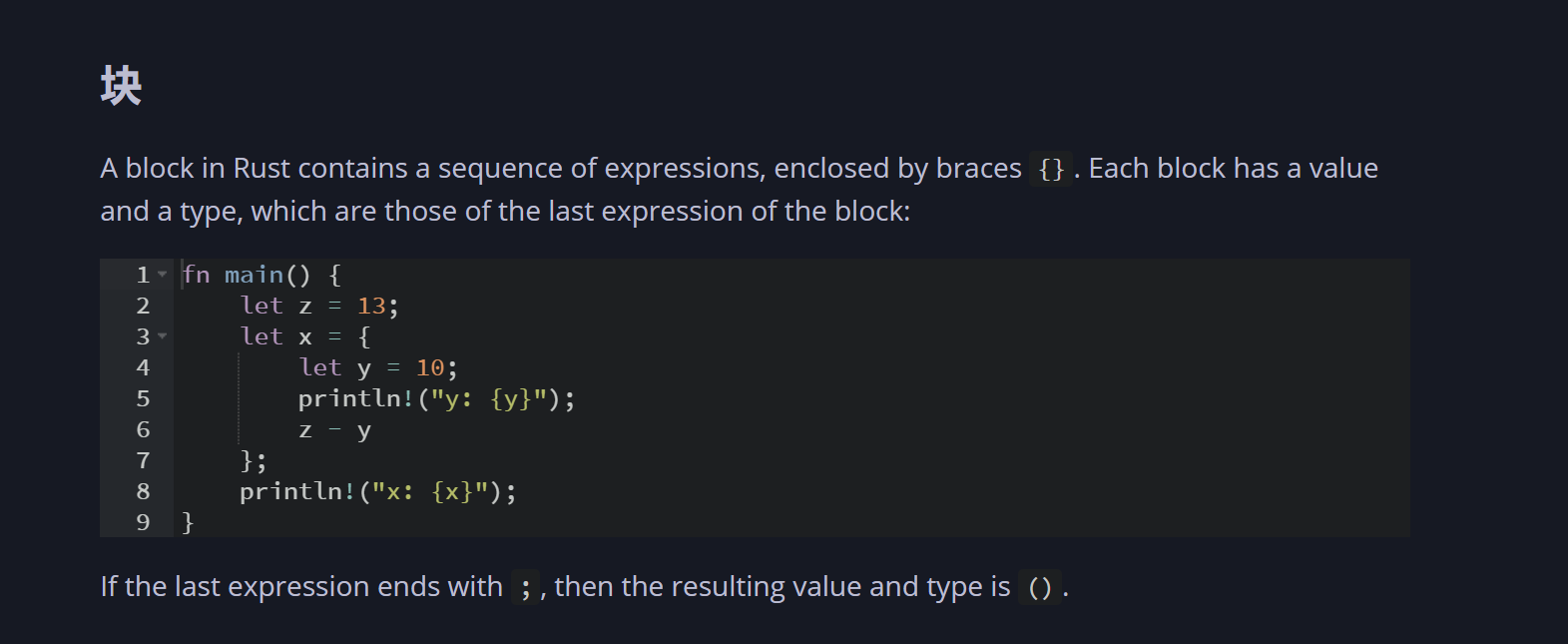
这种语法也比较少见,有点函数式的感觉
C不这样,但这么搞,确实能写的很舒服
有点展开的inline的那个味道了
比lamada那种也舒服,看着
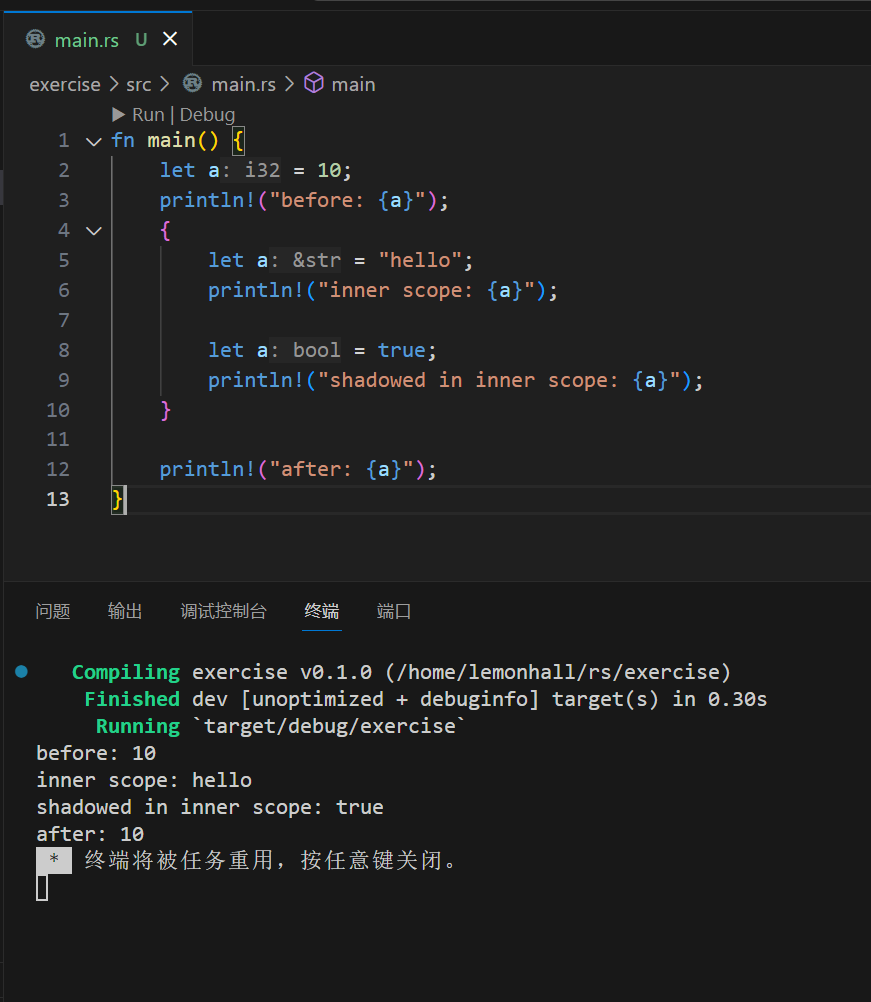
关于作用域的
行吧
所以你看,let这玩意。。。。其实也很那啥
就是个助记符
你还不是可以重复赋值???
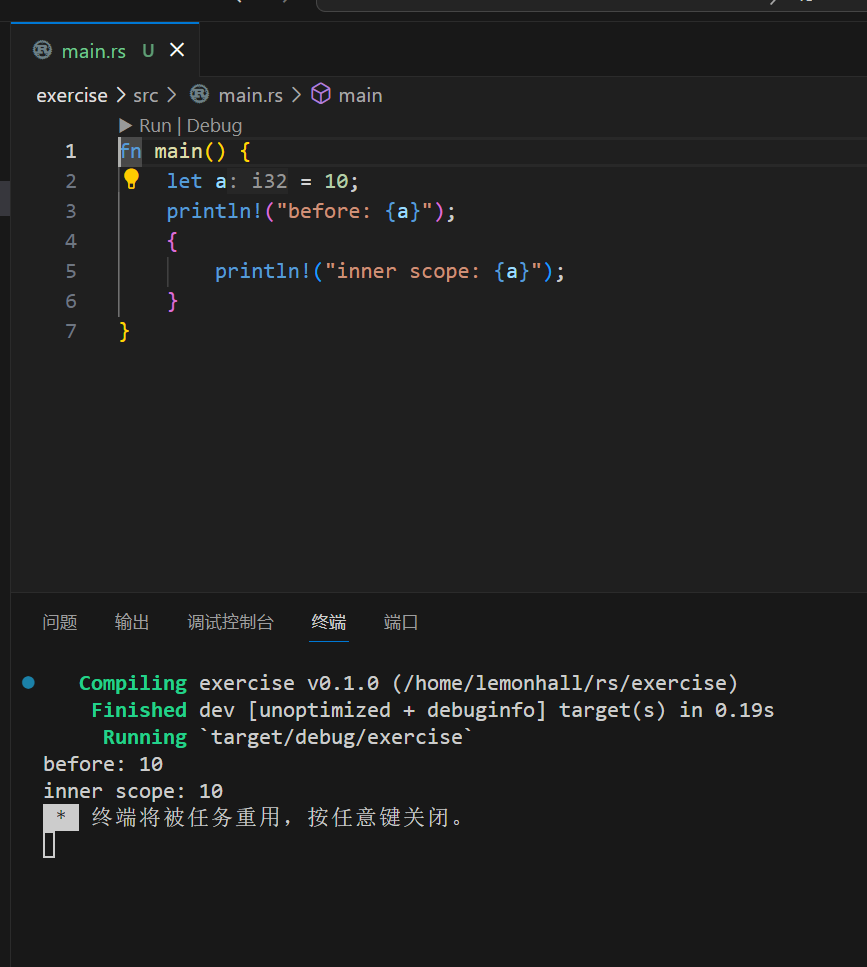
程序改一下
那就和其它语言一样了,读取的都是外部的全局
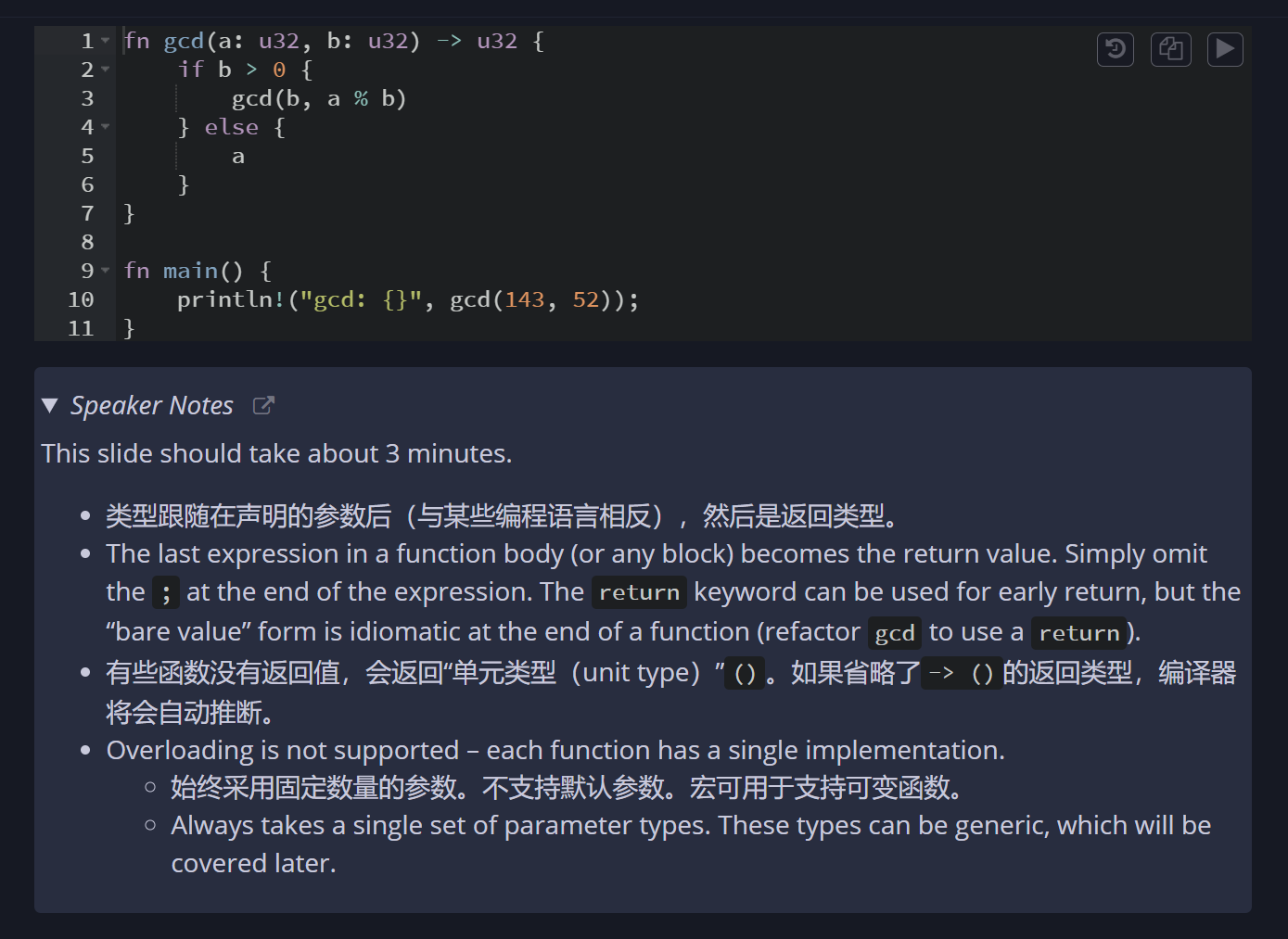
然后是函数的一些说明
暂时来说其它还好
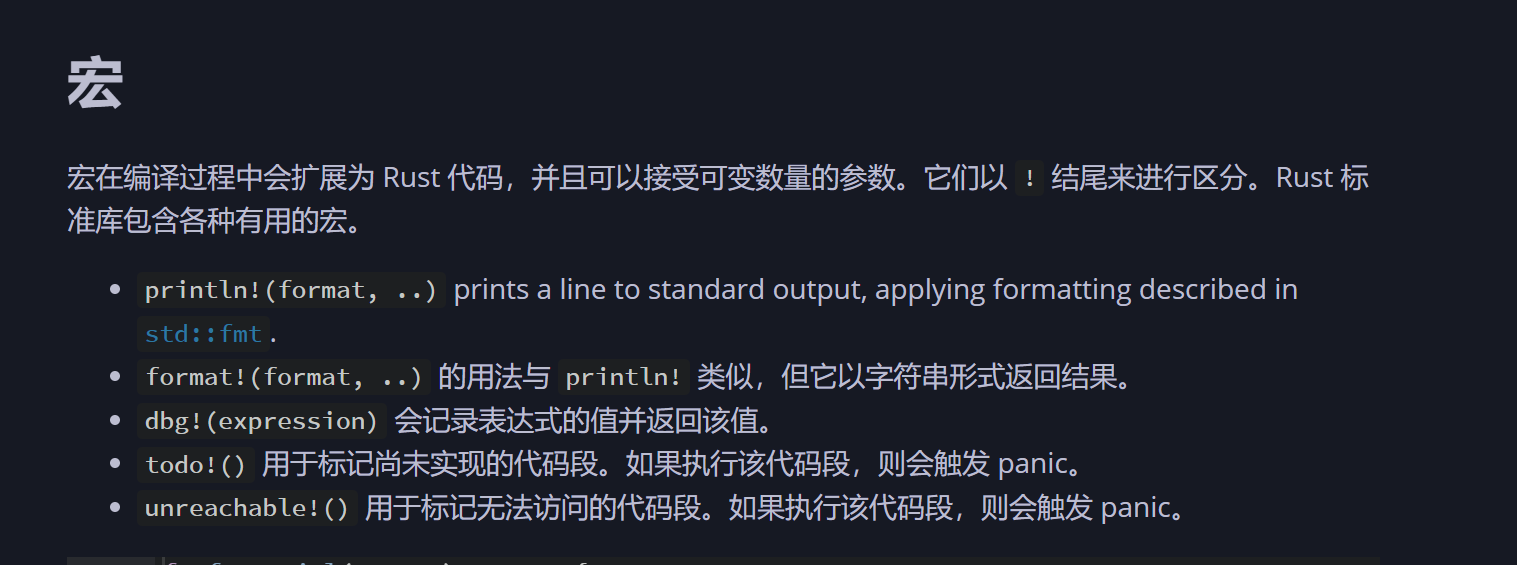
接着是宏