参考: https://github.com/kriomant/ch57x-keyboard-tool
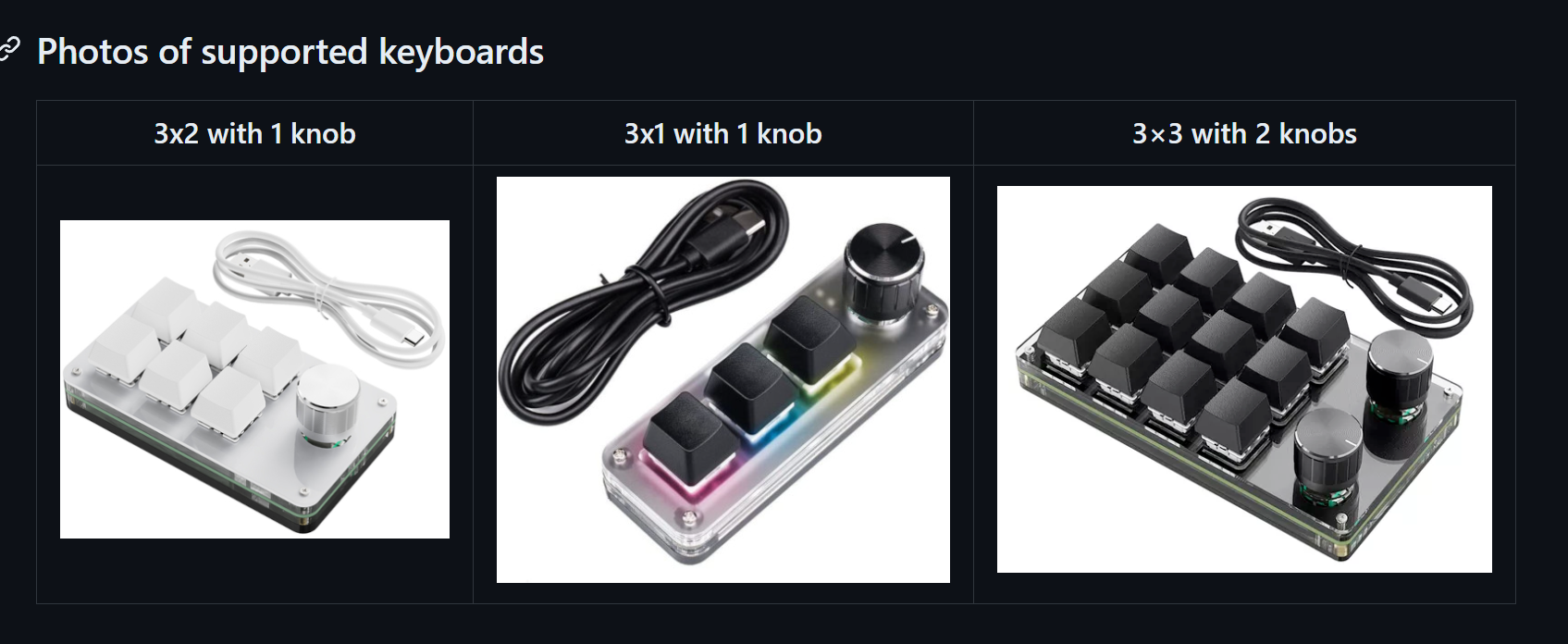
我买了一个3x2的,六个键位的小键盘,真好用
然后,看了一下,竟然github上确实有第三方制作的配置工具,自带的那个是真的丑,而且功能确实也很弱
2、安装:
首先装rust,我因为最近有在搞rust,所以跳过了
cargo install ch57x-keyboard-tool然后就是cargo咯
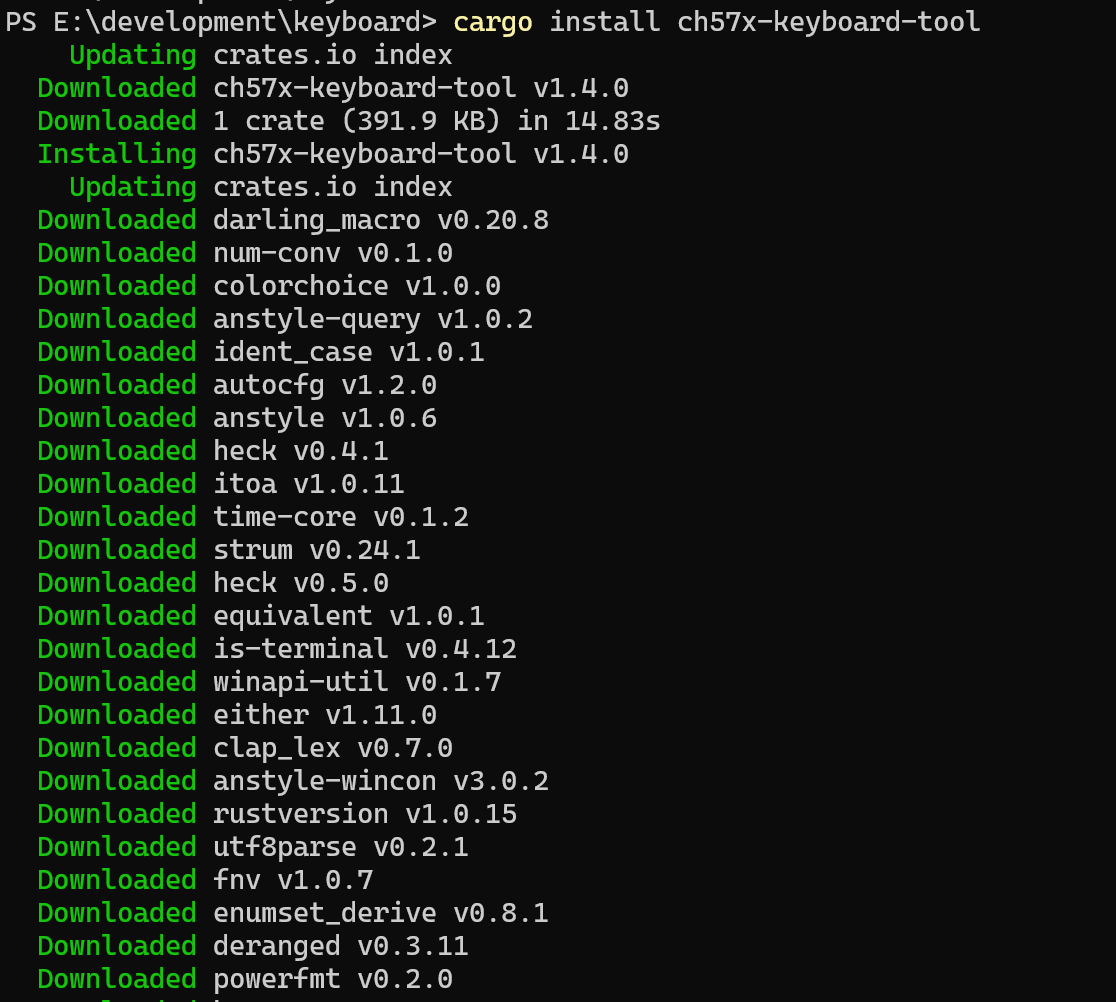
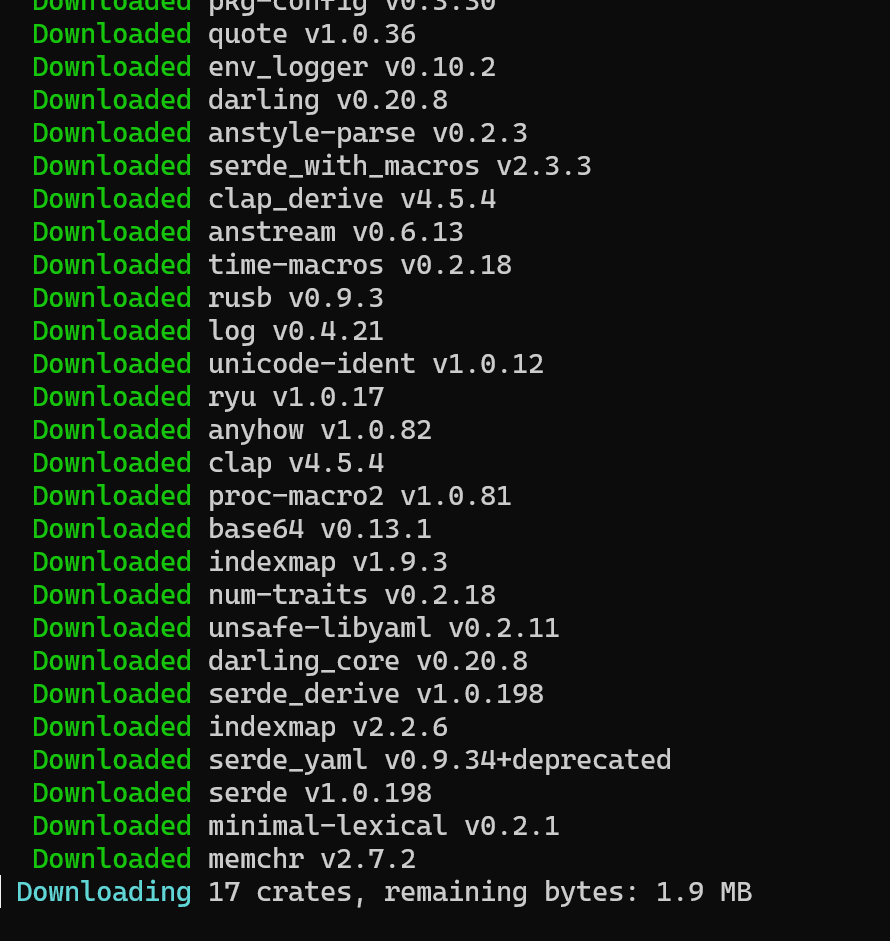
卧槽,行吧
17个包呢,慢慢下着
然后说是必须先安装一个USB的什么包
https://github.com/daynix/UsbDk/releases
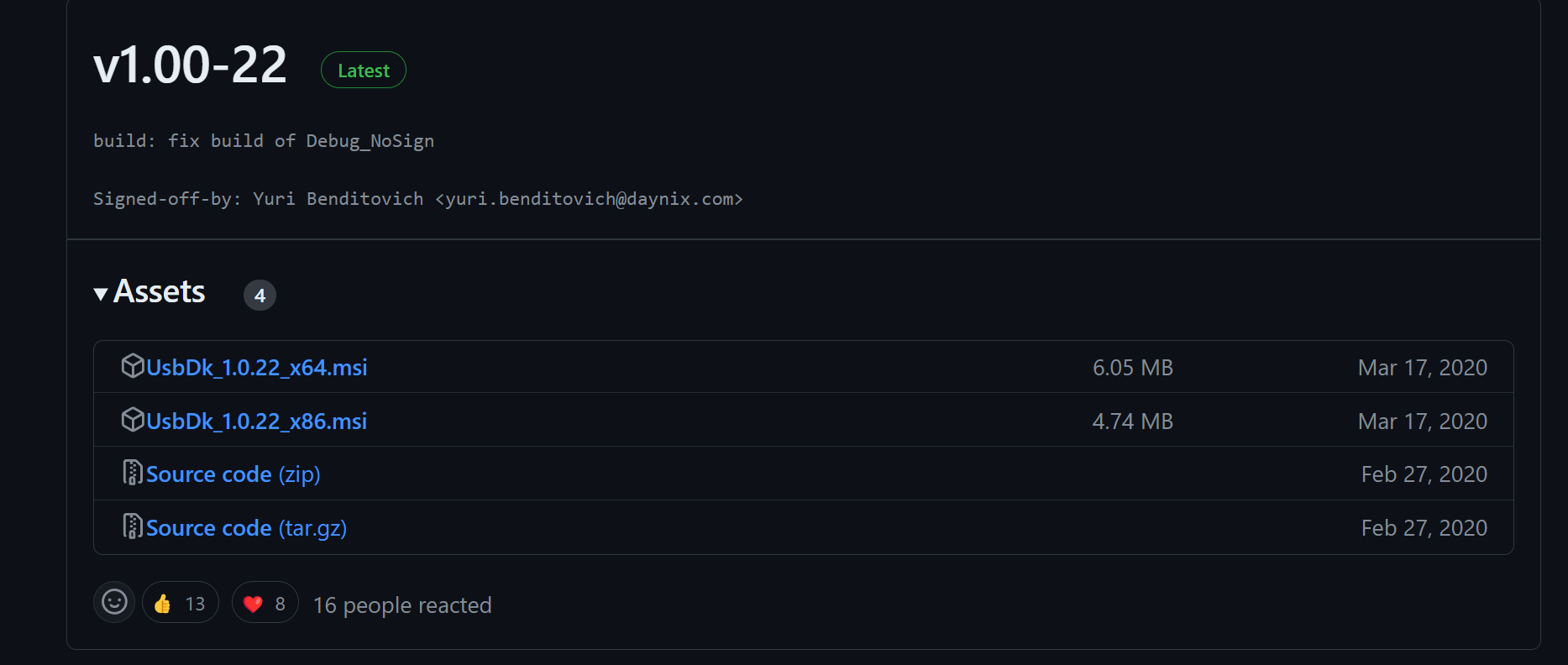
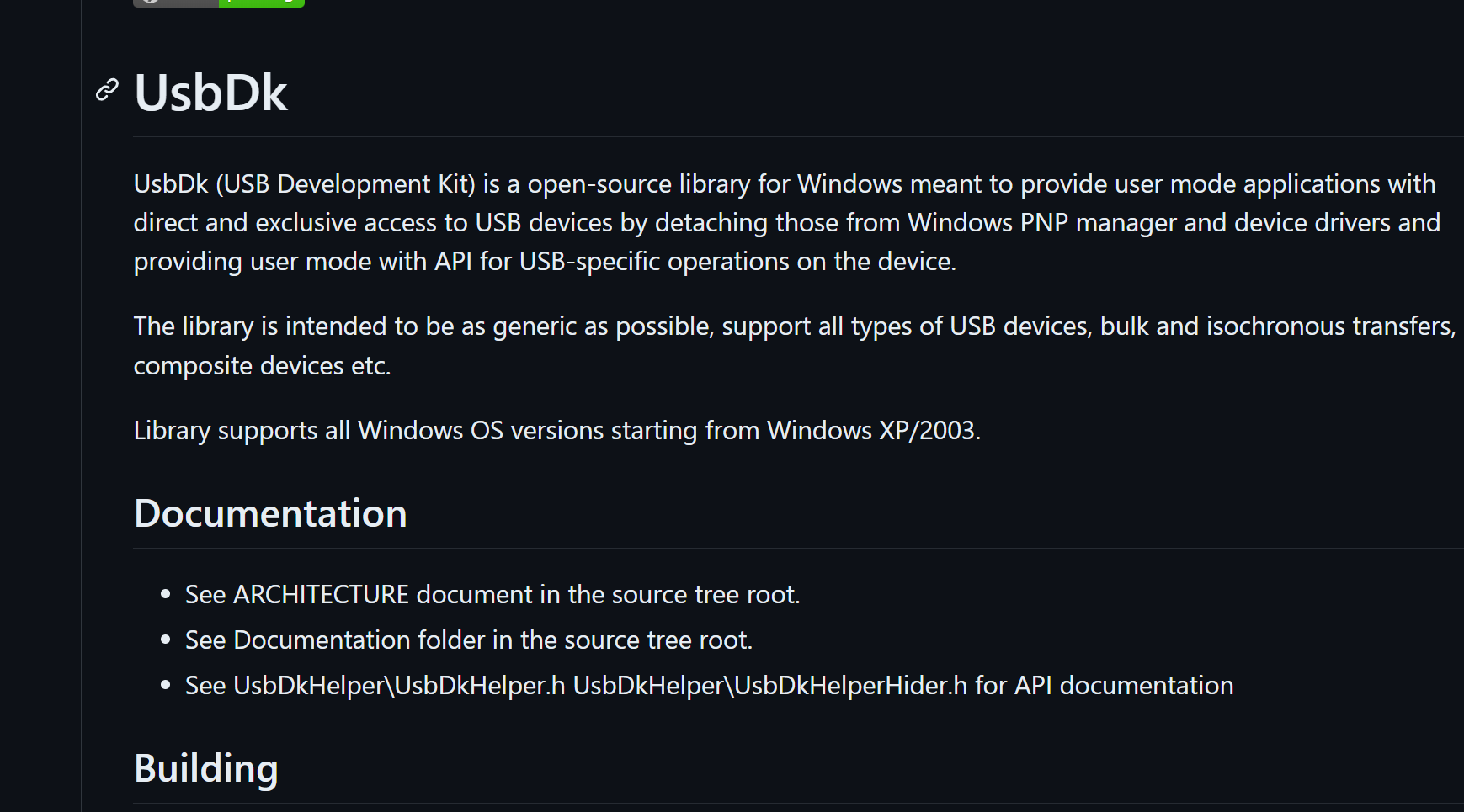
看了一下,大概明白了,
就是一个那啥,用户态的usb库
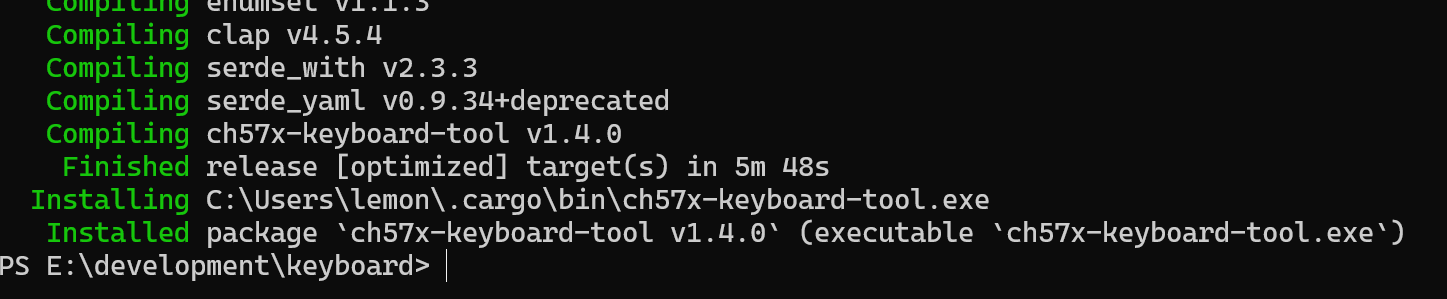
这边竟然直接build出来一个exe
好吧
原来rust有这个能力啊
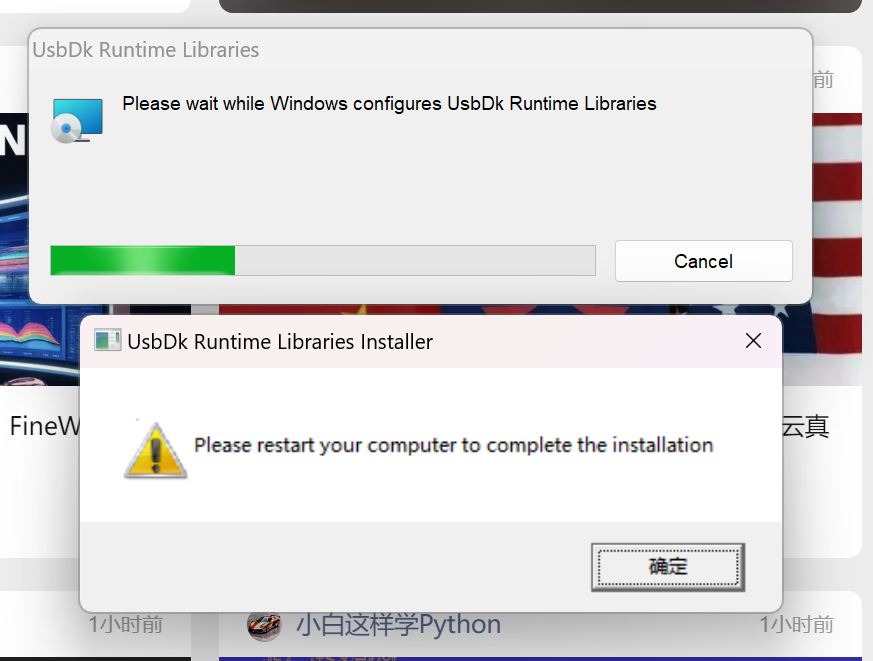
我去,这玩意竟然是需要restart的
行
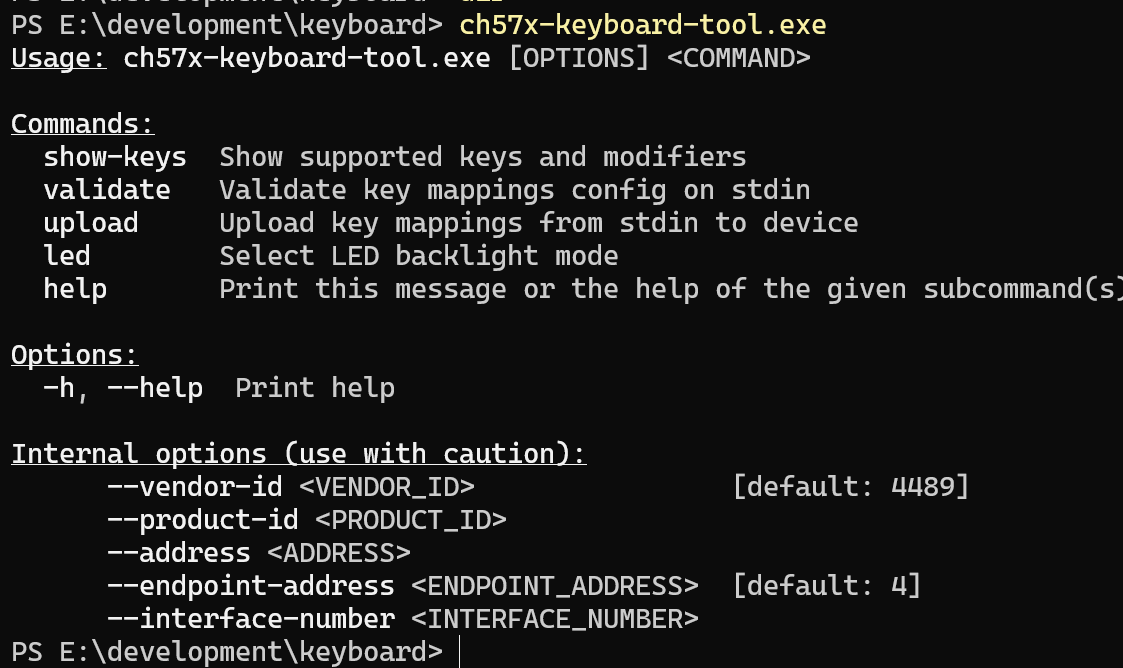
然后你会发现。。卧槽,这是个。。。。命令行的程序
行吧

它给我装这里了
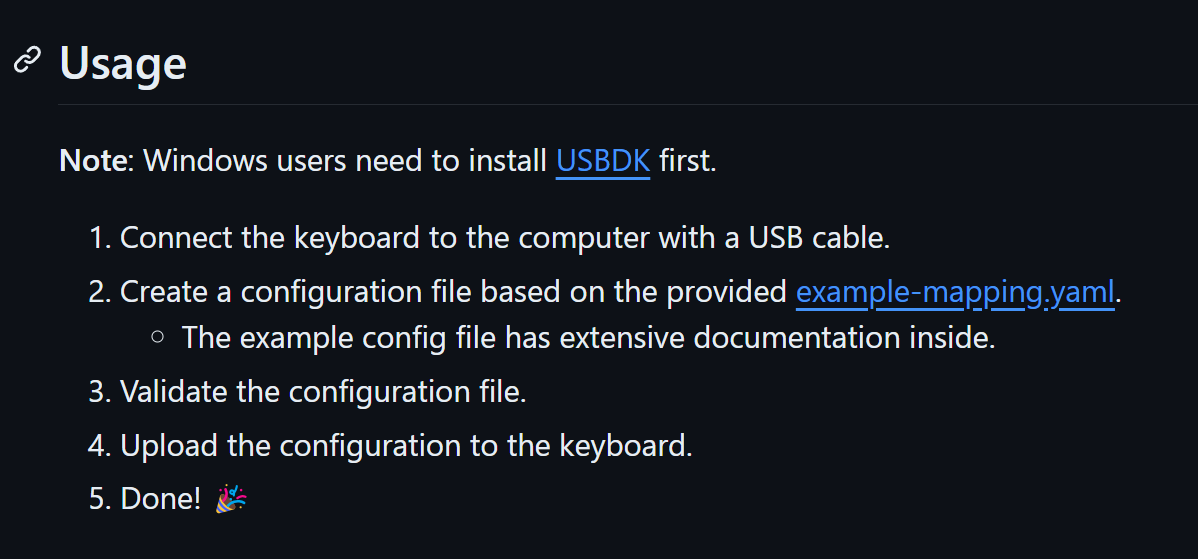
它说先装USBDK
然后搞个配置文件
参考这个: https://blog.sina.com.cn/s/blog_1511e79950102x2b0.html
# Normal keyboard orientation is when
# buttons are on the left side and knobs are on the right.
# However, you may want to use the keyboard in another orientation.
# To avoid remapping button positions in your head, just set it here.
# Possible values are:
#   (horizontal)
#   - 'normal': buttons on the left, knobs on the right
#   - 'upsidedown': buttons on the right, knobs on the left
#   (vertical)
#   - 'clockwise': buttons on the top, knobs on the bottom
#   - 'counterclockwise': buttons on the bottom, knobs on the top
orientation: normal

# Different keyboard models have different numbers of buttons and knobs.
# Set it here for proper handling.
# Count rows and columns with the keyboard in normal orientation (knobs on the right)
rows: 2
columns: 3
knobs: 1

# Layers are sets of alternative key mappings.
# The current layer is changed using a button on the side of the keyboard
# and displayed with LEDs on top (only for the moment of changing).
# All keyboards I saw had three layers, but I suppose other variants exist.
layers:
  - buttons:
      # Array of buttons.
      # In horizontal orientations it's `rows` rows `columns` buttons each.
      # In vertical: `columns` rows `rows` buttons each.
      # Each entry is either a sequence of 'chords' or a mouse event.
      # A chord is a combination of one key with optional modifiers,
      # like 'b', 'ctrl-alt-a' or 'win-rctrl-backspace'.
      # It can also be just modifiers without a key: 'ctrl-alt'.
      # You may combine up to 5 chords into a sequence using commas: 'ctrl-v,ctrl-c'.
      # Arbitrary scan codes (decimal) may be given like this: '<101>'.
      # z是点赞,x是展开评论,f是展开作者主页
      # 向下箭头的scan code,向上箭头的scan code,o是我chrome插件里的下载视频
      - ["z", "x", "f"]
      - ["down","up", "o"]
    knobs:
      # Knobs are listed from left to right if horizontal.
      # Knobs are listed from top to bottom if vertical.
      # Knobs can be rotated counter-clockwise (ccw) or clockwise (cw)
      # and pressed down.
      - ccw: "wheelup"
        press: "right"
        cw: "wheeldown"
      - ccw: "shift-wheelup"
        press: "shift-click"
        cw: "shift-wheeldown"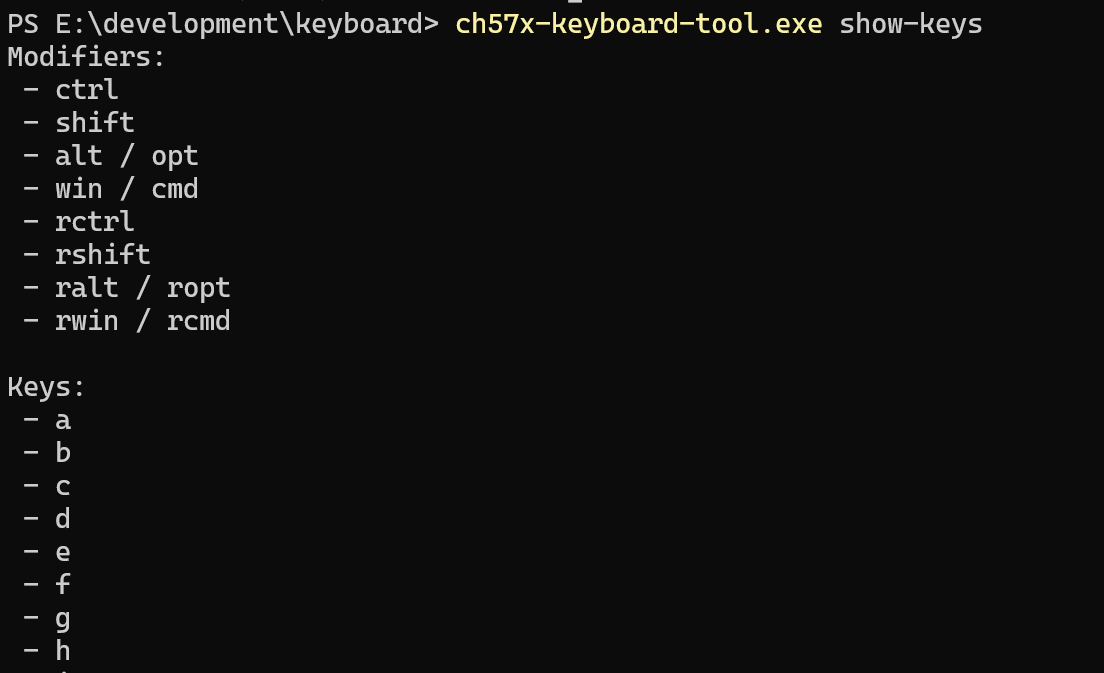
哎呀,应该这么写啊
./ch57x-keyboard-tool validate < your-config.yaml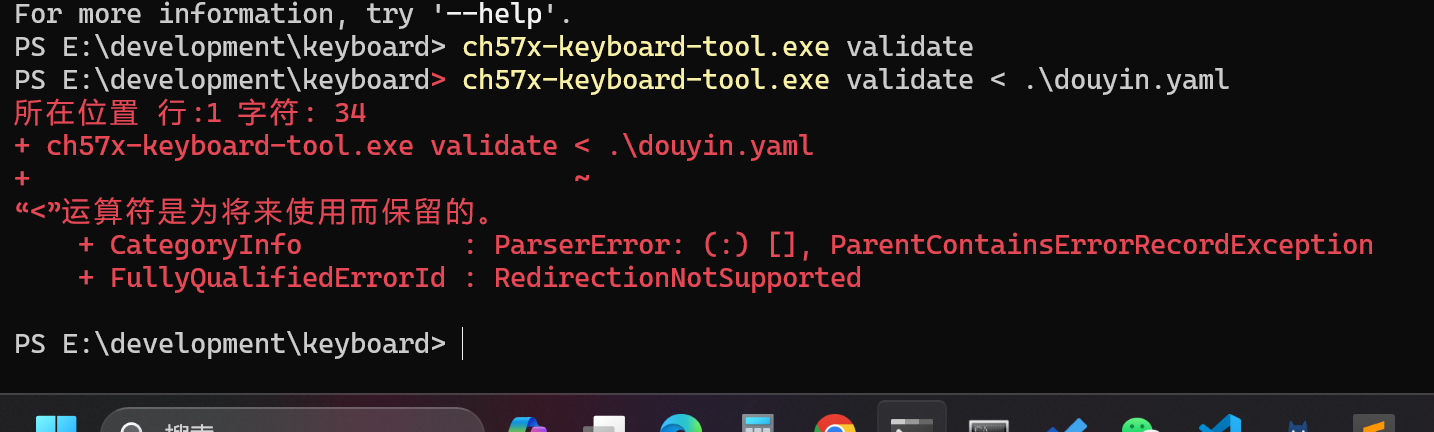
报错,换shell
cat douyin.yaml | ch57x-keyboard-tool.exe validate
知道了,删掉一个knobs

再运行,就ok了
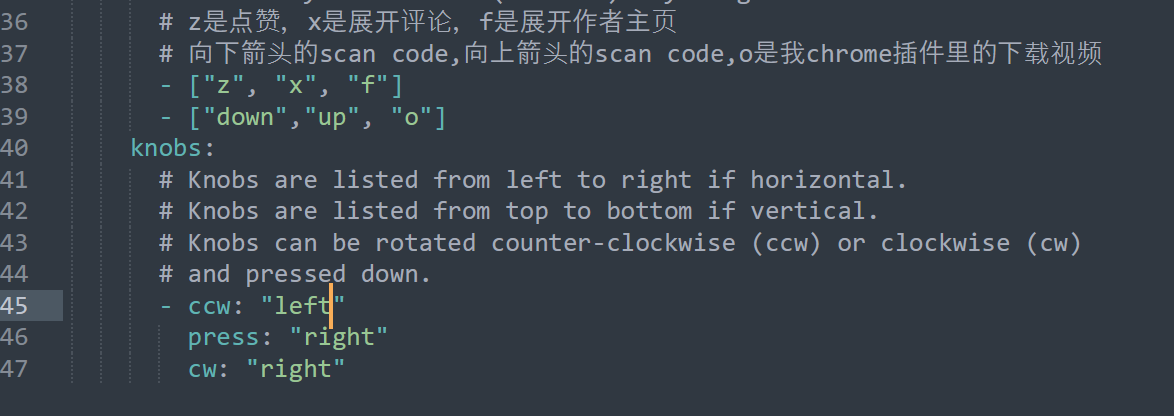
最后我改成这样了
其实github上有说

呵呵

记得哈,这玩意确实是1189:8890
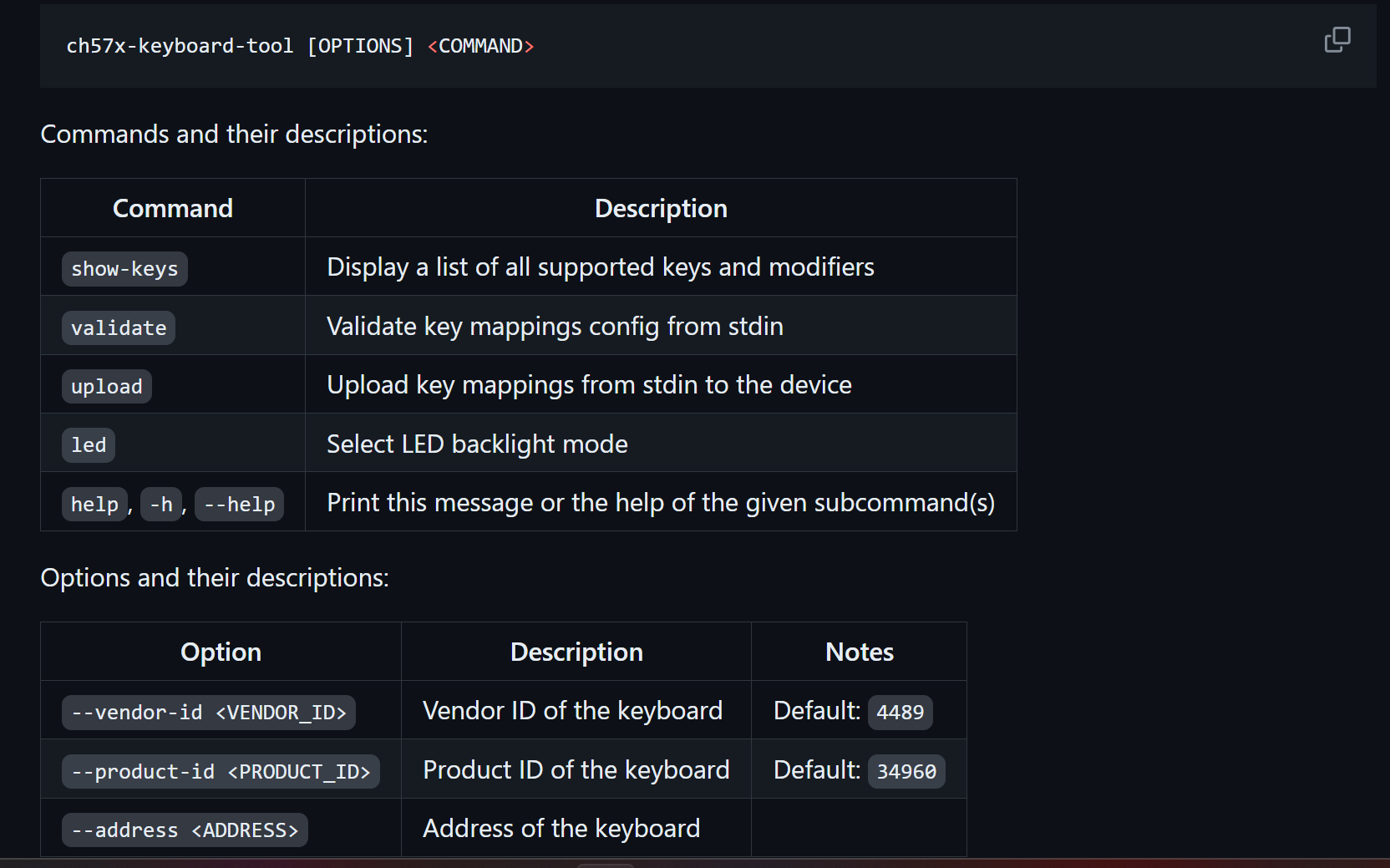
然后它的默认也有问题
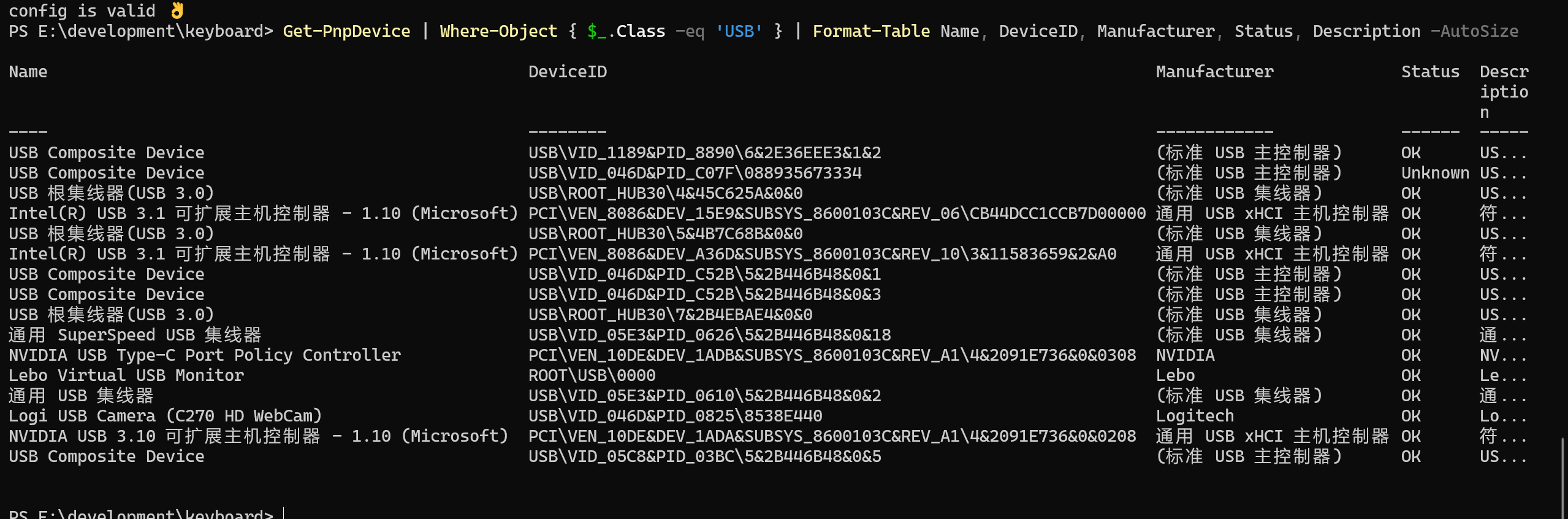
cat douyin.yaml | ch57x-keyboard-tool.exe upload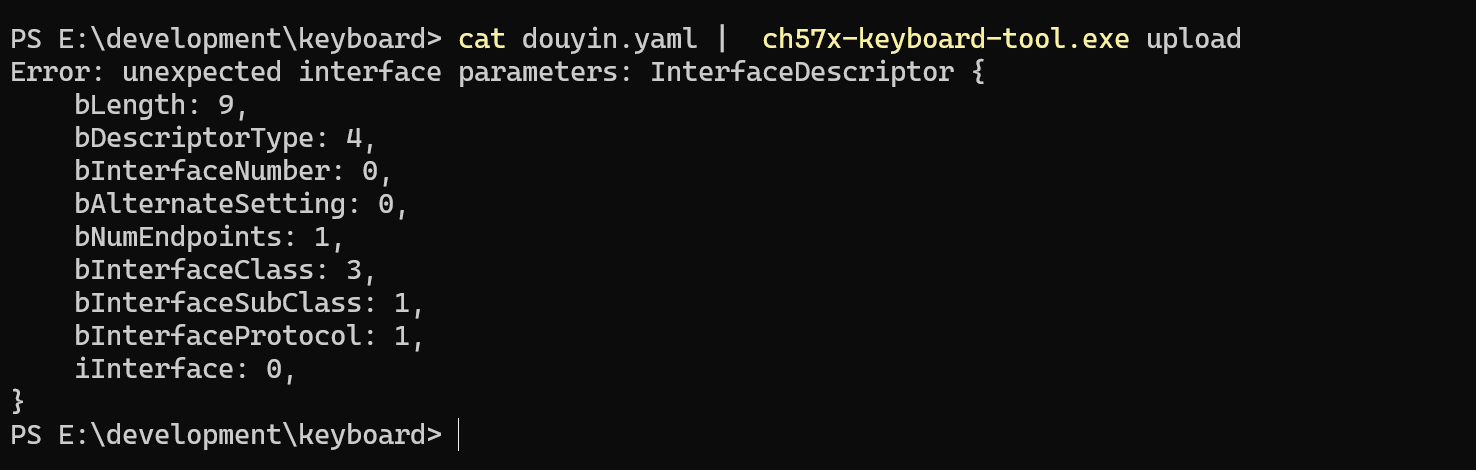
直接就报错
Get-PnpDevice | Where-Object { $_.Class -eq 'USB' } | Format-Table Name, DeviceID, Manufacturer, Status, Description -AutoSize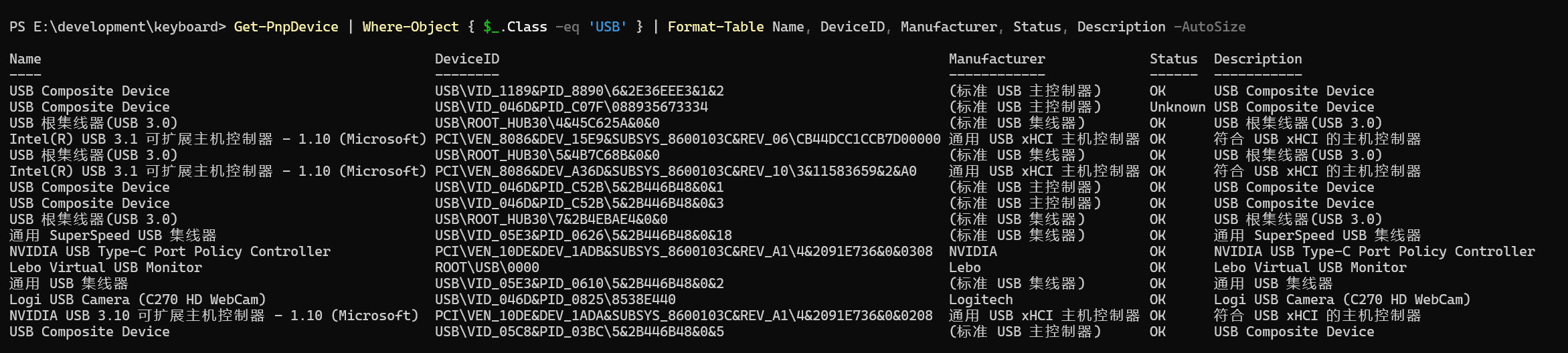
Get-Content douyin.yaml | ch57x-keyboard-tool --vendor-id 1189 --product-id 8890 upload
还是报错
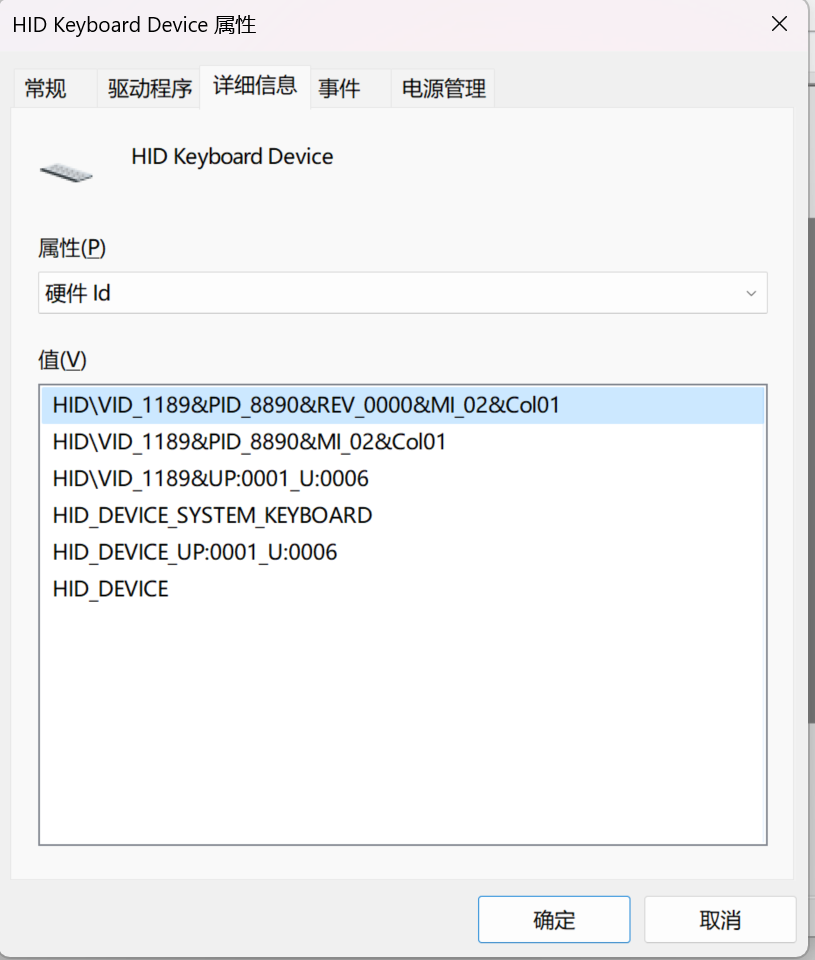
Get-Content douyin.yaml | ch57x-keyboard-tool.exe --vendor-id 0x1189 --product-id 0x8890 --endpoint-address 2 --interface-number 1 upload试了一下,这样是可以运行的
但说实话。。。。有啥用呢?