https://thelounge.chat/docs/install-and-upgrade
docker run --detach \
	--name thelounge \
	--publish 9000:9000 \
	--volume ~/.thelounge:/var/opt/thelounge \
	--restart always \
	ghcr.io/thelounge/thelounge:latest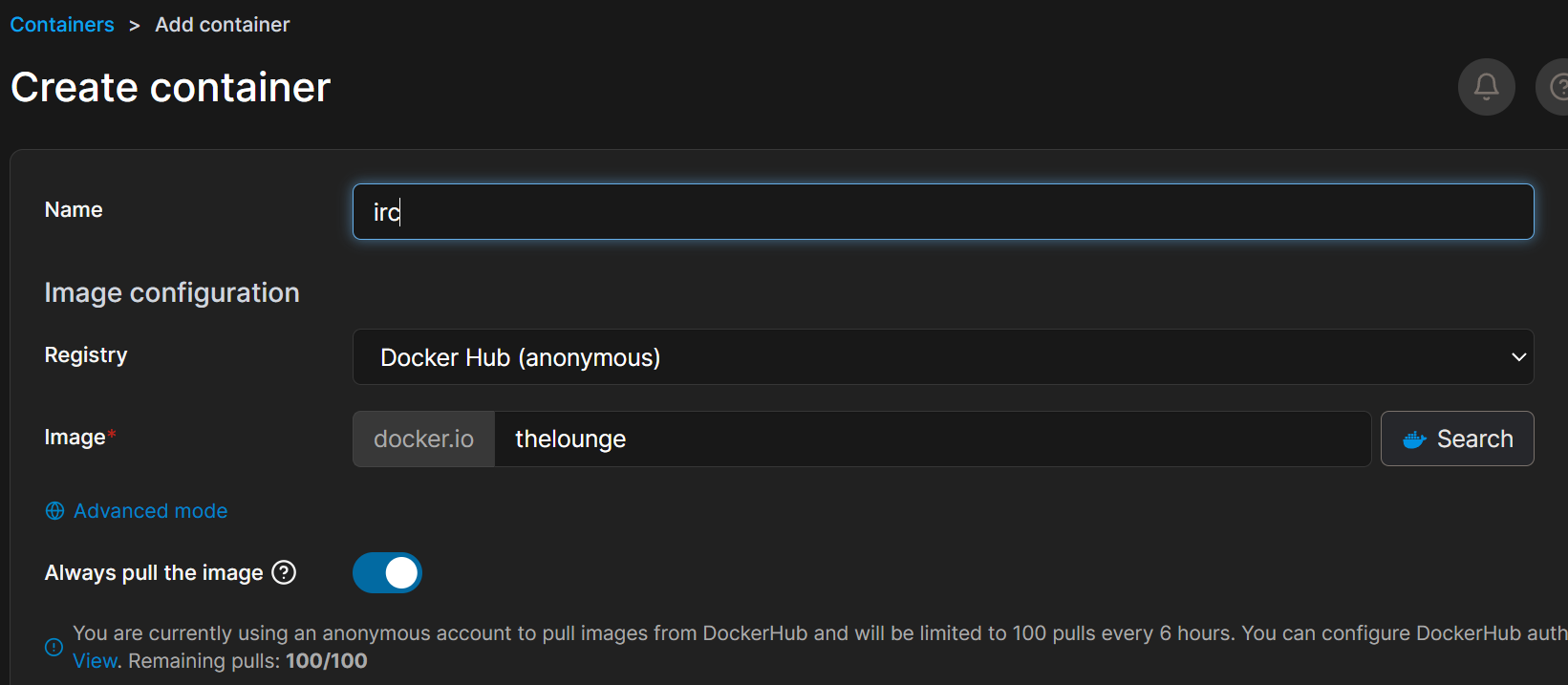
加一个存储吧
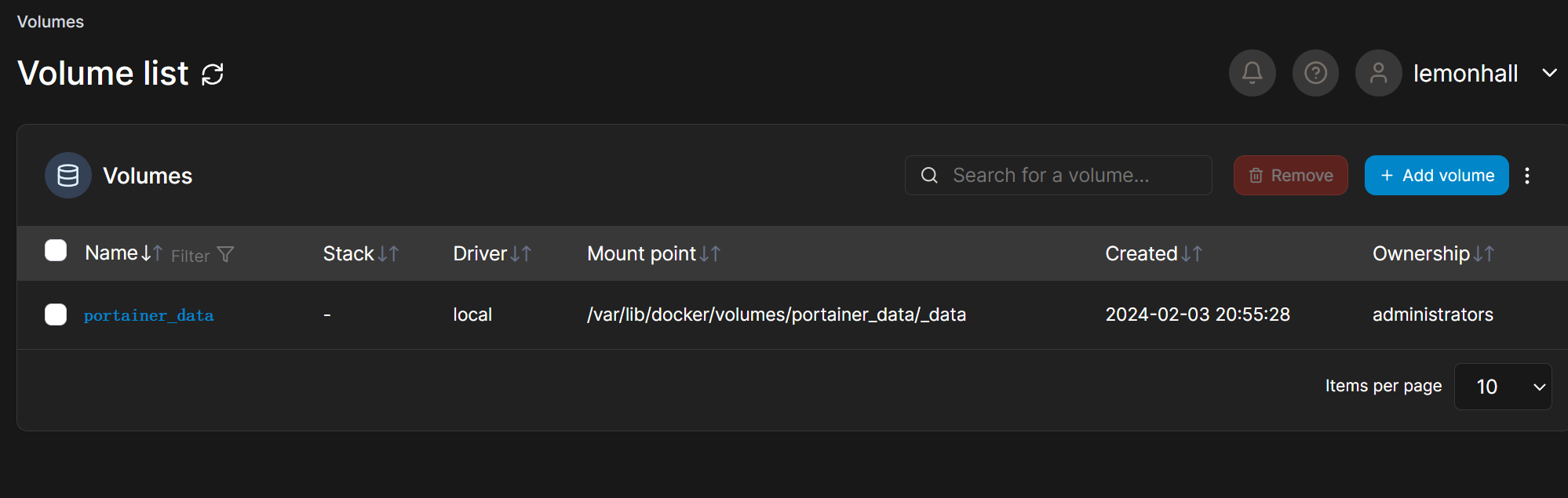
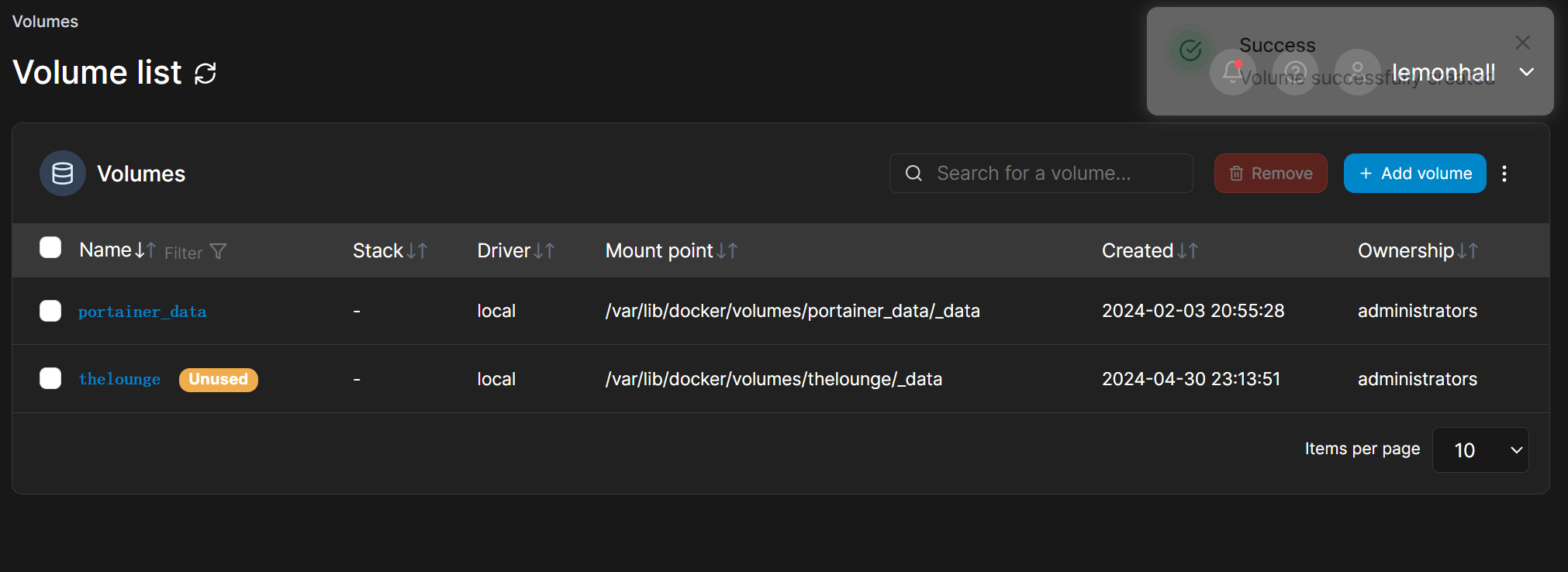
新建一个试一试
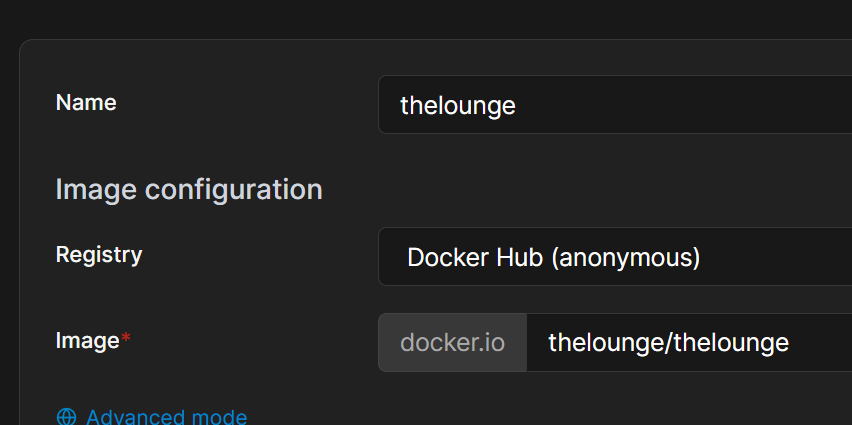
thelounge/thelounge
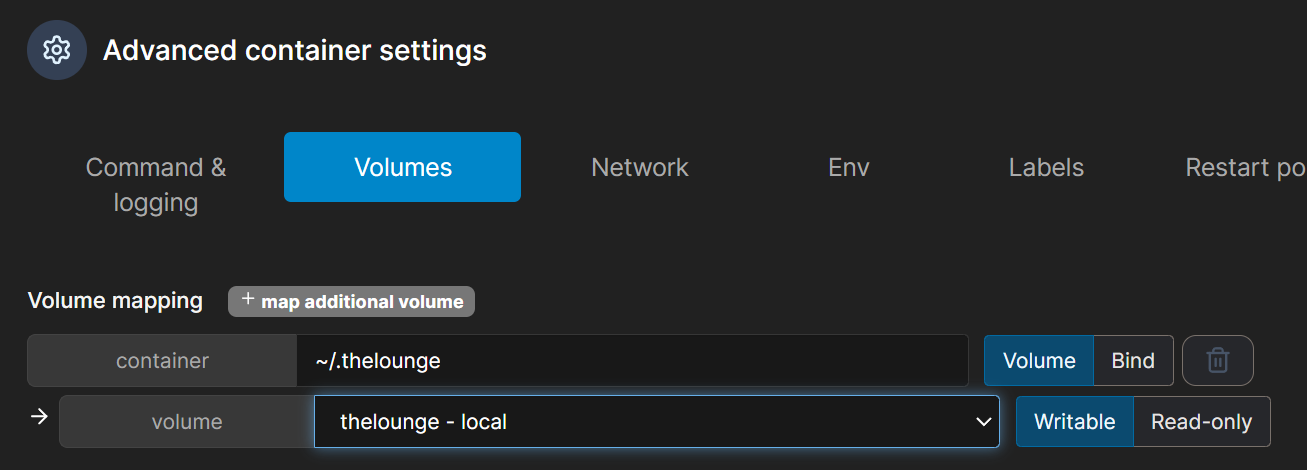
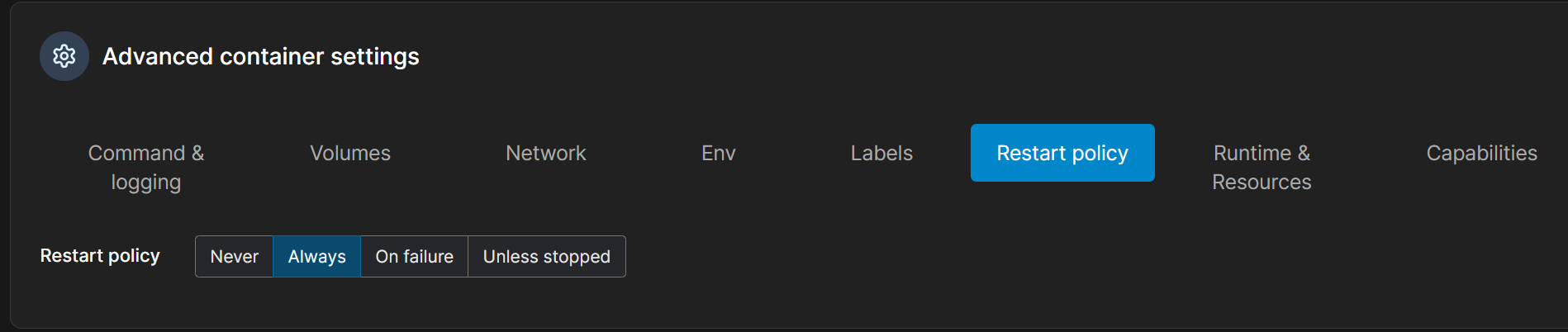

看了一下,9000确实没人用
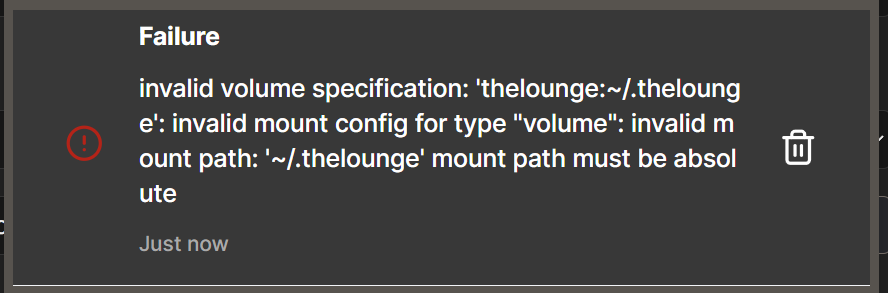
报错了
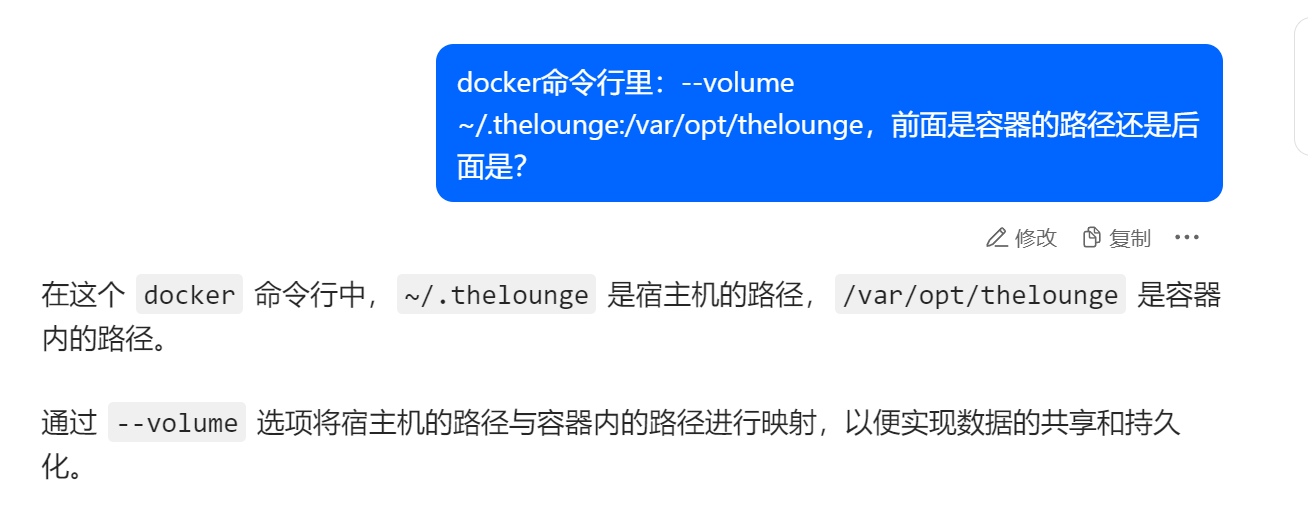
明白了
所以我需要现在主机上运行

然后把映射改成bind模式
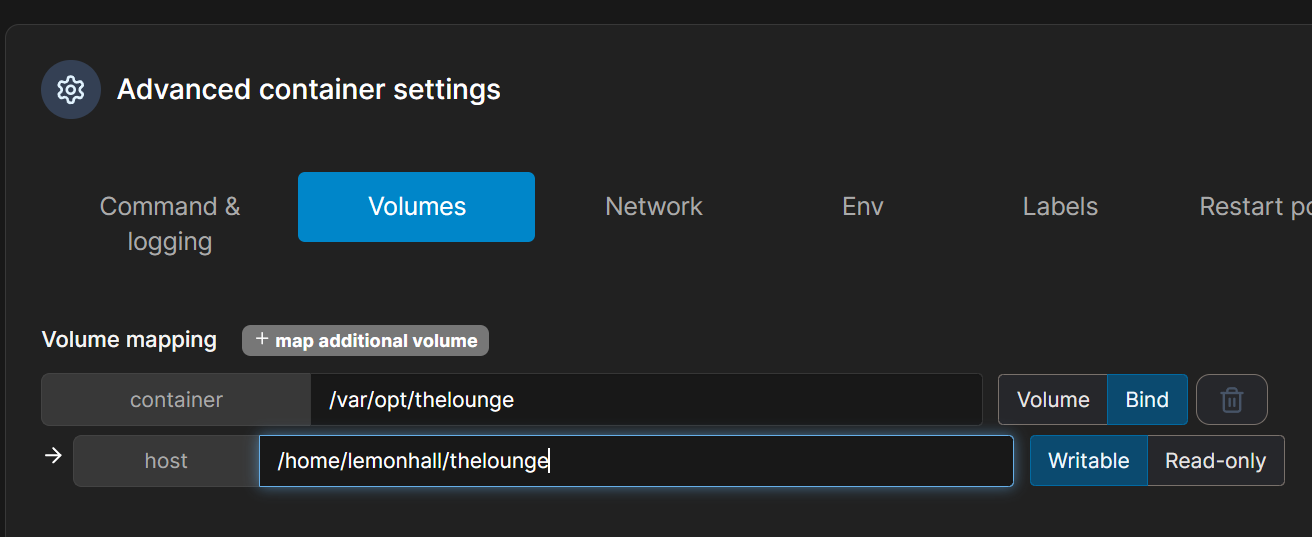
最后再次
然后看到了

==================================================================
然后配置一下ng这边:
1、第一步
增加一个dns指向
2、第二步
cd /etc/nginx/sites-enabled/
sudo cp code-server thelounge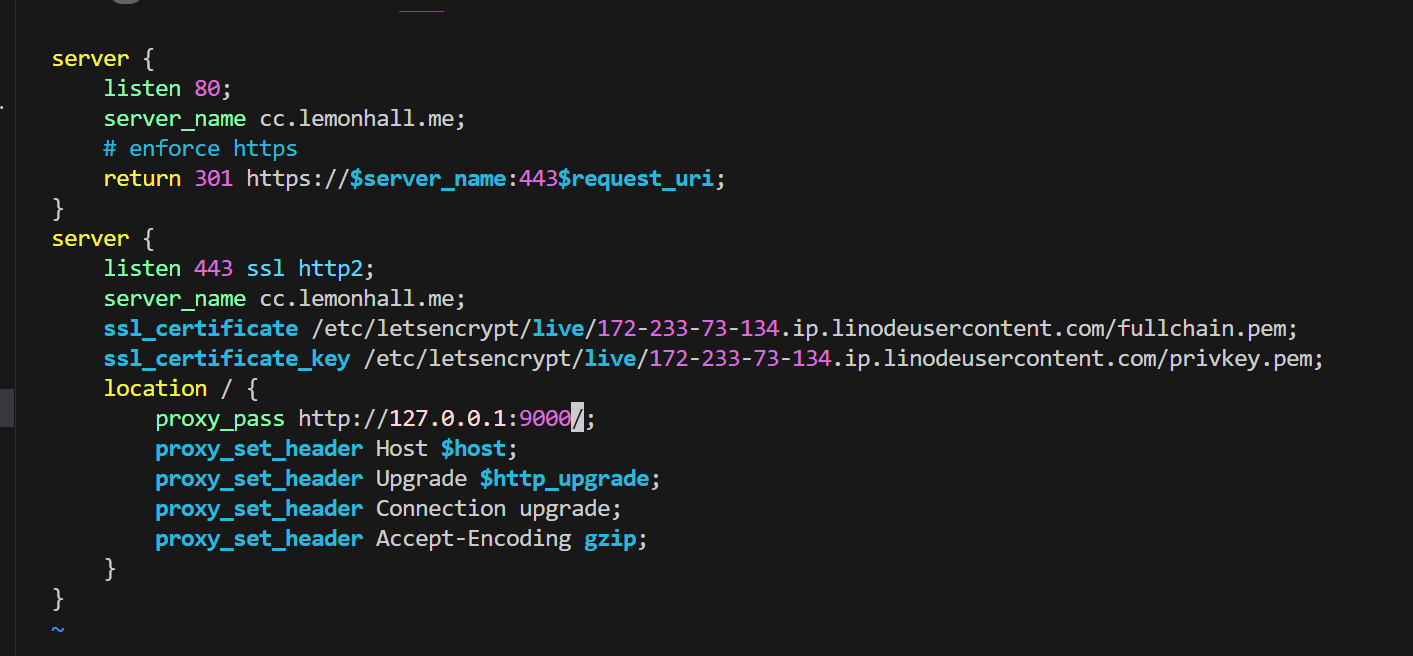
server {
    listen 80;
    server_name cc.lemonhall.me;
    # enforce https
    return 301 https://$server_name:443$request_uri;
}
server {
    listen 443 ssl http2;
    server_name cc.lemonhall.me;
    ssl_certificate /etc/letsencrypt/live/172-233-73-134.ip.linodeusercontent.com/fullchain.pem;
    ssl_certificate_key /etc/letsencrypt/live/172-233-73-134.ip.linodeusercontent.com/privkey.pem;
    location / {
        proxy_pass http://127.0.0.1:9000/;
        proxy_set_header Host $host;
        proxy_set_header Upgrade $http_upgrade;
        proxy_set_header Connection upgrade;
        proxy_set_header Accept-Encoding gzip;
    }
}
这样就完成了cc.lemonhall.me--->127.0.0.1:9000的指向
sudo systemctl reload nginx最后就是重载一下配置
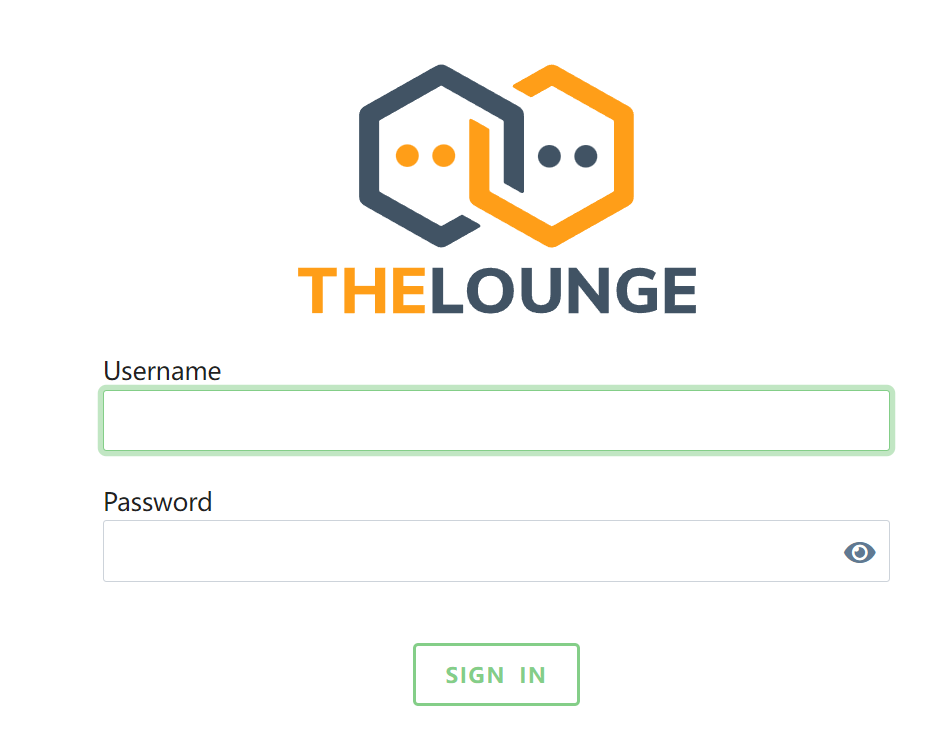
https://cc.lemonhall.me/这就出来了
然后比较奇葩的事情来了,这家伙没有一个web的管理后台啊
https://github.com/thelounge/thelounge-docker
https://thelounge.chat/docs/users
$ docker exec --user node -it [container_name] thelounge add [username]
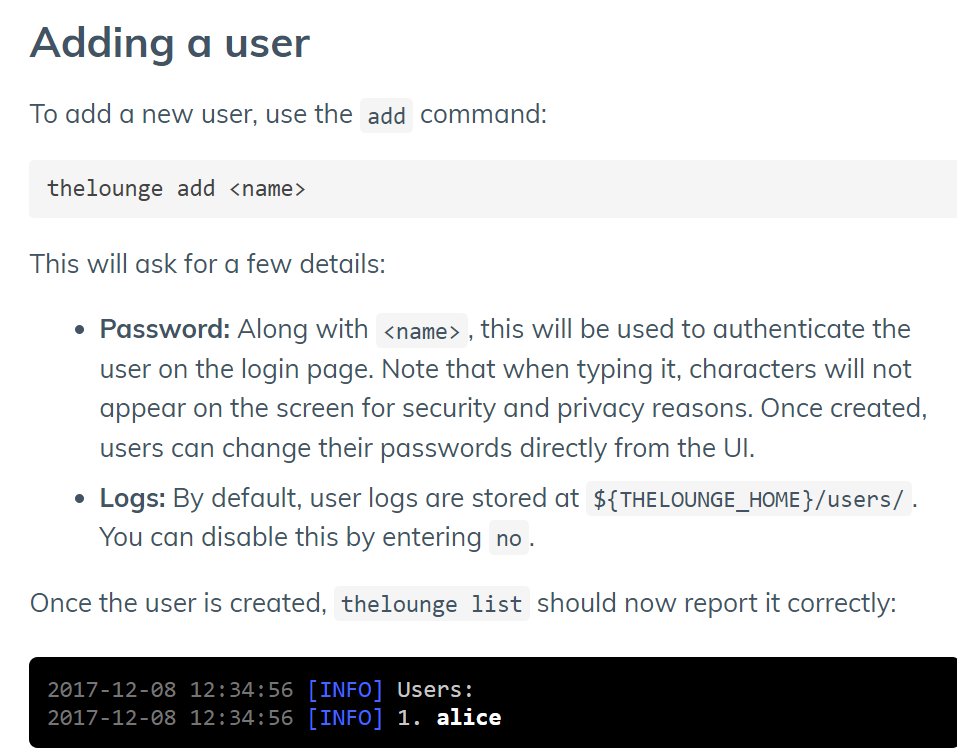
所以其实问题也不大
sudo docker exec --user node -it thelounge thelounge add lemonhall就在宿主机的shell下执行就可以

好嘞,然后试试新用户
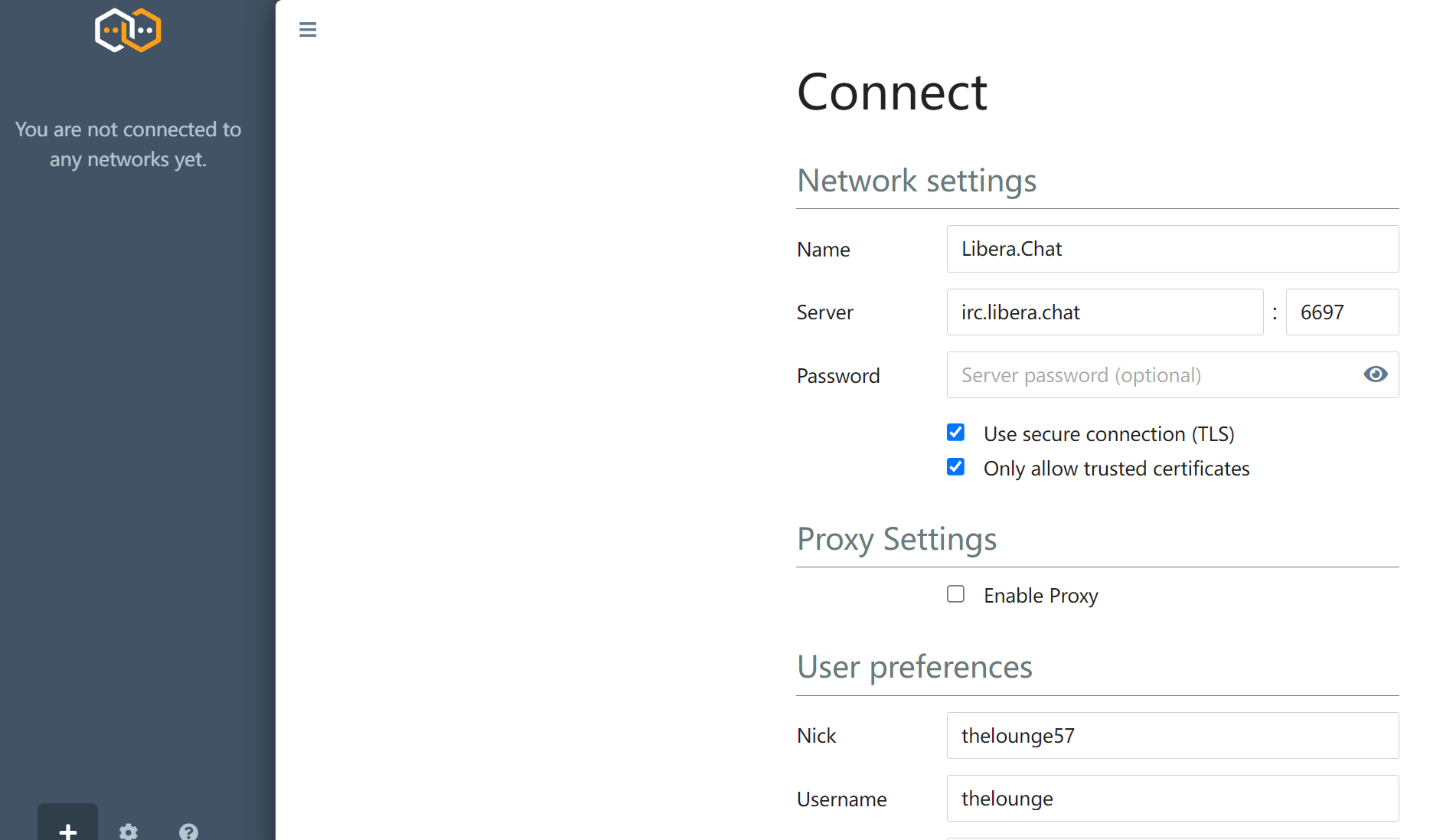
进来之后我发现了一个非常really尴尬的问题
就是这个软件本质上是一个client端啊。。。。呃呃呃呃
好吧,还需要再装一个server端。。。。郁闷
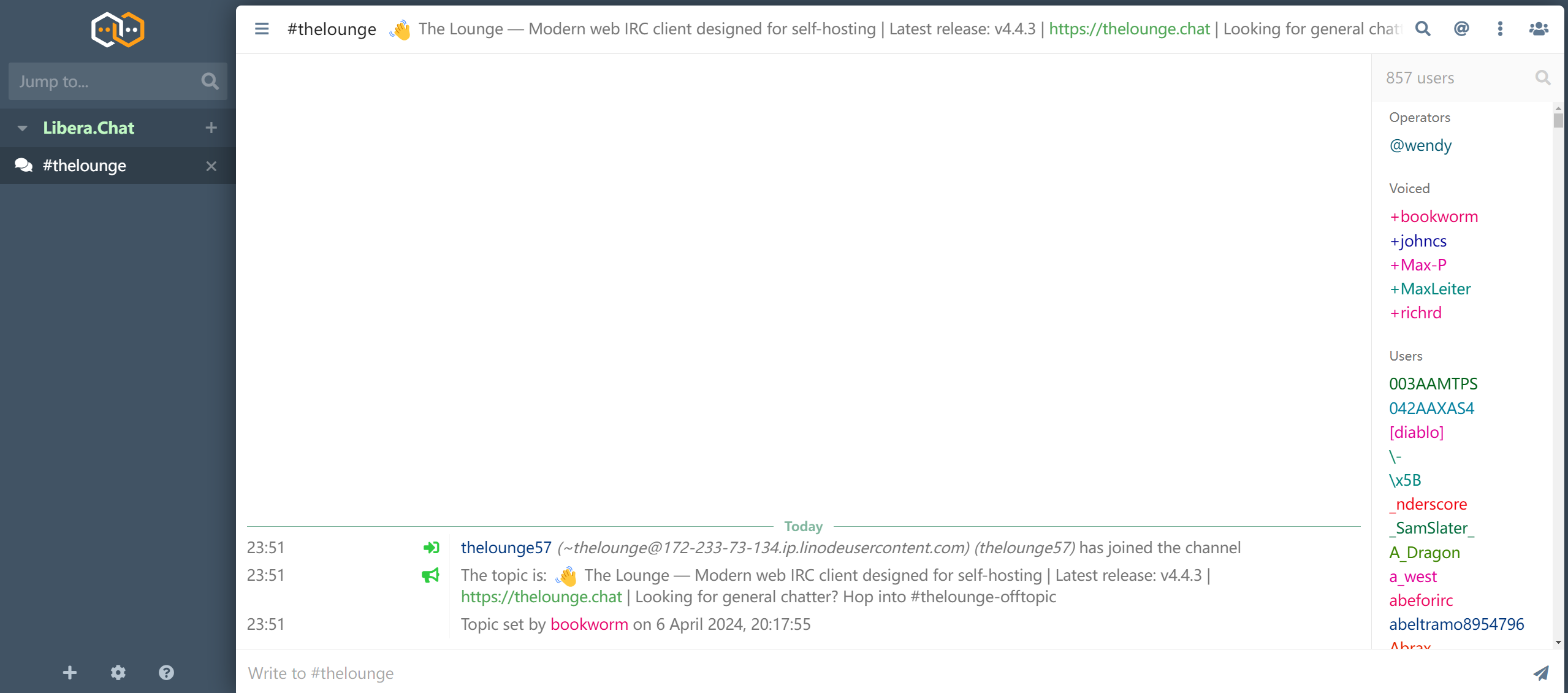
倒是进来了
但是....好吧
明天再找个靠谱的irc端来把服务端架设起来;