https://github.com/ltdrdata/ComfyUI-Manager
我是portable版本的ComfyUI
所以就用第二种办法
其实就是在文件夹下新建一个bat
install-manager-for-portable-version.bat
.\python_embeded\python.exe -s -m pip install gitpython
.\python_embeded\python.exe -c "import git; git.Repo.clone_from('https://github.com/ltdrdata/ComfyUI-Manager', './ComfyUI/custom_nodes/ComfyUI-Manager')"
就是和python_embeded文件夹同级的那个
然后保存
关掉ComfyUI,再打开,重启一次
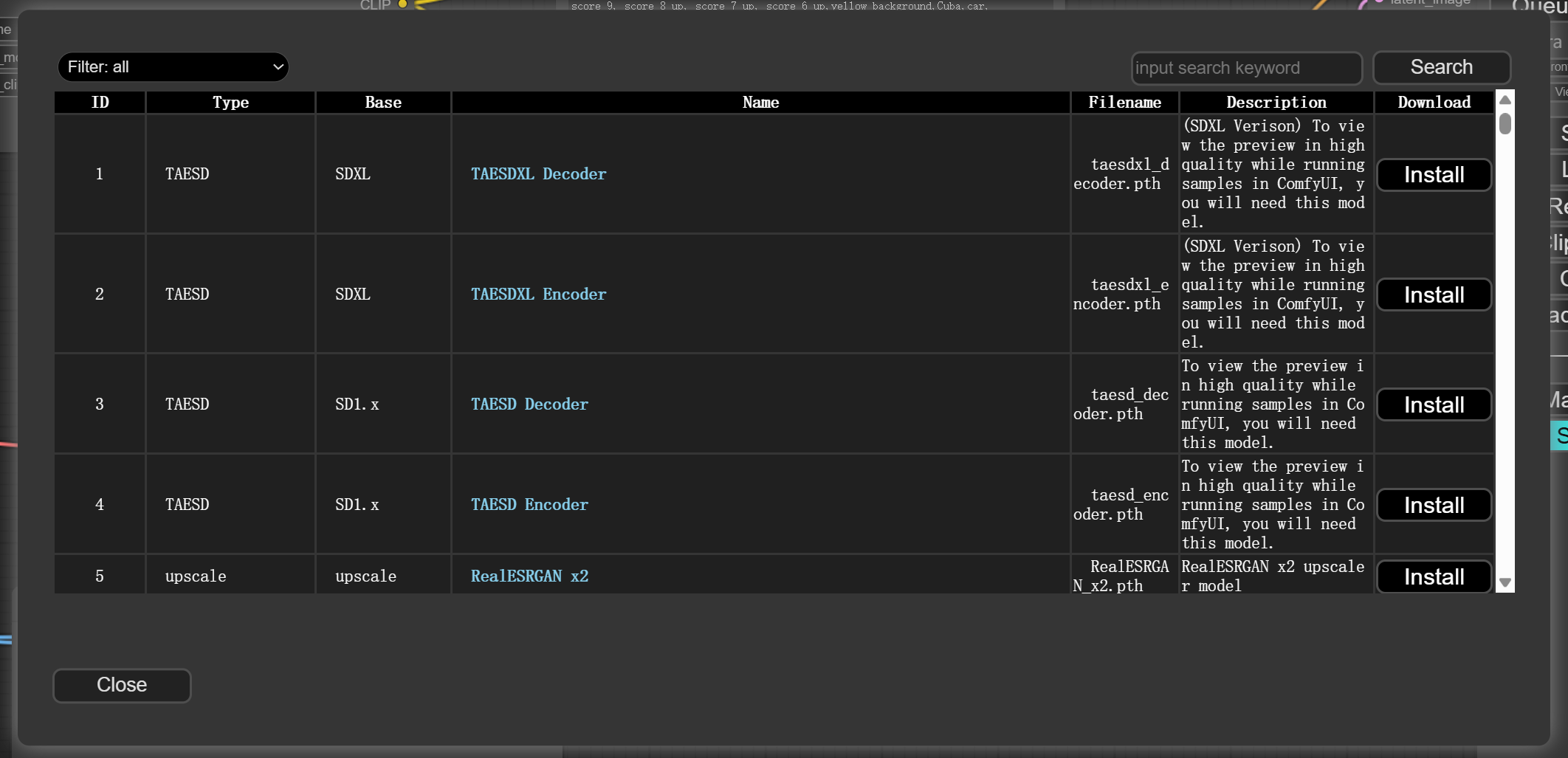
然后就是模块
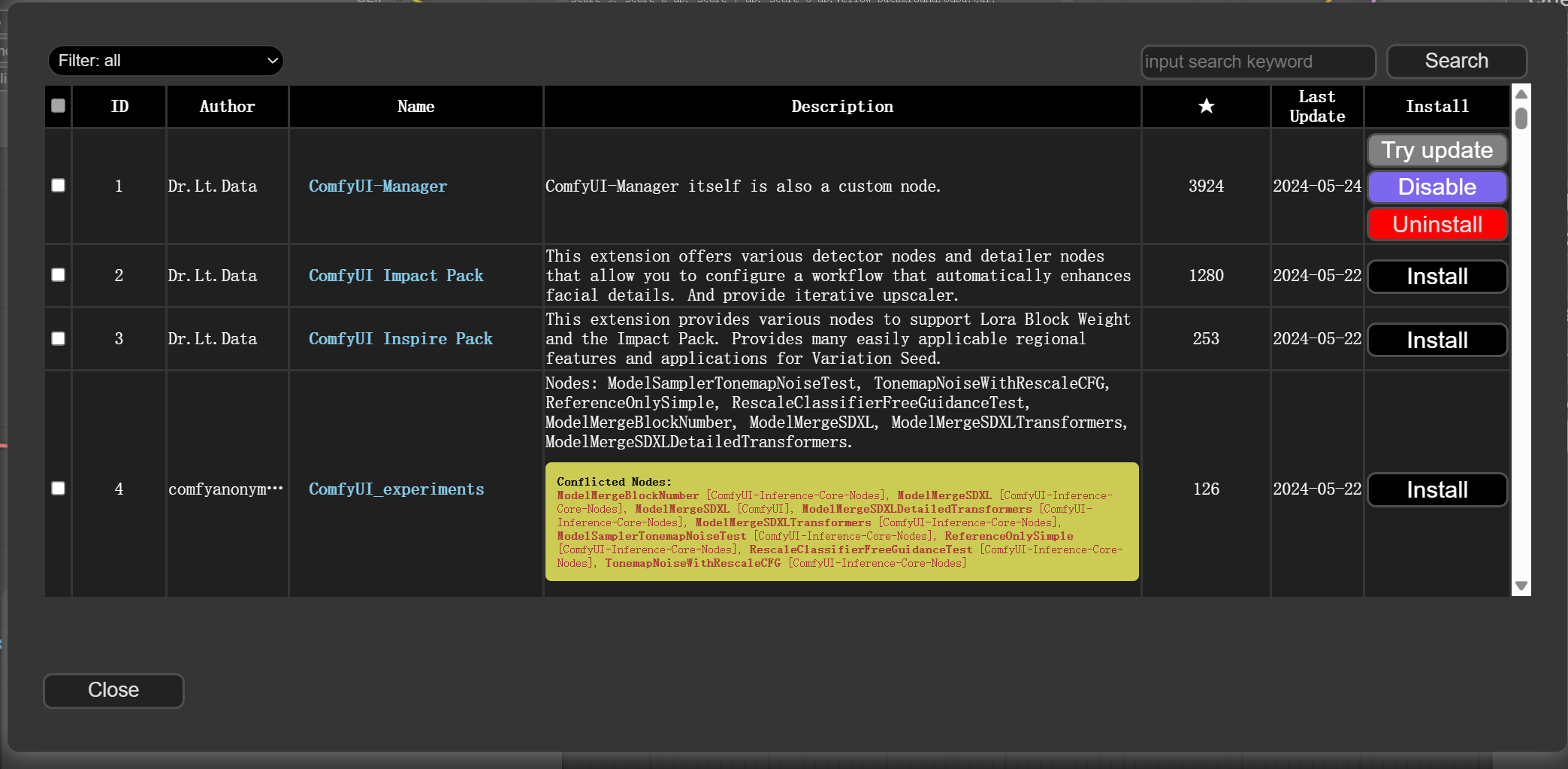
节点就都有了
看上去还不错
================================================
安装一个Metadata的记录器


装好了,前提是需要去设置一下git那边

真麻烦啊
然后重启
https://github.com/giriss/comfy-image-saver?tab=readme-ov-file
======================
算了,换一个
https://github.com/audioscavenger/save-image-extended-comfyui

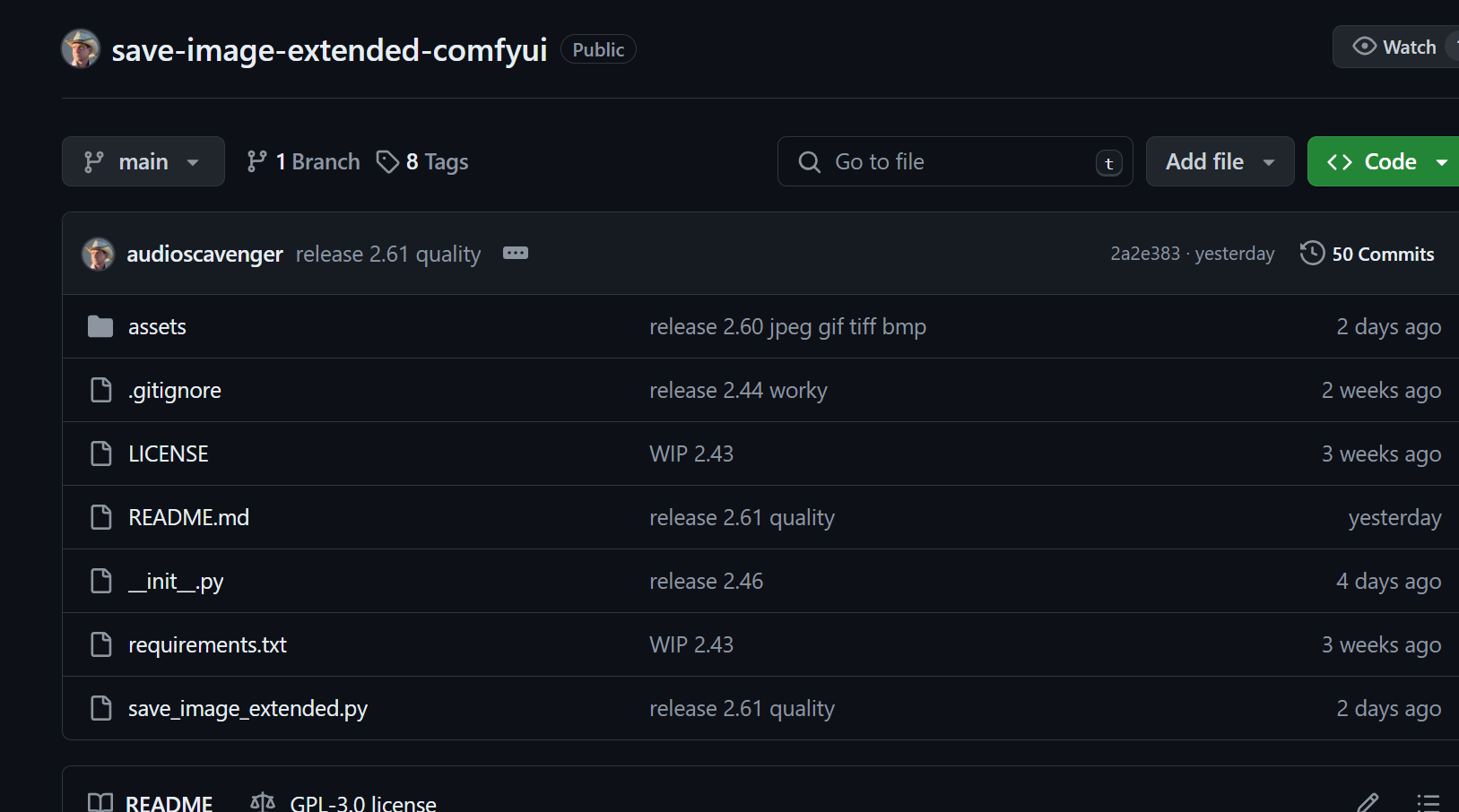
这个起码是再维护状态的
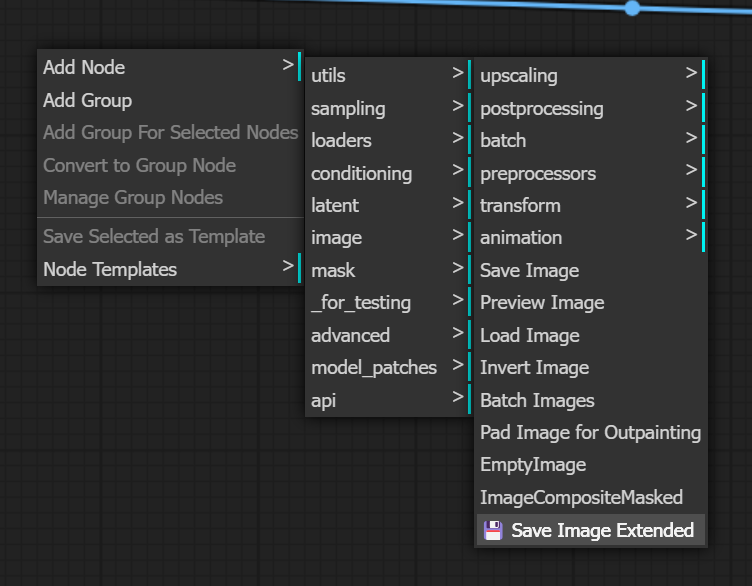
在image,Save Image Extended里面
https://github.com/audioscavenger/save-image-extended-comfyui
这玩意倒是不复杂:
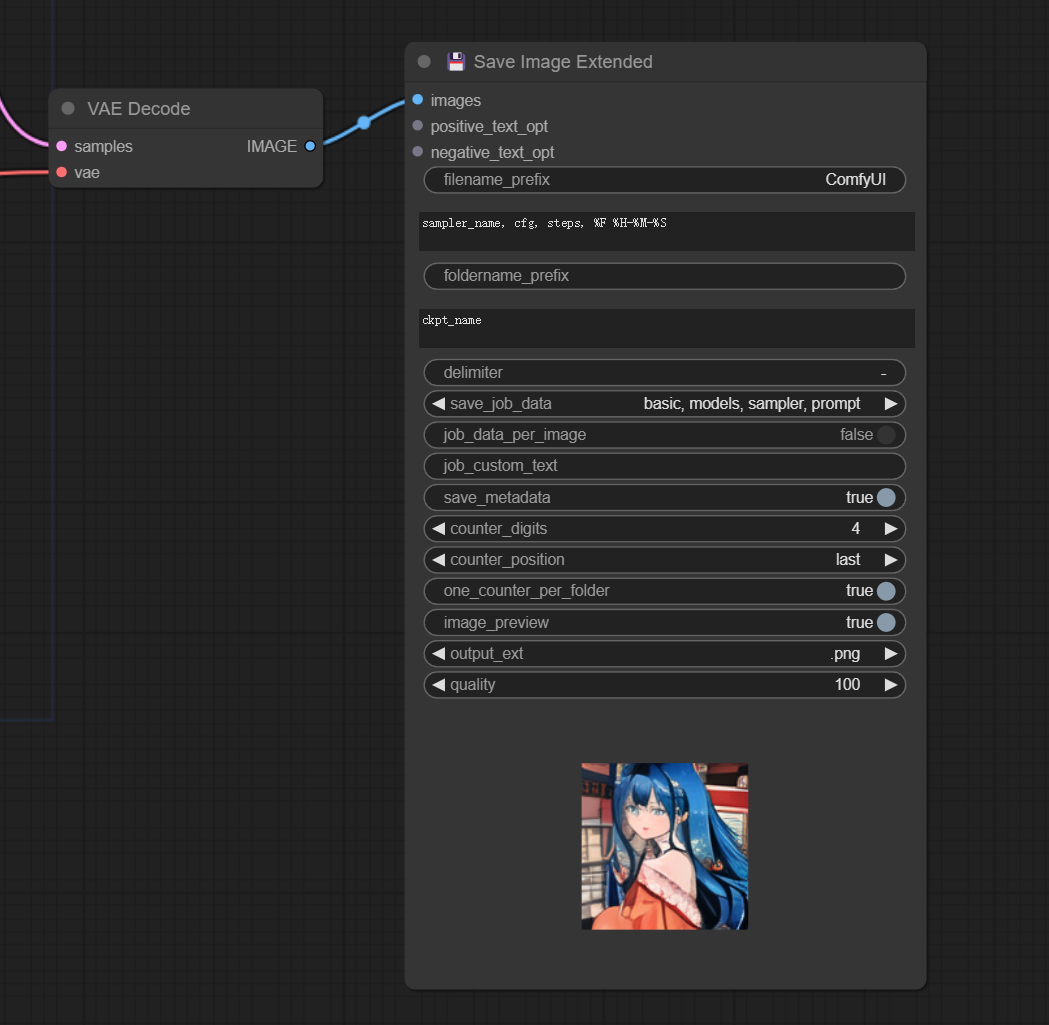
就把原版的替换掉就好了,我还以为这东西配置起来很麻烦
然后呢?
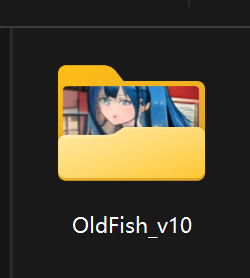
它在output下面会生成一个这个玩意儿
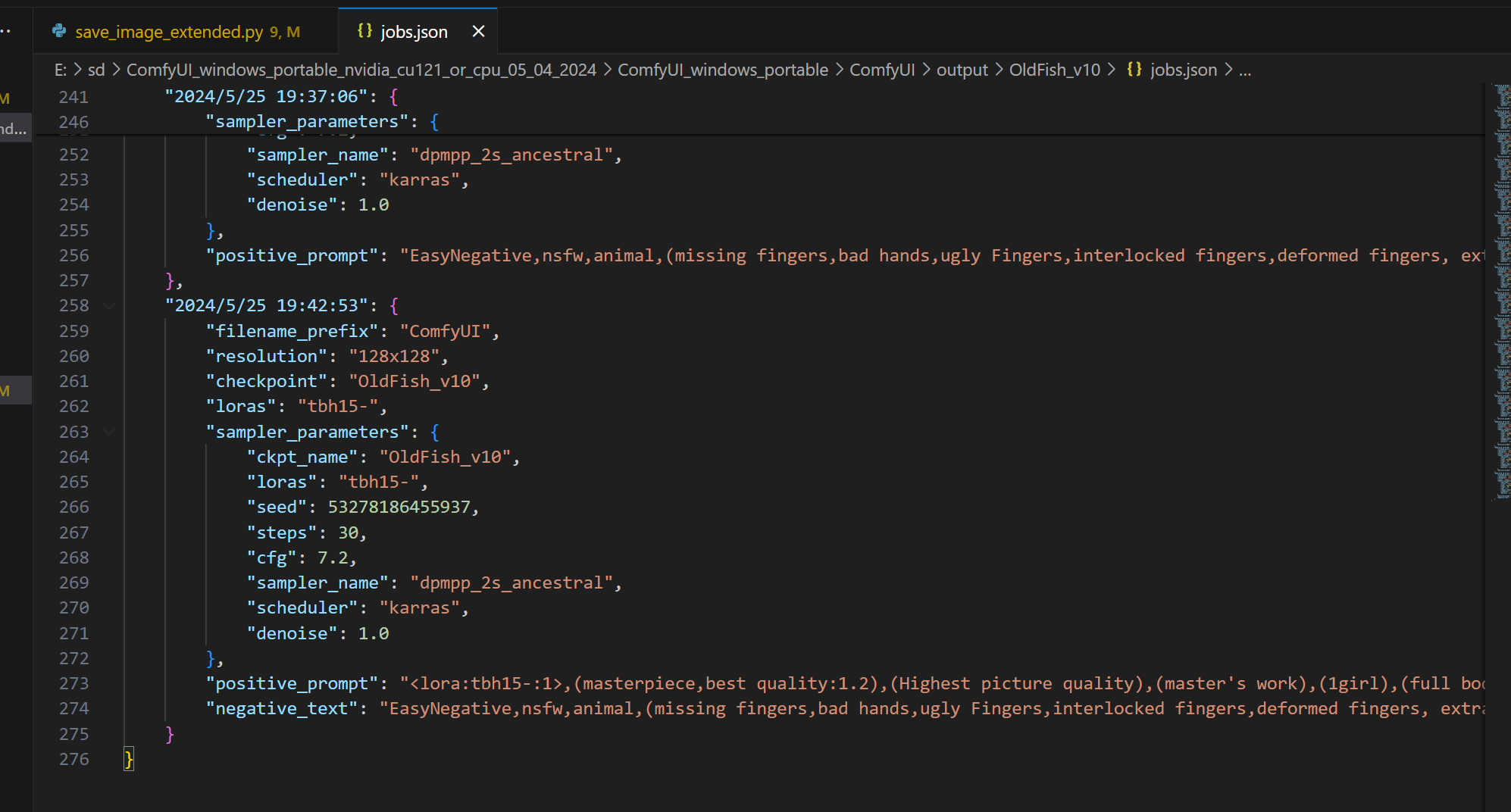
然后就啥都有了
json里面,不用手动记录了,否则累死人了
然后插件当前有个小bug
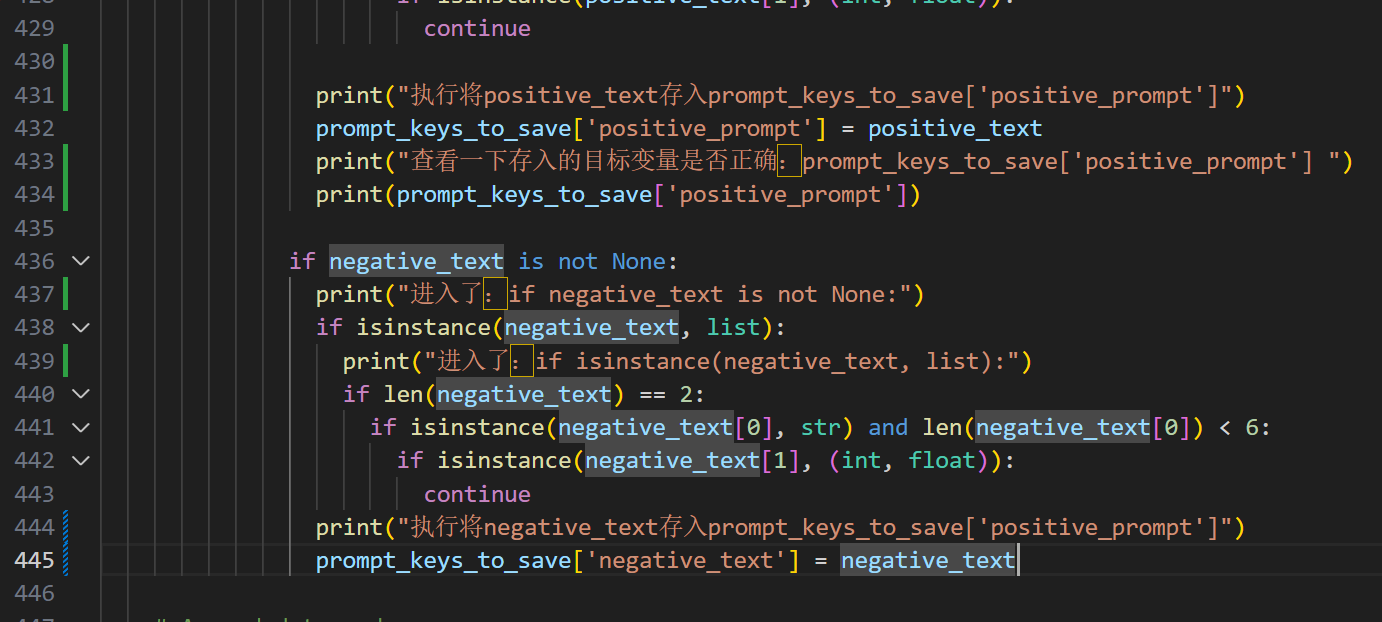
作者本来应该写成:
prompt_keys_to_save['negative_text'] = negative_text结果它写成了
prompt_keys_to_save['positive_prompt'] = negative_text结果导致
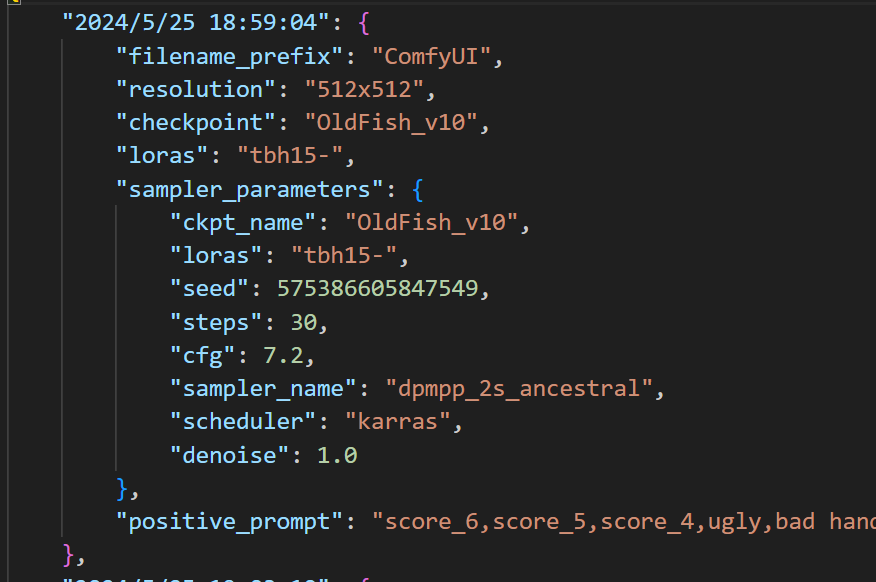
记录的json里只有negative_text,而且还错误的写入了positive_prompt里面去
只好帮作者debug了一下
然后也提交了问题了
https://github.com/audioscavenger/save-image-extended-comfyui/issues/8

估计如果你看到这文章的时候
这个bug早不在了
行了,享受抽卡的快乐去了