1、iframe内部:
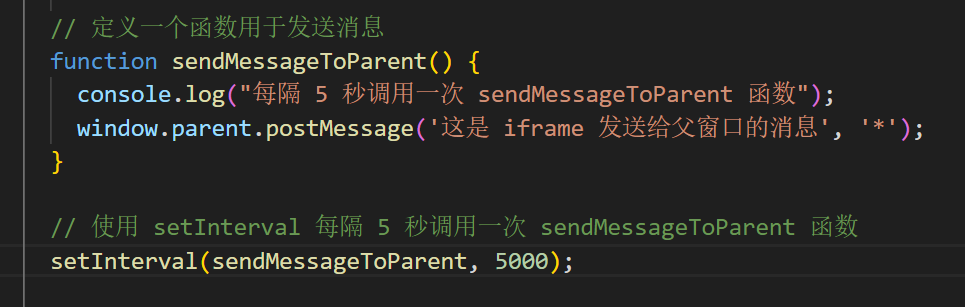
    // 定义一个函数用于发送消息
    function sendMessageToParent() {
      console.log("每隔 5 秒调用一次 sendMessageToParent 函数");
      window.parent.postMessage('这是 iframe 发送给父窗口的消息', '*');
    }

    // 使用 setInterval 每隔 5 秒调用一次 sendMessageToParent 函数
    setInterval(sendMessageToParent, 5000);
=================================================
2、父窗口内部:
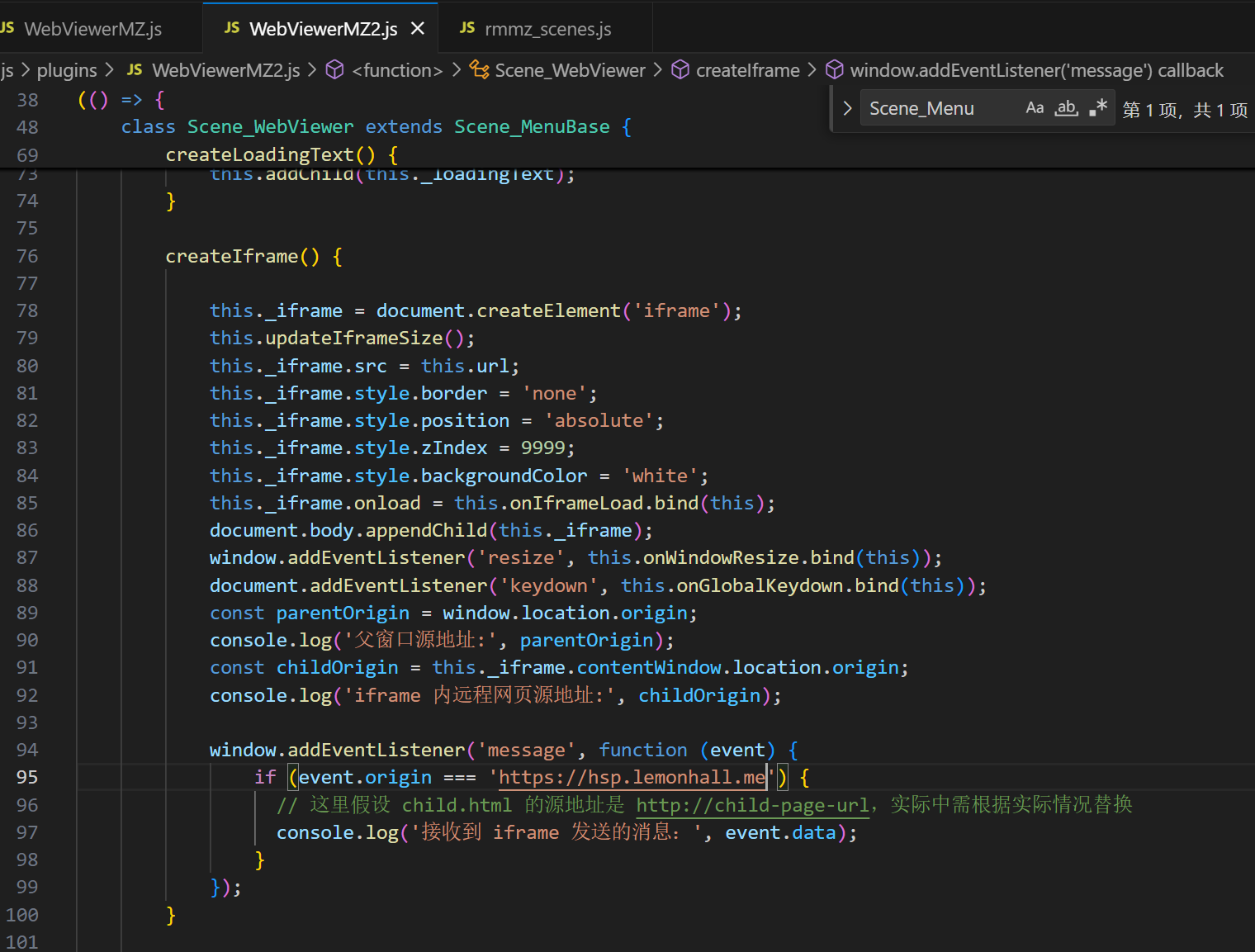
        createIframe() {

            this._iframe = document.createElement('iframe');
            this.updateIframeSize();
            this._iframe.src = this.url;
            this._iframe.style.border = 'none';
            this._iframe.style.position = 'absolute';
            this._iframe.style.zIndex = 9999;
            this._iframe.style.backgroundColor = 'white';
            this._iframe.onload = this.onIframeLoad.bind(this);
            document.body.appendChild(this._iframe);
            window.addEventListener('resize', this.onWindowResize.bind(this));
            document.addEventListener('keydown', this.onGlobalKeydown.bind(this));
            const parentOrigin = window.location.origin;
            console.log('父窗口源地址:', parentOrigin);
            const childOrigin = this._iframe.contentWindow.location.origin;
            console.log('iframe 内远程网页源地址:', childOrigin);

            window.addEventListener('message', function (event) {
                if (event.origin === 'https://hsp.lemonhall.me') {
                  // 这里假设 child.html 的源地址是 http://child-page-url,实际中需根据实际情况替换
                  console.log('接收到 iframe 发送的消息:', event.data);
                }
            });
        }
我直接在create阶段,加上了监听函数:
这样,iframe那边就可以发给我一些event的消息了
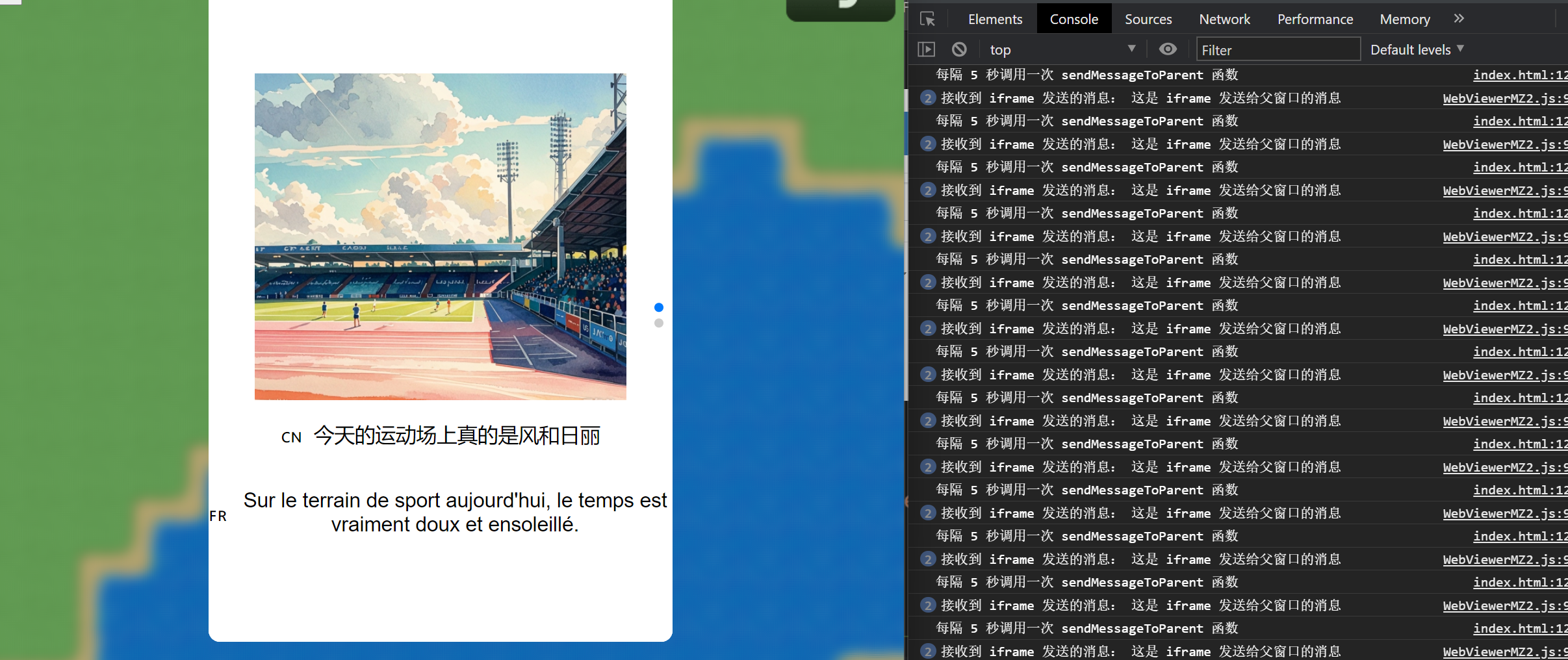
效果不错
这样网页里点击了什么东西
游戏里面是可以知道的