https://github.com/Lamelynx/GodotUniversalIntentPlugin-Android
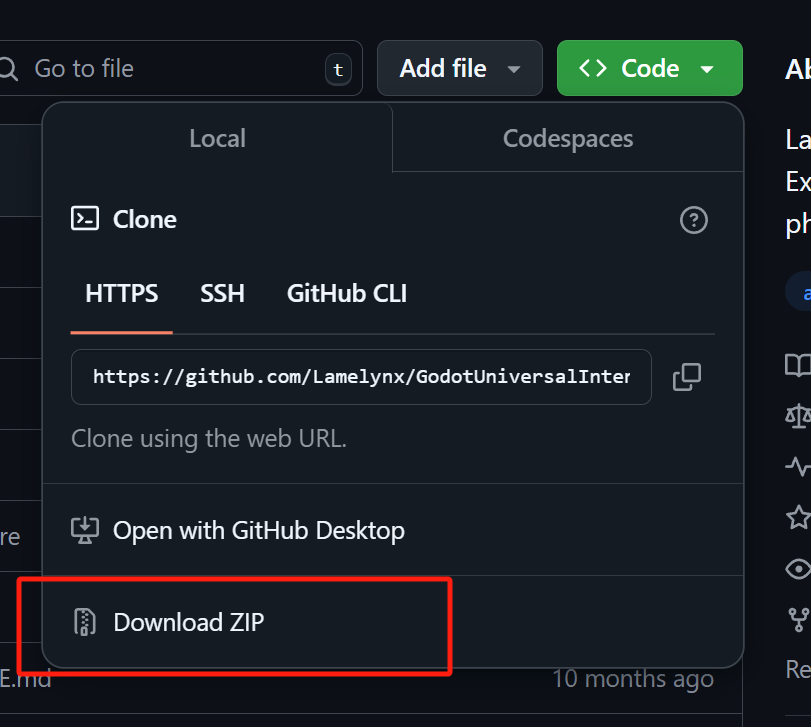
下载到本地
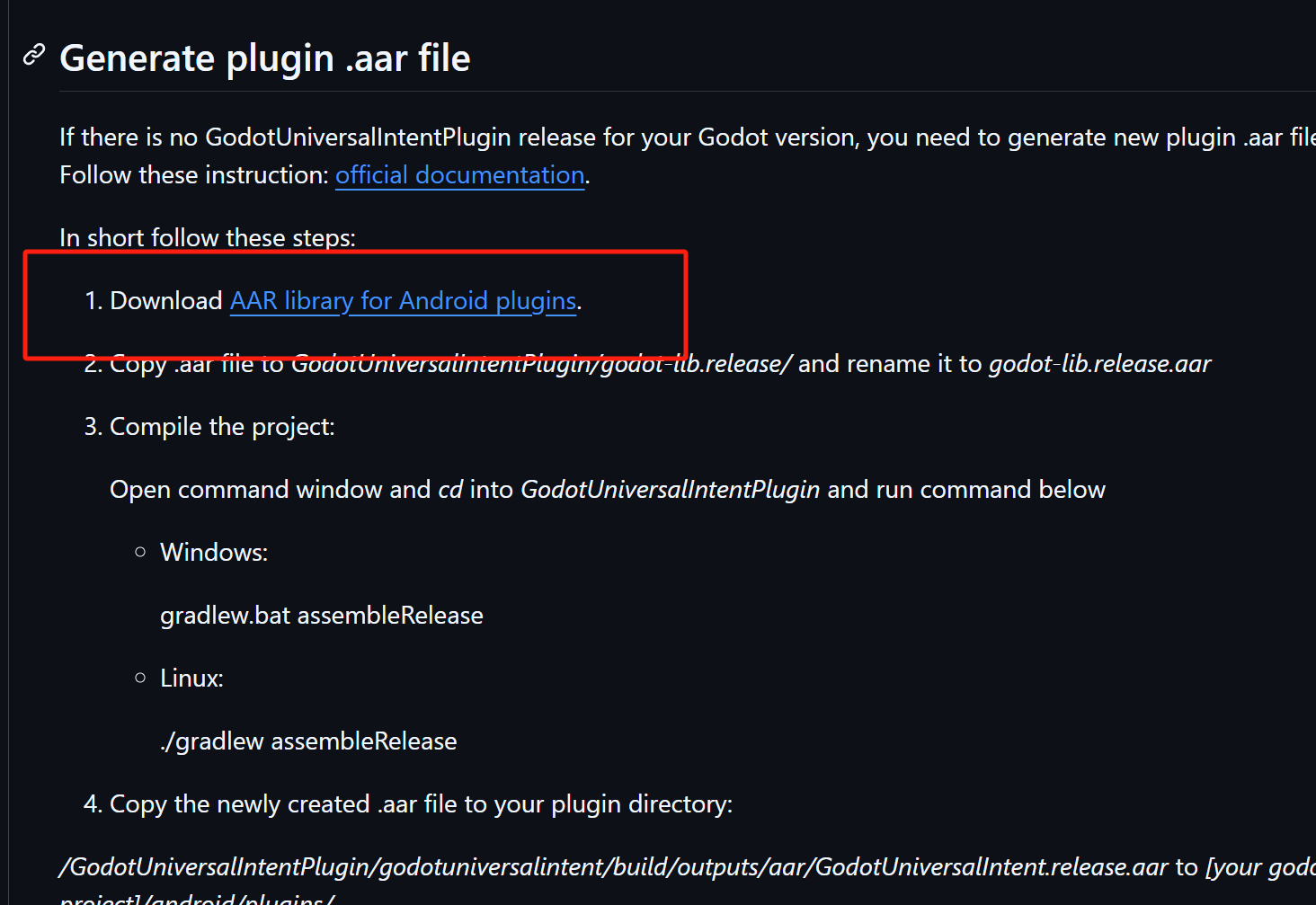
按照要求,先下载aar
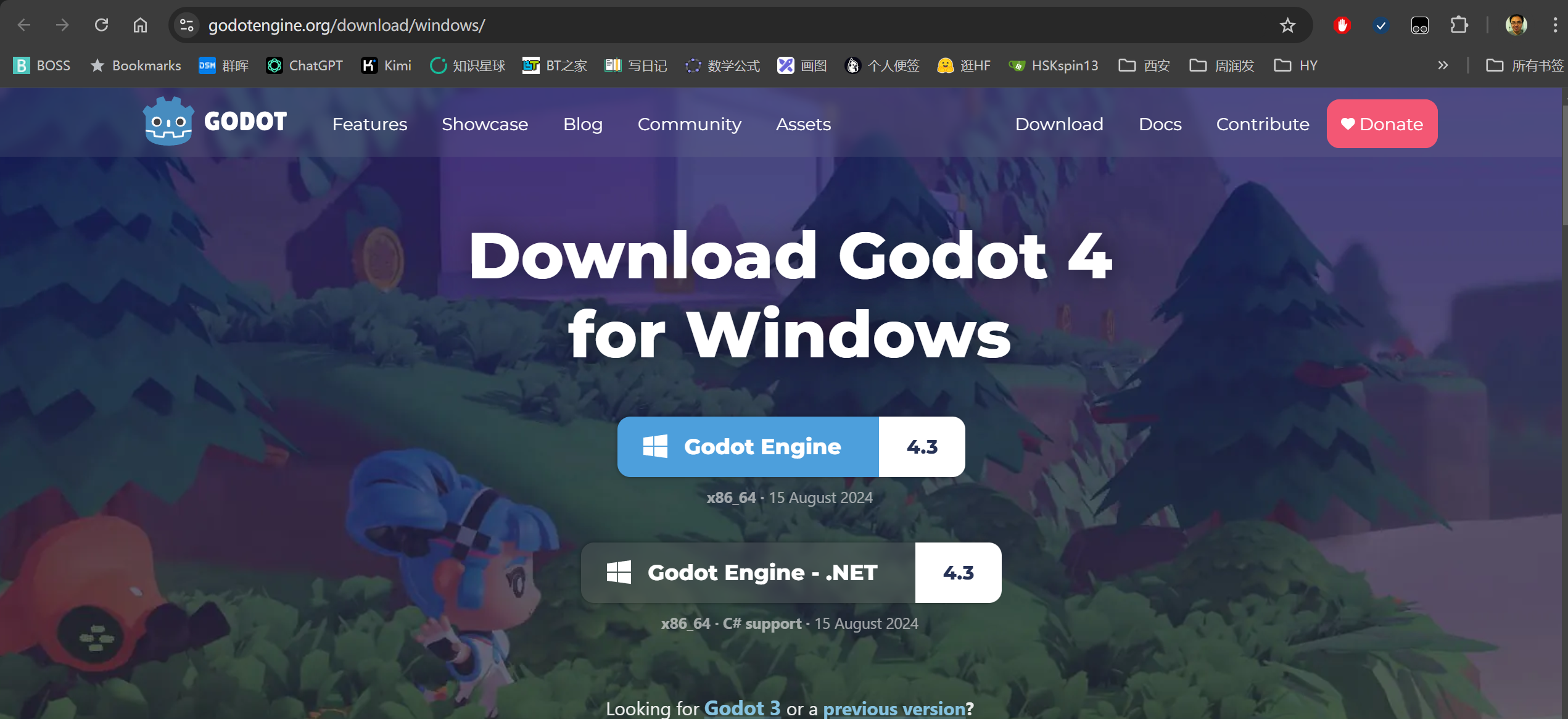
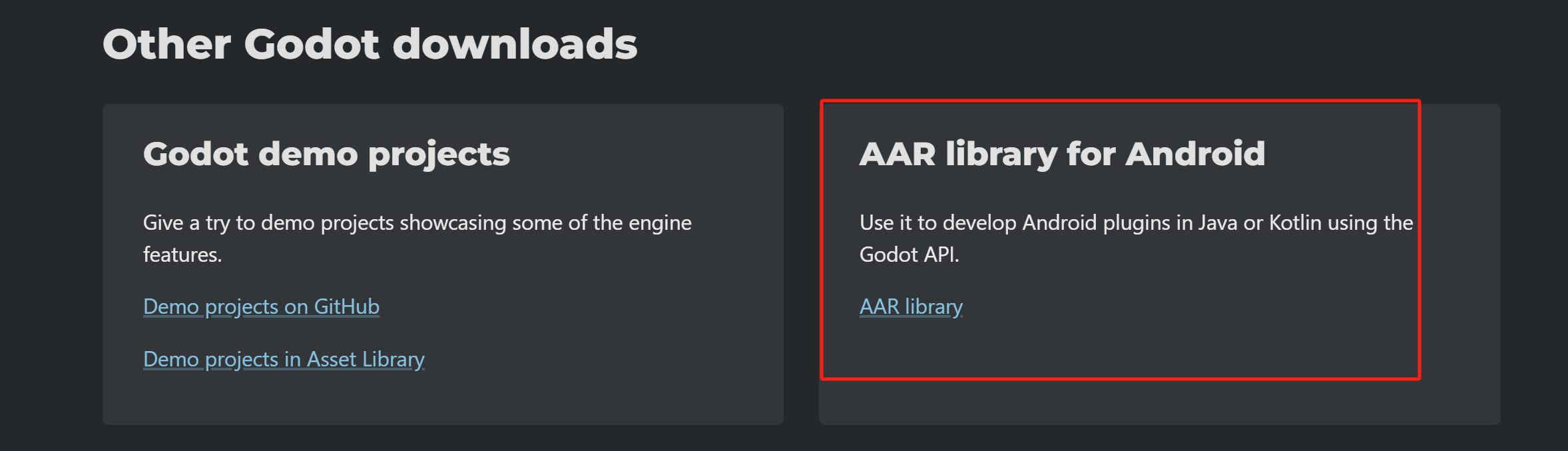
就这个

然后放到这里
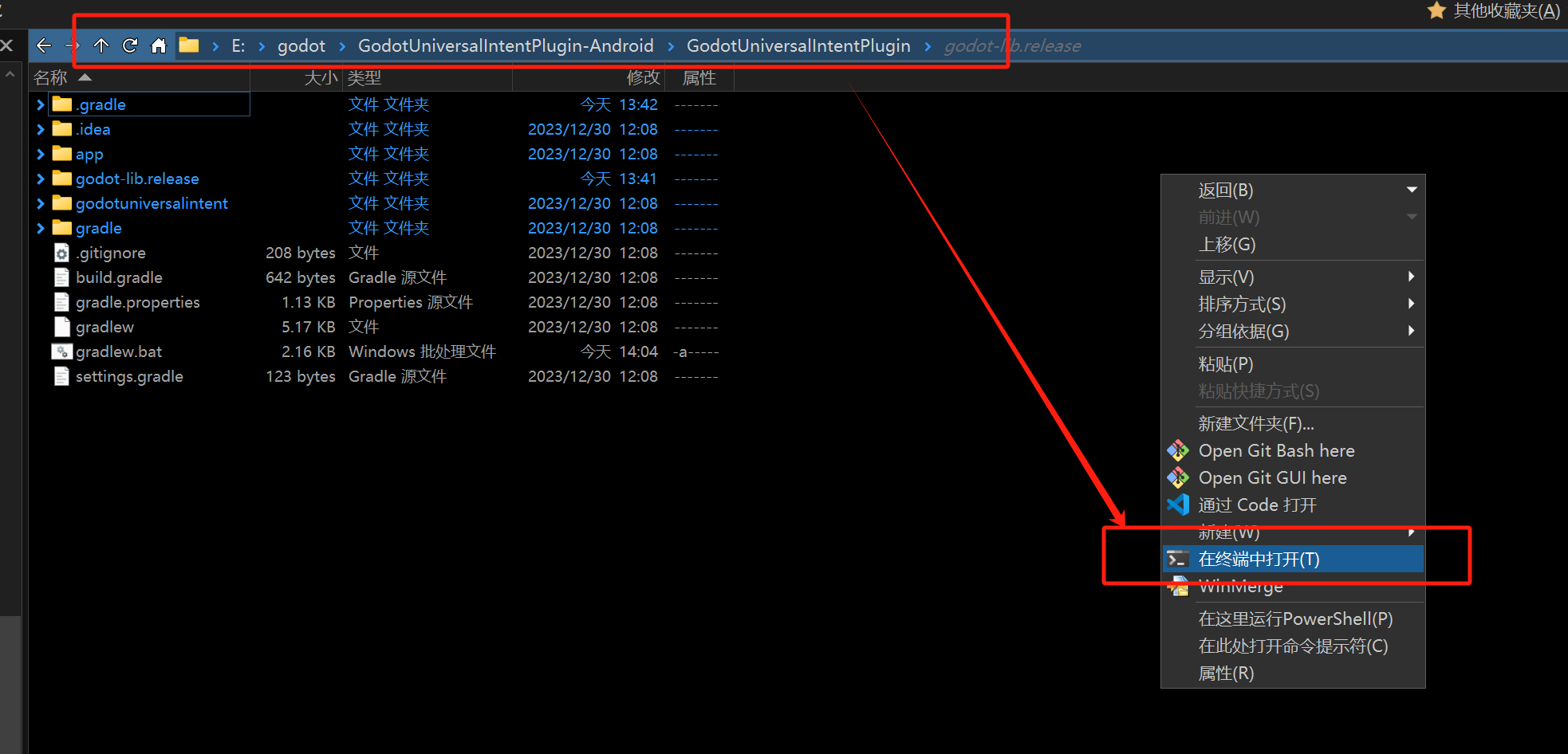
接着启动终端
然后然后
.\gradlew.batJAVA_HOME那边我配置为了jdk17哈
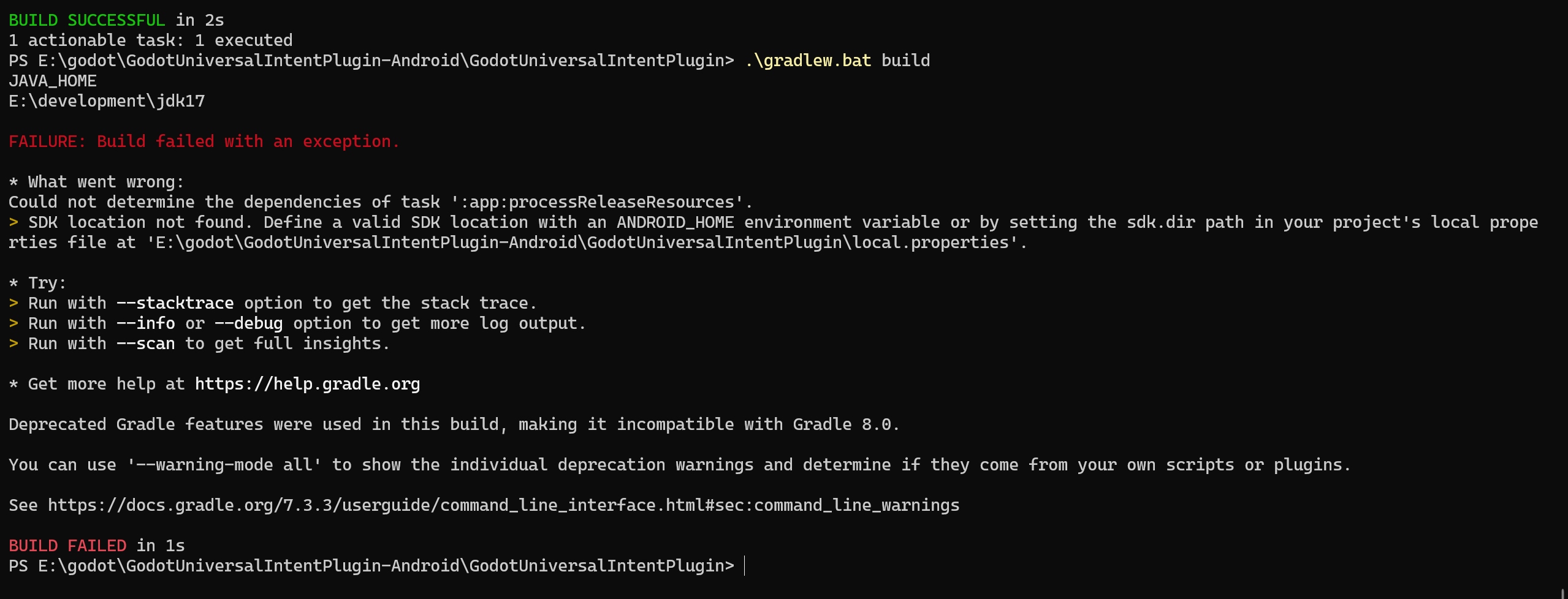
运行:
.\gradlew.bat build直接报错
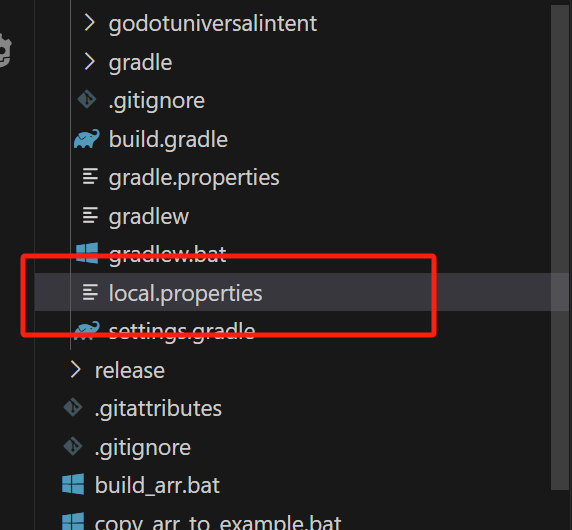

得这样配置SDK才行
sdk.dir=E\:\\Android\\SDK// Top-level build file where you can add configuration options common to all sub-projects/modules.
buildscript {
ext.kotlin_version = "1.9.22"
repositories {
google()
jcenter()
}
dependencies {
classpath 'com.android.tools.build:gradle:8.6.1'
classpath "org.jetbrains.kotlin:kotlin-gradle-plugin:$kotlin_version"
// NOTE: Do not place your application dependencies here; they belong
// in the individual module build.gradle files
}
}
allprojects {
repositories {
google()
jcenter()
}
}
task clean(type: Delete) {
delete rootProject.buildDir
}主文件得升级成这样
apply plugin: 'com.android.application'
apply plugin: 'kotlin-android'
//apply plugin: 'kotlin-android-extensions'
apply plugin: 'kotlin-parcelize'

android {
    compileSdkVersion 34

    // 其他配置
    compileOptions {
        sourceCompatibility JavaVersion.VERSION_17
        targetCompatibility JavaVersion.VERSION_17
    }
    kotlinOptions {
        jvmTarget = '17'
    }

    defaultConfig {
        applicationId "com.gmail.lamelynx.godotuniversalintentplugin"
        minSdkVersion 21
        //noinspection EditedTargetSdkVersion
        targetSdkVersion 34
        versionCode 1
        versionName "1.0"

        testInstrumentationRunner "androidx.test.runner.AndroidJUnitRunner"
    }

    buildTypes {
        release {
            minifyEnabled false
            proguardFiles getDefaultProguardFile('proguard-android-optimize.txt'), 'proguard-rules.pro'
        }
    }
    namespace 'com.gmail.lamelynx.godotuniversalintentplugin'
}

dependencies {
    implementation fileTree(dir: "libs", include: ["*.jar"])
    implementation "org.jetbrains.kotlin:kotlin-stdlib:$kotlin_version"
    implementation 'androidx.core:core-ktx:1.13.1'
    implementation 'androidx.appcompat:appcompat:1.7.0'
    testImplementation 'junit:junit:4.13.2'
    androidTestImplementation 'androidx.test.ext:junit:1.2.1'
    androidTestImplementation 'androidx.test.espresso:espresso-core:3.6.1'

}
这是app的gradle
apply plugin: 'com.android.library'
apply plugin: 'kotlin-android'
//apply plugin: 'kotlin-android-extensions'
apply plugin: 'kotlin-parcelize'

android {
    compileSdkVersion 34

    buildFeatures {
        viewBinding true
    }


    defaultConfig {
        minSdkVersion 21
        targetSdkVersion 34

        testInstrumentationRunner "androidx.test.runner.AndroidJUnitRunner"
        consumerProguardFiles "consumer-rules.pro"
    }

    libraryVariants.configureEach { variant ->
        variant.outputs.all { output ->
            output.outputFileName = "GodotUniversalIntent.${variant.name}.aar"
        }
    }

    buildTypes {
        release {
            minifyEnabled false
            proguardFiles getDefaultProguardFile('proguard-android-optimize.txt'), 'proguard-rules.pro'
        }
    }
    namespace 'com.gmail.lamelynx.godotuniversalintent'
    compileOptions {
        sourceCompatibility kotlin_version
        targetCompatibility kotlin_version
        sourceCompatibility JavaVersion.VERSION_17
        targetCompatibility JavaVersion.VERSION_17
    }
    kotlinOptions {
        jvmTarget = '17'
    }
}

dependencies {
    implementation fileTree(dir: "libs", include: ["*.jar"])

    implementation "org.jetbrains.kotlin:kotlin-stdlib:$kotlin_version"

    implementation 'androidx.core:core-ktx:1.13.1'

    implementation 'androidx.appcompat:appcompat:1.7.0'

    implementation 'androidx.exifinterface:exifinterface:1.3.7'

    testImplementation 'junit:junit:4.13.2'

    androidTestImplementation 'androidx.test.ext:junit:1.2.1'

    androidTestImplementation 'androidx.test.espresso:espresso-core:3.6.1'

    implementation 'com.google.code.gson:gson:2.10.1'

    compileOnly project(':godot-lib.release')


    implementation "org.jetbrains.kotlin:kotlin-stdlib-jdk7:$kotlin_version"
    implementation 'androidx.activity:activity:1.9.2'
    implementation 'androidx.activity:activity-ktx:1.9.2'
    implementation 'androidx.fragment:fragment:1.8.4'
    implementation 'androidx.fragment:fragment-ktx:1.8.4'
}
然后这是插件的
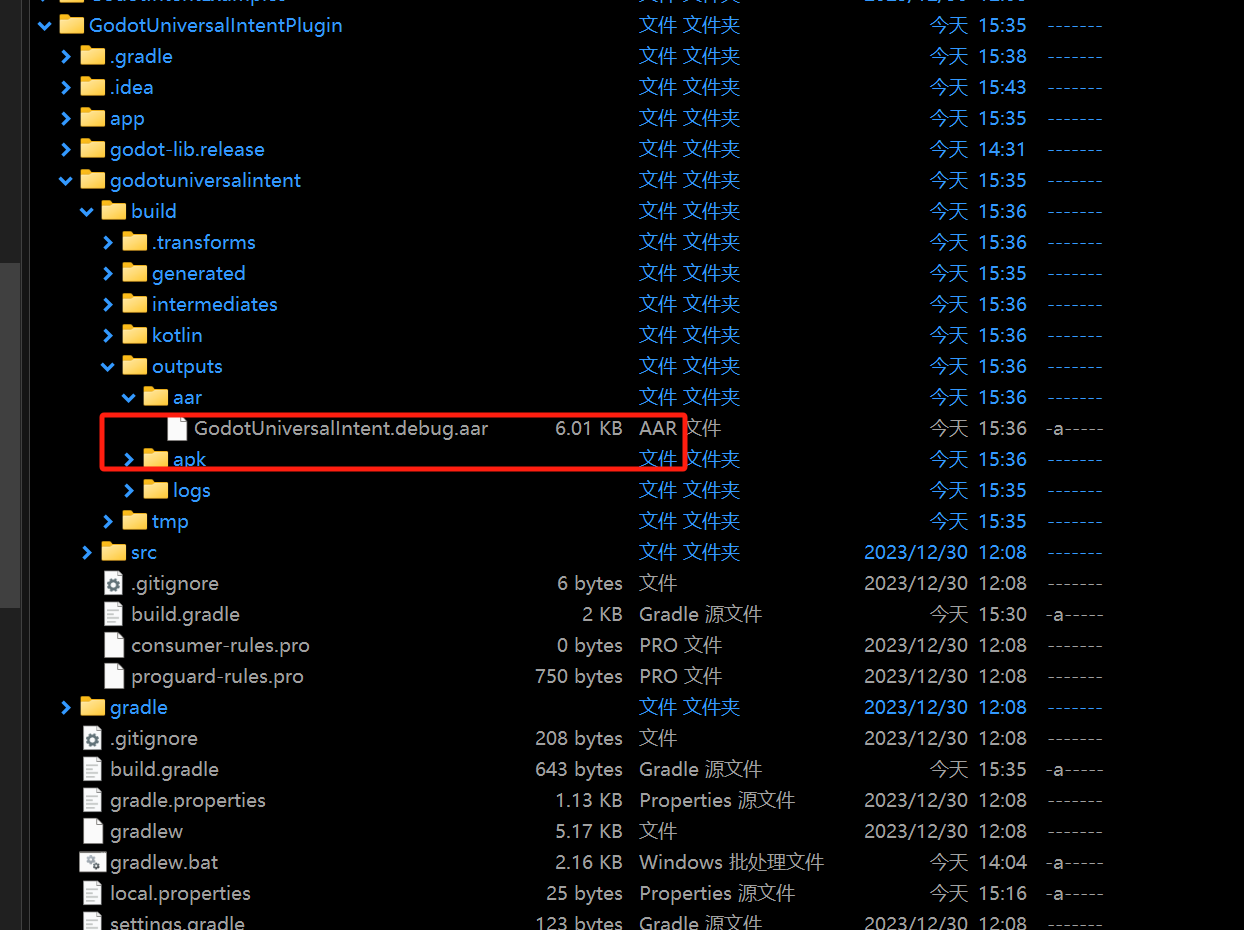
反正折腾了半宿之后得到的竟然就是这么一个6k的小玩意。。。真小啊
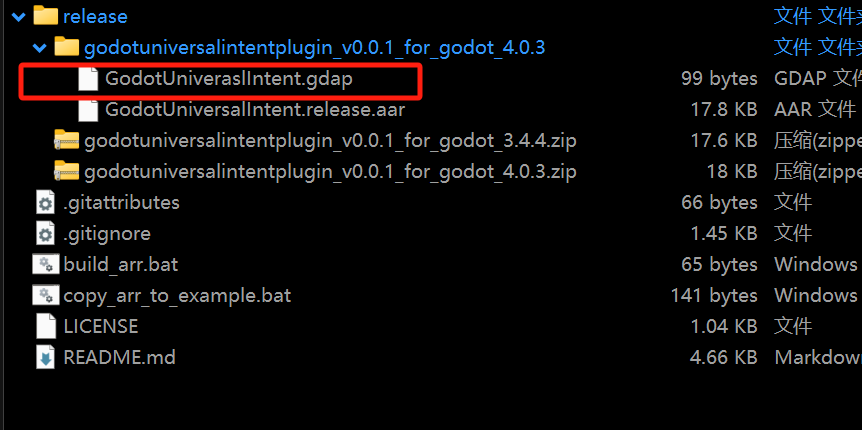
接着把dgap文件解开

然后放在一起
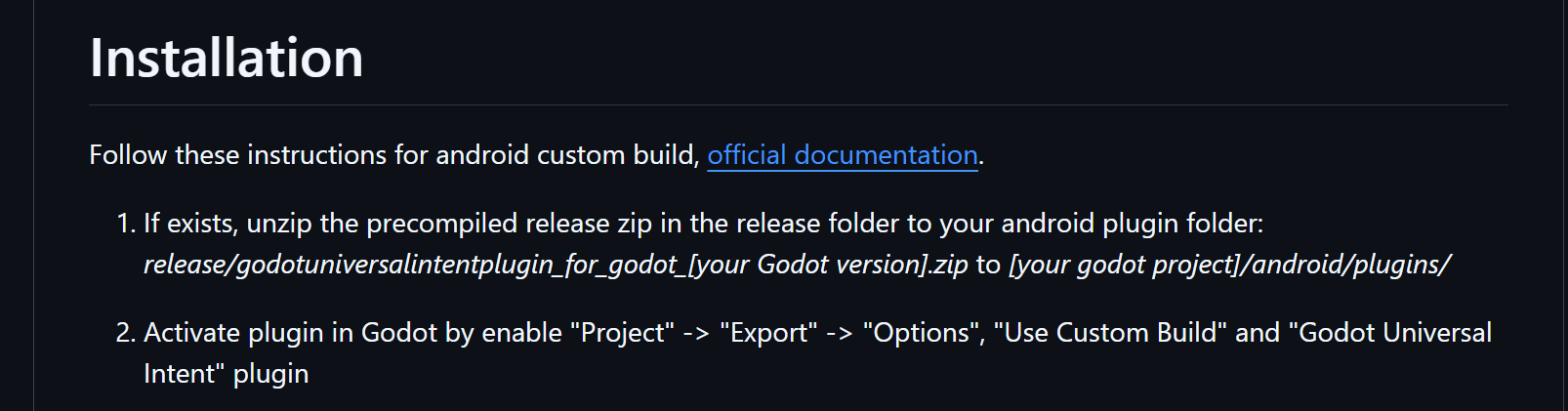
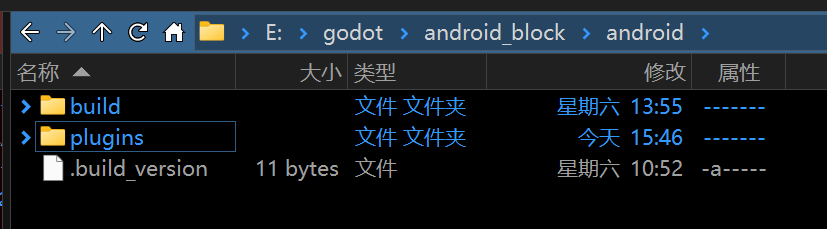
在工程目录下新建
plugins
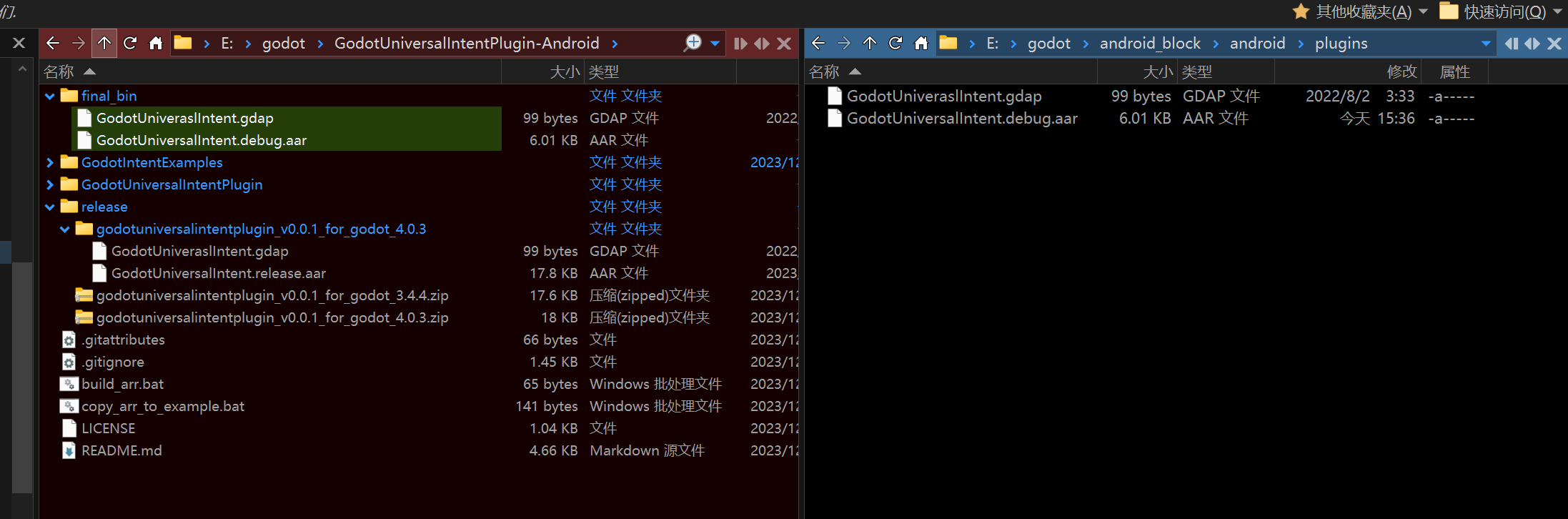
粘贴过去这俩文件
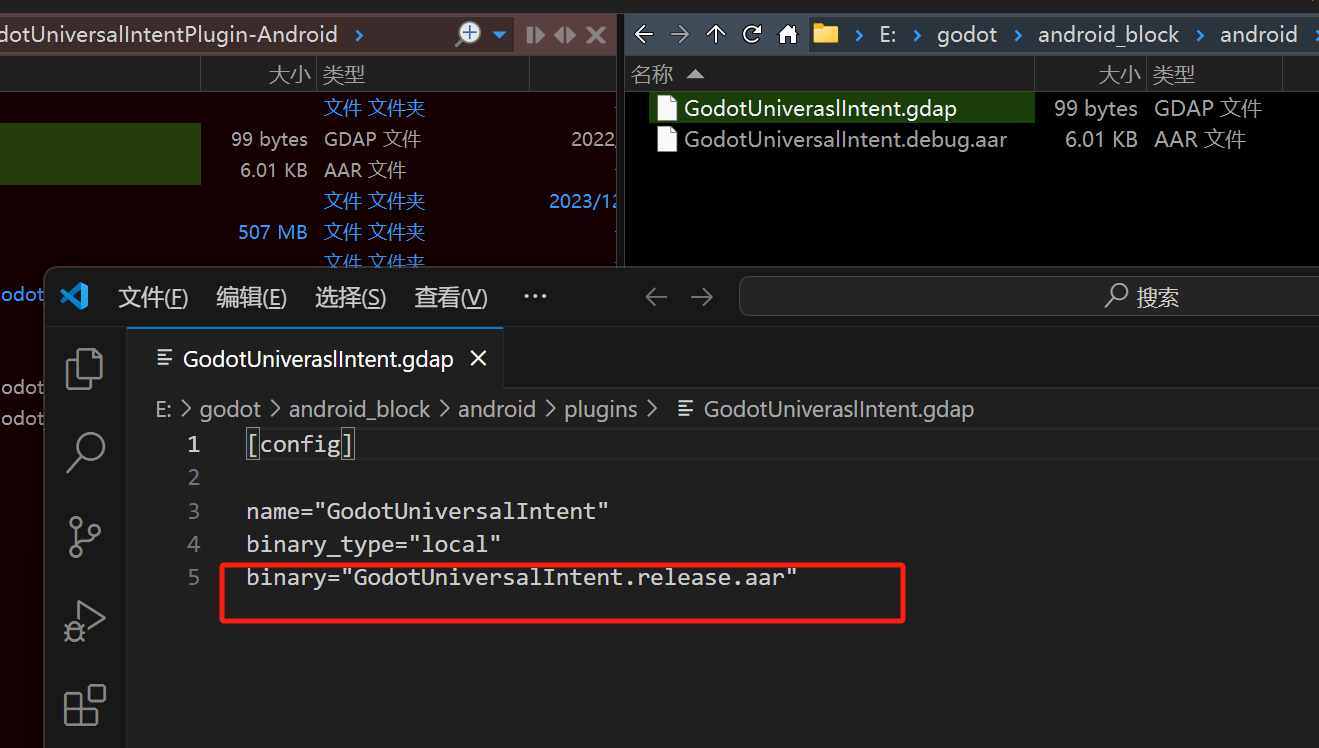
看了一下肯定有问题
我先改成了debug
嗯
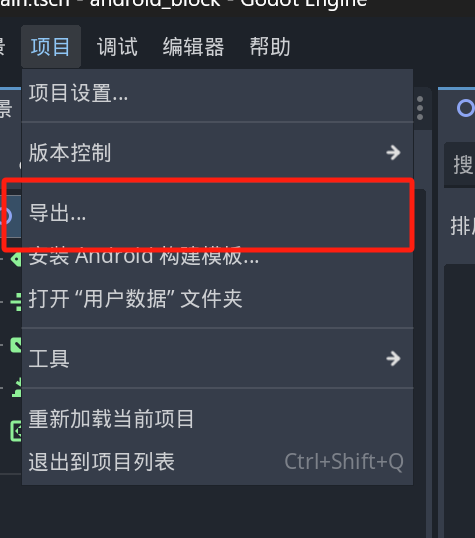
项目,导出
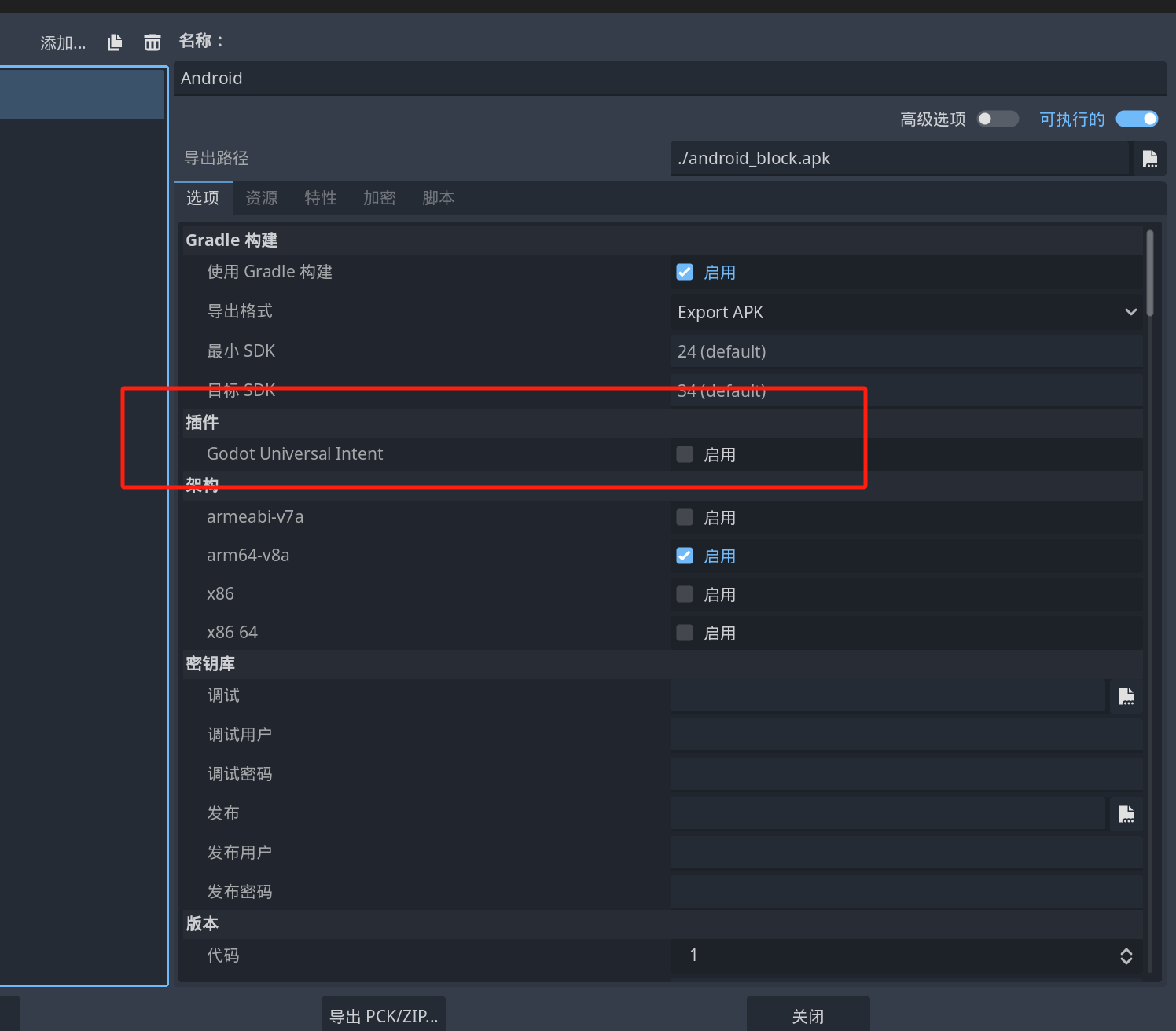
已经看到了
启用
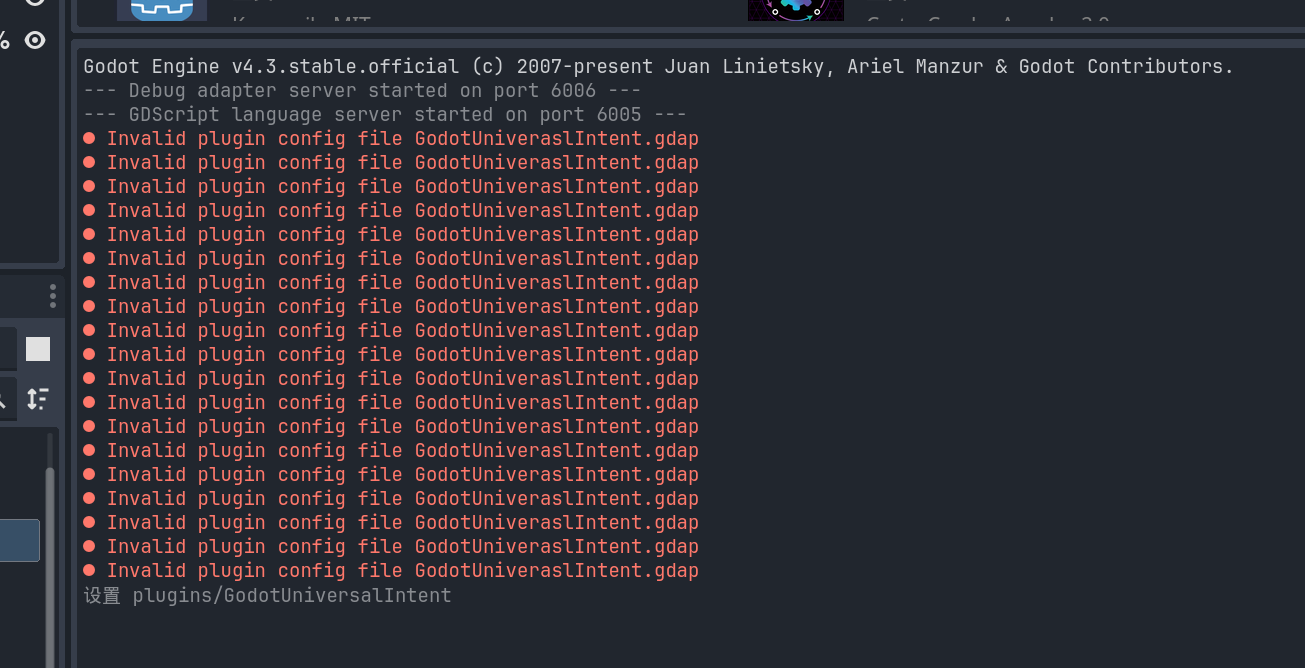
这里报错了
extends Node2D

var plugin
var plugin_name = "GodotUniversalIntent"

# Called when the node enters the scene tree for the first time.
func _ready():
	if Engine.has_singleton(plugin_name):
		plugin = Engine.get_singleton(plugin_name)
	else:
		print("Could not load plugin: ", plugin_name)

	if plugin:
		plugin.connect("on_main_activity_result", self, "_on_main_activity_result")
		plugin.connect("error", self, "_on_error")

func _on_main_activity_result(result):
	print("RESULT:", result)

func _on_error(e):
	""" Plugin has returned som error """
	print(e)

func _on_ButtonShowGPSPosition_pressed():
	if plugin:
		# Create a new intent
		plugin.intent("android.intent.action.VIEW") # Same as Intent.ACTION_VIEW

		# This Android code snippet will open up a dialog which allow you to pick a map app to show the address you passed in the intent.
		#var uri = "geo:0,0?q=replace+this+with+an+address"

		# This Android code snippet will launch the google map with direction to the address you passed in.
		#var uri = "google.navigation:q=replace+this+with+an+address"

		# Passing in the latitude,longitude to the map app.
		var uri = "geo:-21.805149,-49.089977"
		plugin.setData(uri)

		# It's now time to start the activity, when finished "on_main_activity_result" signal is emited
		# "android.intent.action.VIEW" does not return any data and on_main_activity_result will not be called
		plugin.startActivityForResult()
	else:
		print(plugin_name, " plugin not loaded!")
然后脚本这么写
看能咋样
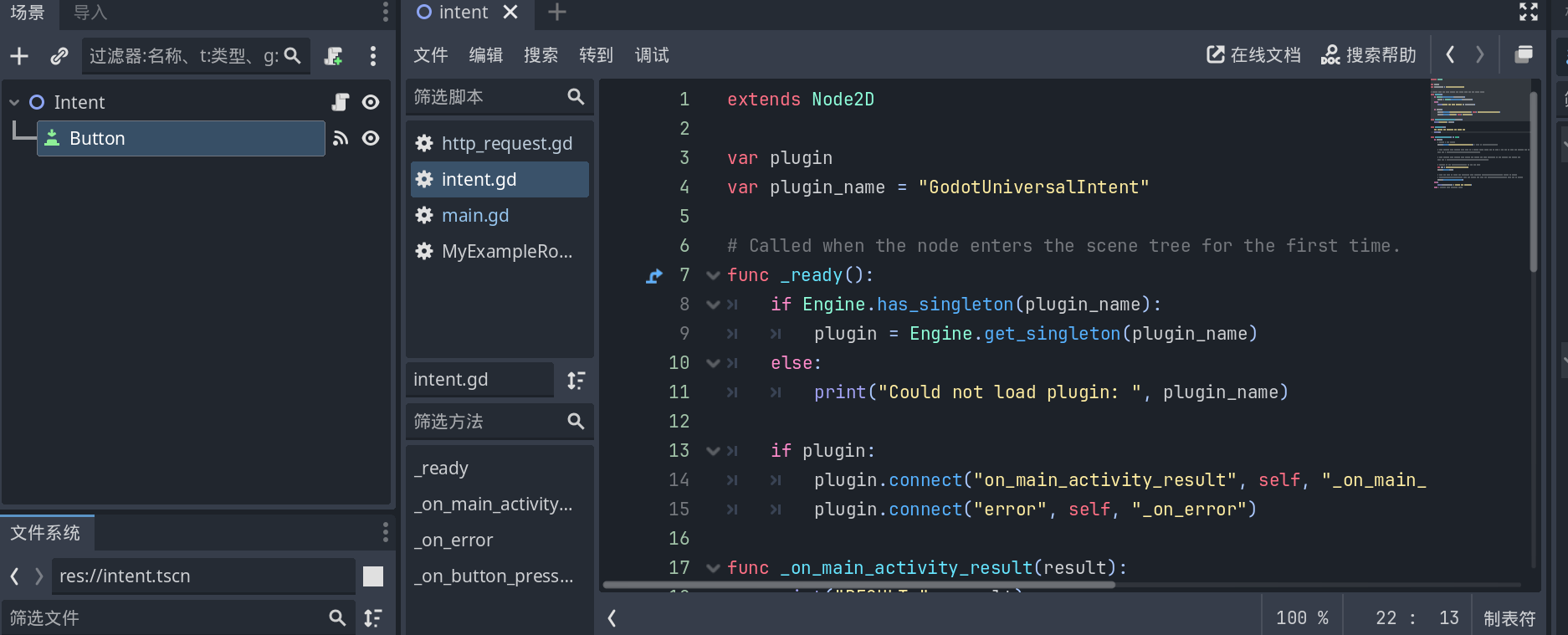
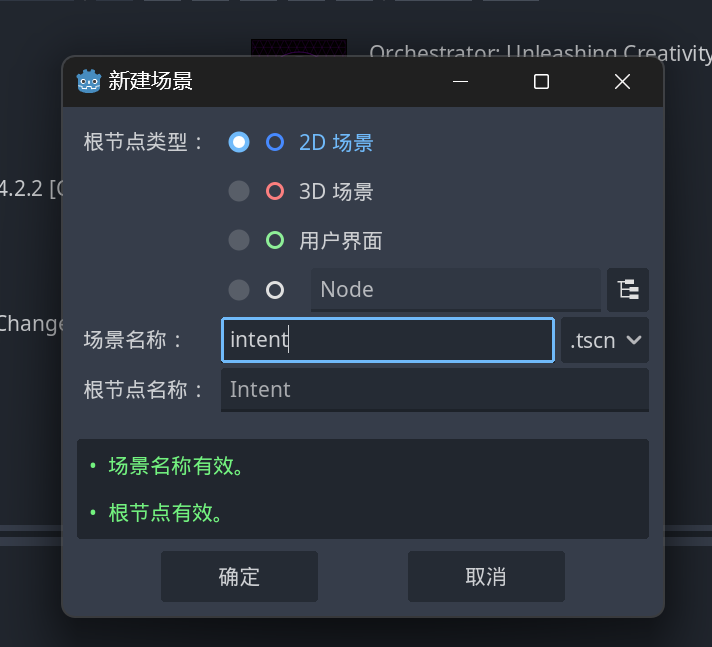
它这个需要新加一个button去触发
行
加一个,然后链接信号
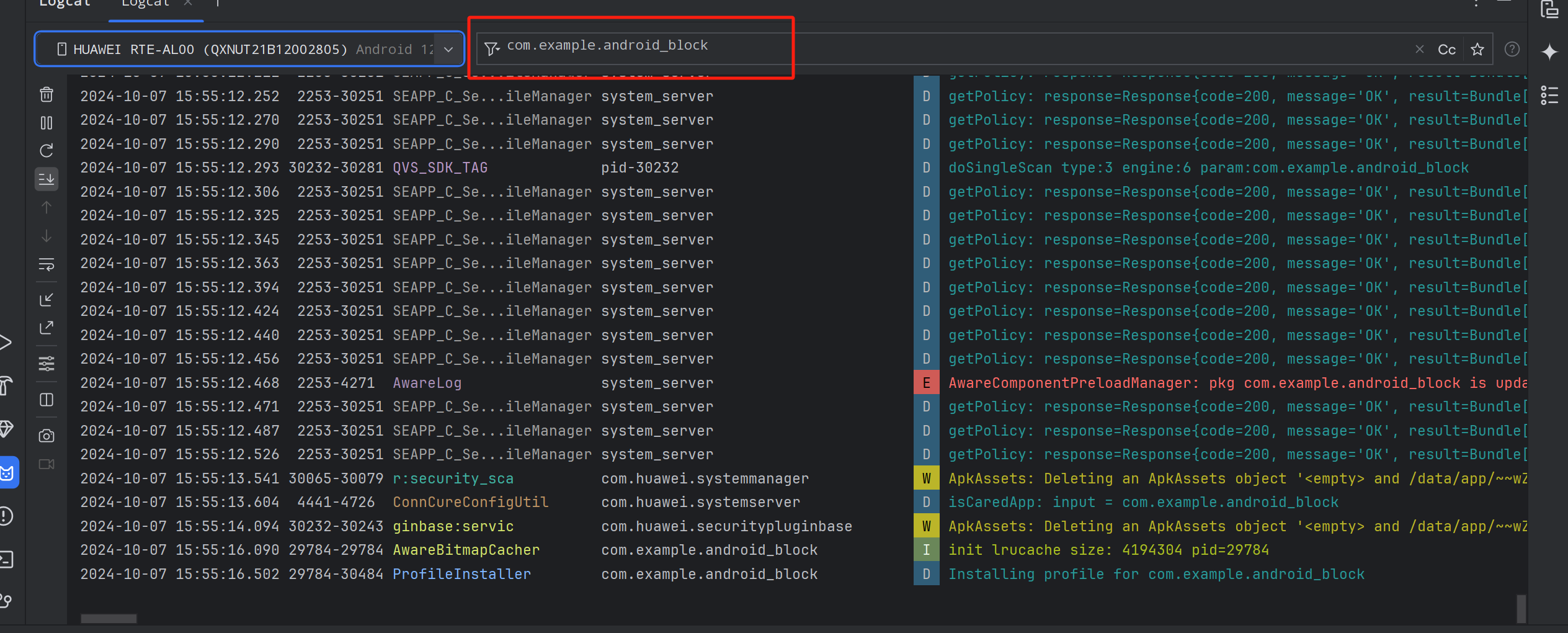
远程部署,并且logcat监听着

有错误
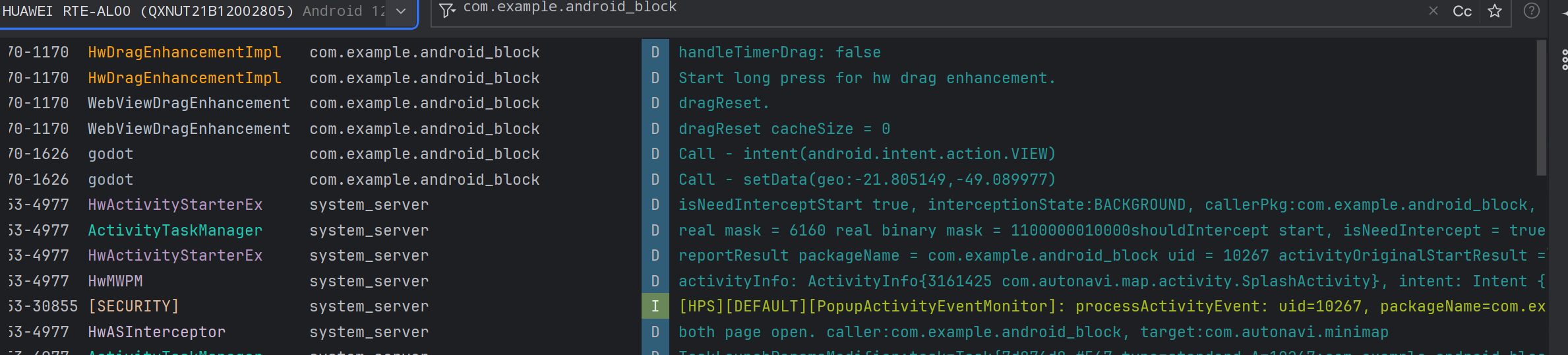
可以成功的唤起地图服务
但是。。。。
那个报错大概率意味着,无法。。。得到返回值啊
感觉需要读它的源码才能理解那个错误
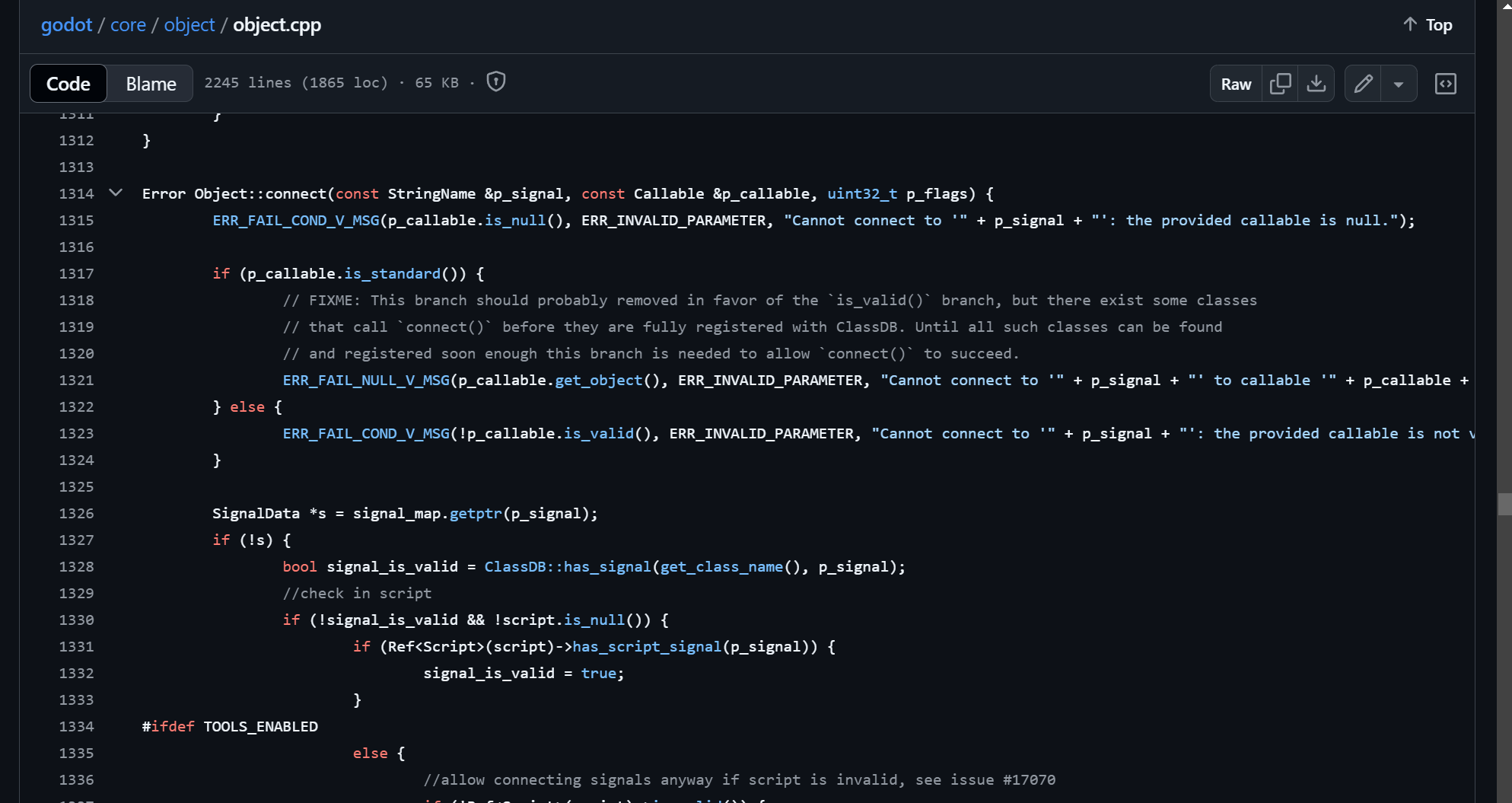
切到4.2对应的文件上去

看了一下最新的Example:

实际上这么调用就不报错了

确实能正确调用intent了反正
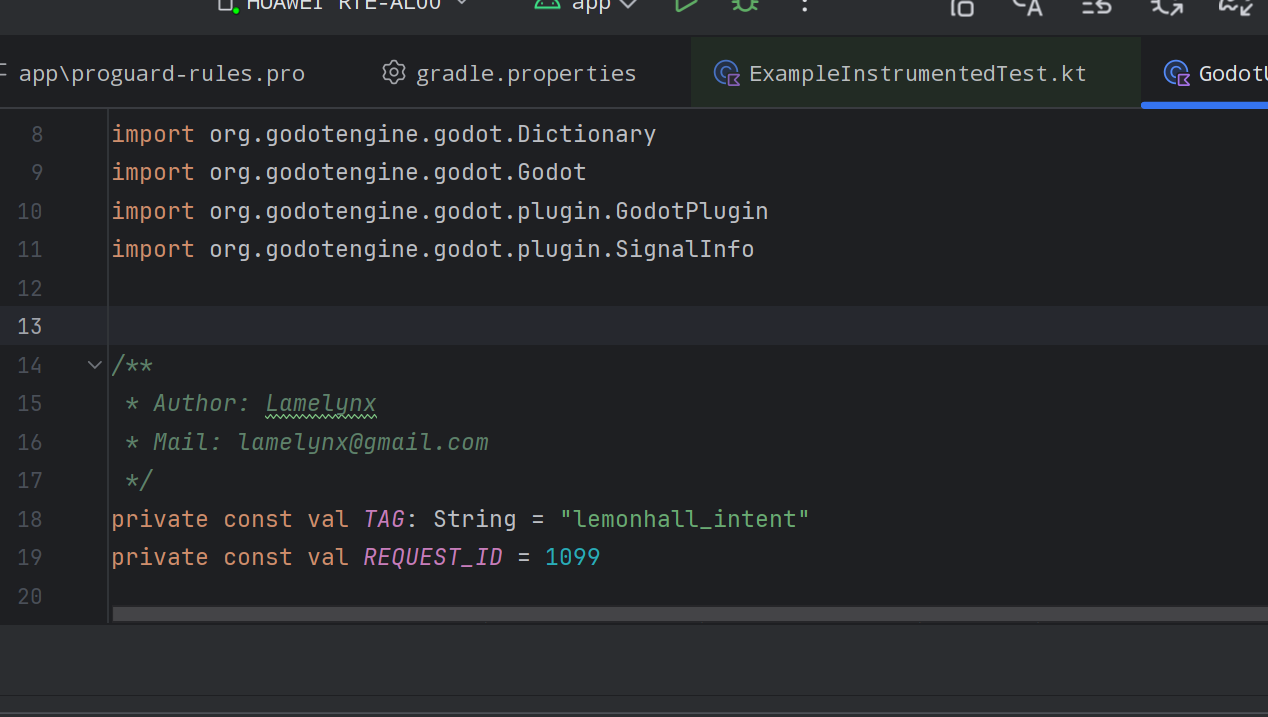
把TAG改一下,这样好debug

logcat这边也改一下

然后你会发现,根本没有RESULT返回回来嘛
哈哈哈
行吧,没事....
万事开头难,总算是把这个复杂的一批的godot的java的plugin跑起来了
真难啊
https://github.com/lemonhall/GodotUniversalIntentPlugin-Android
最终代码放到了github上,也修改了主页README上的那个坑货例子