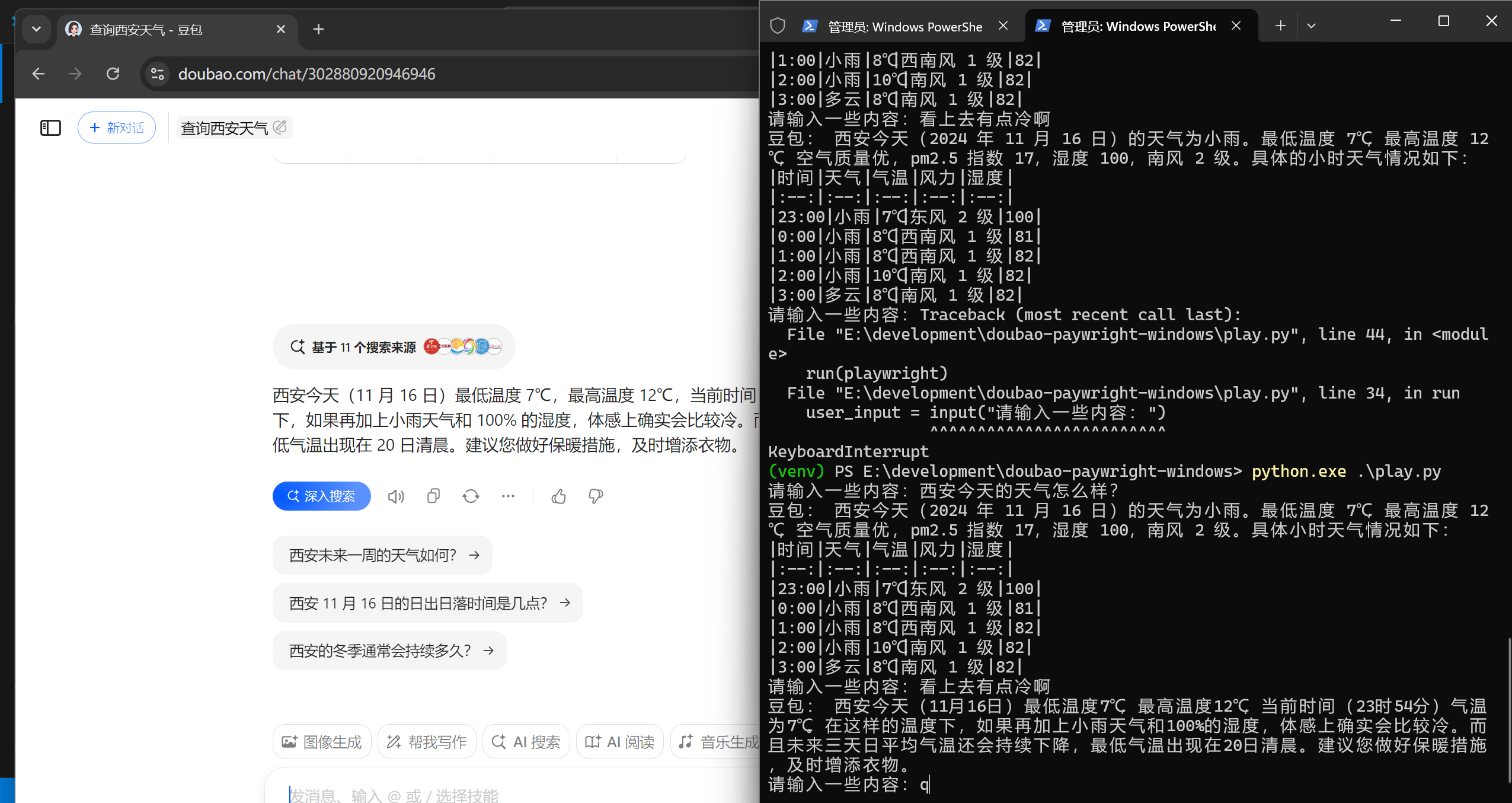
1、建立python环境
mkdir doubao-playwright-windows
cd doubao-paywright-windows
python -m venv venv
.\venv\Scripts\Activate.ps1
2、安装本身
https://playwright.dev/python/docs/intro
安装速度过慢,所以设置一下代理:
$proxy='http://127.0.0.1:7890'
$ENV:HTTP_PROXY=$proxy
$ENV:HTTPS_PROXY=$proxy
然后再运行这个
pip install pytest-playwright3、新建文件test_example.py
import re
from playwright.sync_api import Page, expect

def test_has_title(page: Page):
    page.goto("https://playwright.dev/")

    # Expect a title "to contain" a substring.
    expect(page).to_have_title(re.compile("Playwright"))

def test_get_started_link(page: Page):
    page.goto("https://playwright.dev/")

    # Click the get started link.
    page.get_by_role("link", name="Get started").click()

    # Expects page to have a heading with the name of Installation.
    expect(page.get_by_role("heading", name="Installation")).to_be_visible()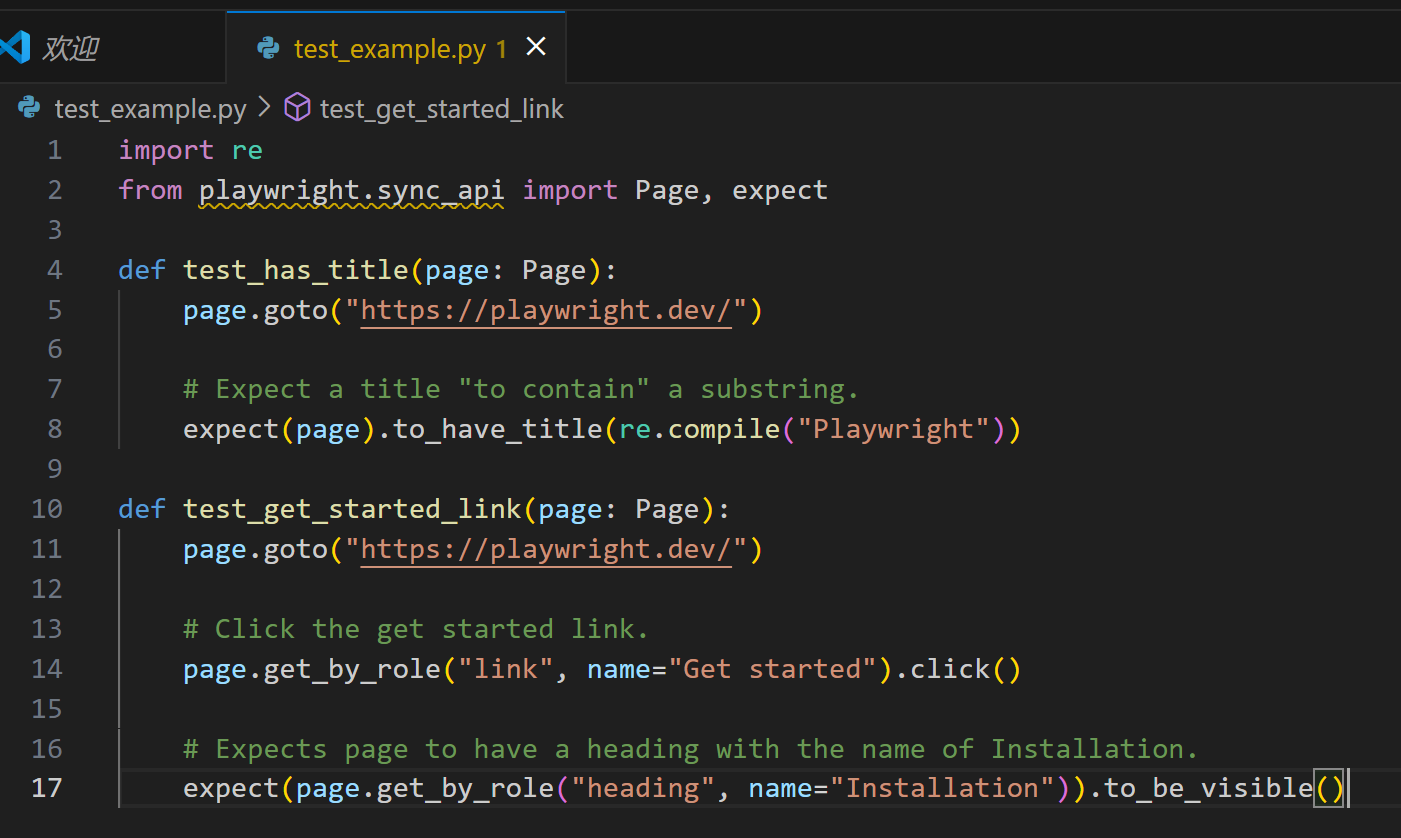
然后运行:
pytest

好嘞,跑通了
4、保存豆包登录凭证:
https://playwright.dev/python/docs/codegen#preserve-authenticated-state
playwright codegen https://www.doubao.com/chat/ --save-storage=auth.json界面上登录一下哈
playwright codegen --load-storage=auth.json https://www.doubao.com/chat/ 5、编写代码:
参考: https://blog.lemonhall.me/notesview/show/475
import time
from playwright.sync_api import Playwright, sync_playwright, expect


def send_input(page,input):
    #第二步:say hi
    page.get_by_role("textbox", name="发消息").click()
    page.get_by_role("textbox", name="发消息").fill(input)
    page.get_by_role("button", name="发送").click()

    #第三步:等待
    # 暂停 5 秒钟
    time.sleep(5)

    #第四步:取剪贴板
    #点击复制按钮(取最近的那个复制按钮)
    page.get_by_test_id("receive_message").get_by_test_id("message_action_copy").last.click()
    #取剪切板
    response_text = page.evaluate("navigator.clipboard.readText()")

    return response_text

def run(playwright: Playwright) -> None:
    browser = playwright.chromium.launch(headless=False)
    context = browser.new_context(storage_state="auth.json")

    #第一步:取得剪切板的授权
    context.grant_permissions(['clipboard-read','clipboard-write'])
    page = context.new_page()
    page.goto("https://www.doubao.com/chat/")

    while True:
        user_input = input("请输入一些内容:")
        res_text= send_input(page,user_input)
        print("豆包:",res_text)

    # ---------------------
    context.close()
    browser.close()


with sync_playwright() as playwright:
    run(playwright)