https://github.com/Yusuke710/nanoPerplexityAI
为啥要用这个项目呢?
三个原因:
1、deepseek最近常常受到攻击,导致它无法进行搜索;
2、我偶尔想使用确定性的信源来进行问答的时候,发现deepseek这些工具都无法指定信源
3、这个项目看上去足够简单,只有200行左右的python
架构
1、获取用户查询
2、LLM检查用户查询,决定是否执行Google搜索。若需要搜索,将用户查询重新格式化为适合Google
的查询语句,用于查找相关网页URL并获取文本内容(实际应用中,PerplexityAI会搜索其已索引的源数据)
3、使用系统提示词+网页上下文+用户查询构建提示
4、调用LLM API生成回答
5、当LLM进行流式生成时,将LLM的响应保存为Markdown文件以实现更佳的可视化效果
#PerplexityAI不会重新格式化搜索结果,因此并非所有搜索结果都会被使用和引用在LLM响应中。
这是因为他们优先考虑快速显示搜索结果并流式传输LLM生成内容,以提供更好的用户体验。
(翻译说明:关键术语处理:
1. "stream completion"译为"流式生成"更符合中文语境
2. "indexed sources"译为"已索引的源数据"以准确表达技术含义
3. 最后说明性段落采用意译方式,将"prioritize displaying search results quickly and st
reaming LLM completion"整合译为"优先考虑快速显示搜索结果并流式传输LLM生成内容",既保持原意又增强可读性)
原文:
Architecture
1、Get the user query
2、LLM checks the user query, decides whether to execute a Google search, and if searching,
reformulates the user query into a Google-suited query to find relevant webpage URLs and
fetch texts. (In practice, PerplexityAI searches its already indexed sources)
3、Build a prompt using system prompt + webpage context + user query
4、Call the LLM API to generate an answer
5、As LLM perform stream completion, save the LLM response into a markdown file for better visualization.
#PerplexityAI does not reformat the search results and therefore not all search results are
used and cited in the LLM response. This is because they prioritize displaying search results
quickly and streaming LLM completion for a better user experience.1、启动项目:
uv init nano_perplexityclone出现了一点小问题,是windows文件系统相关的
算了,直接copy文件
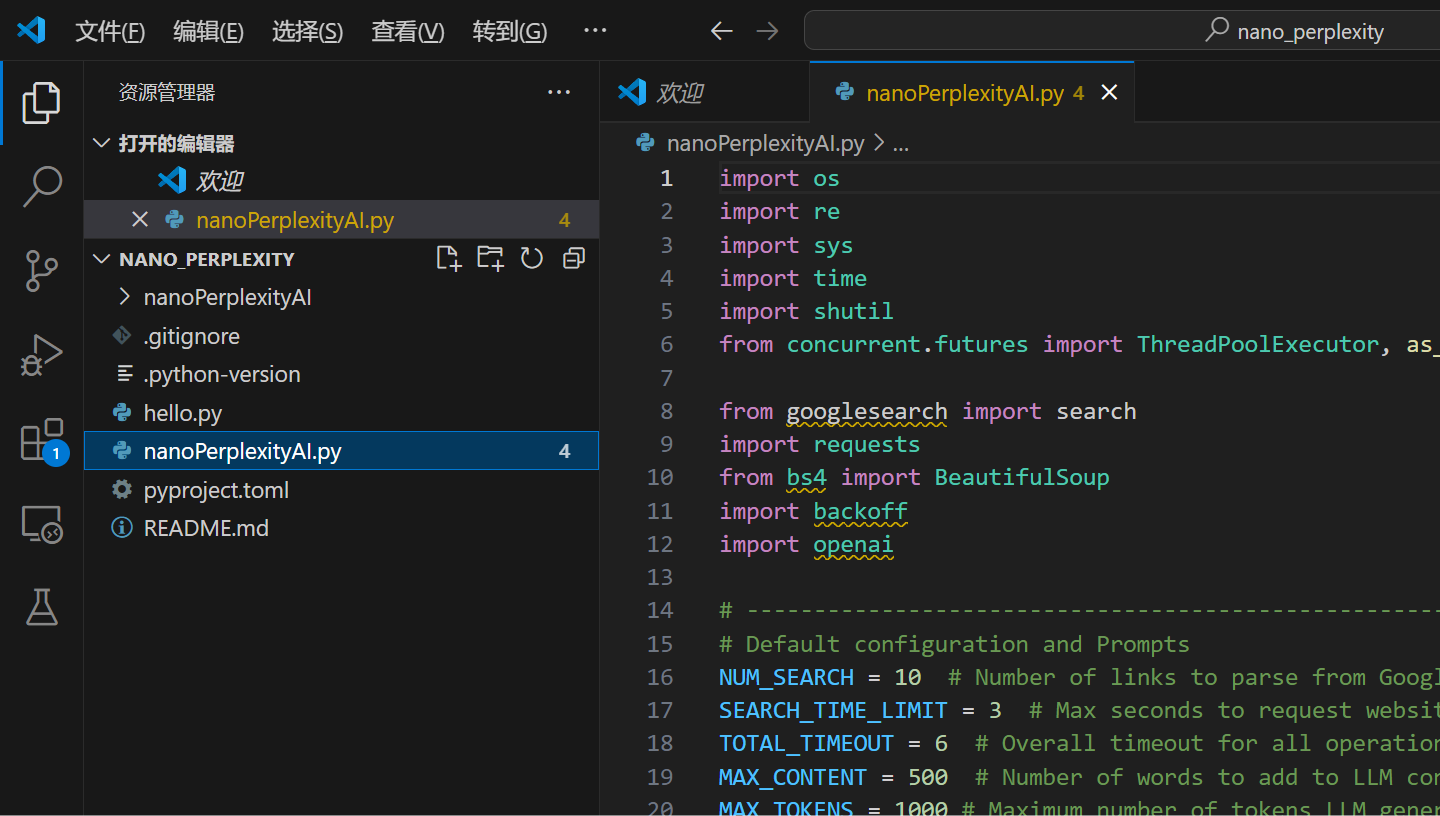
2、安装依赖
uv add googlesearch-python requests beautifulsoup4 lxml backoff openai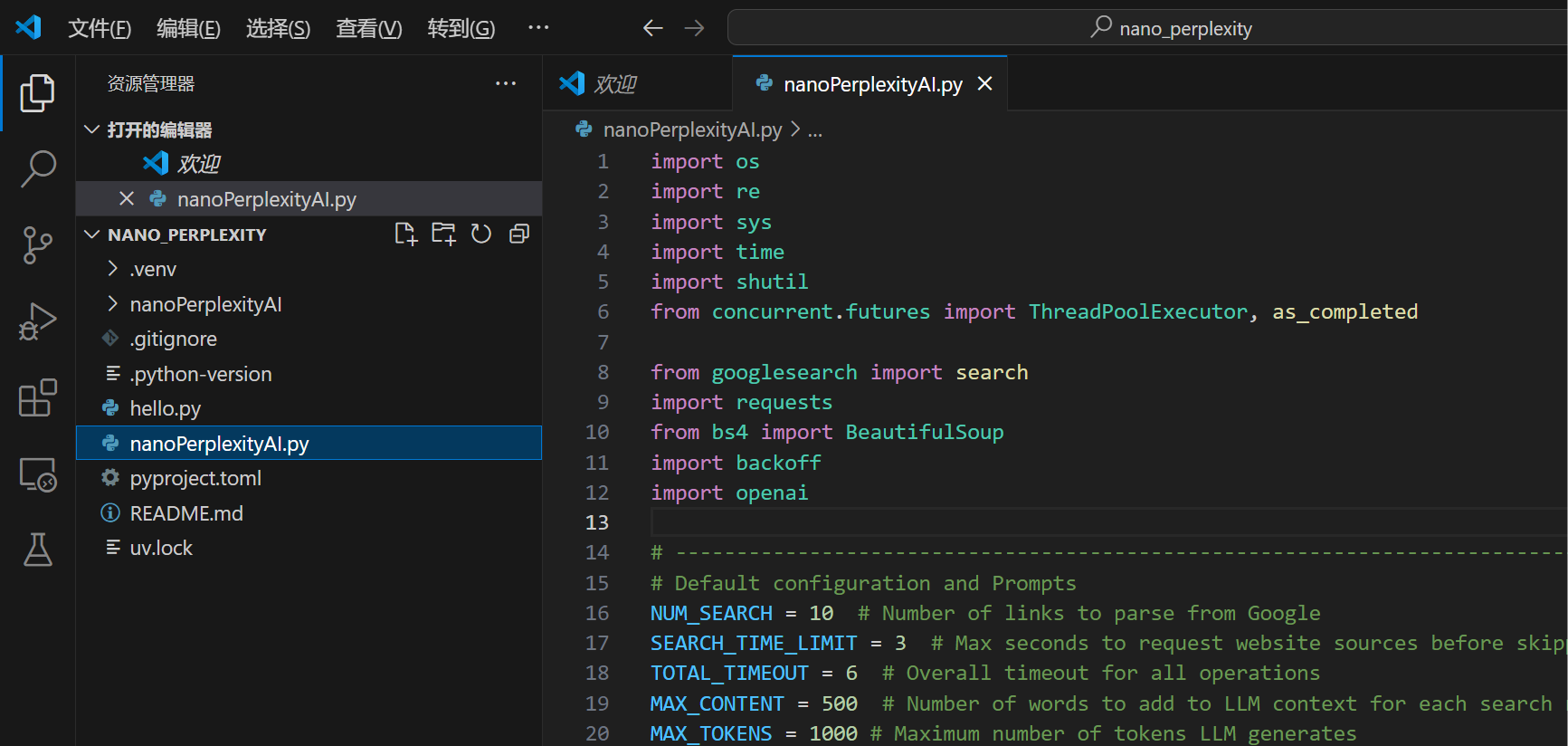
OK,所有的报错都没了
接下来看怎么链接deepseek
3、替换密钥

58行左右,替换密钥
4、deepseek的调用实例
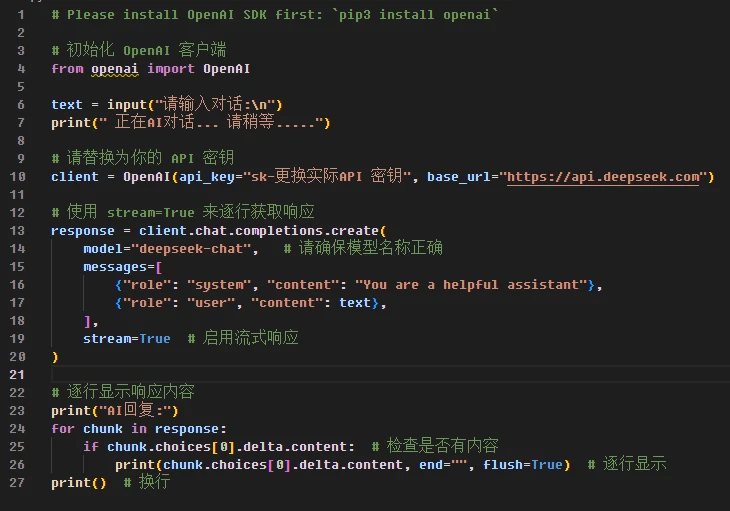
5、修改client

client =openai.OpenAI(api_key=OPENAI_API_KEY,base_url="https://api.deepseek.com")修改成这样
6、修改MODEL
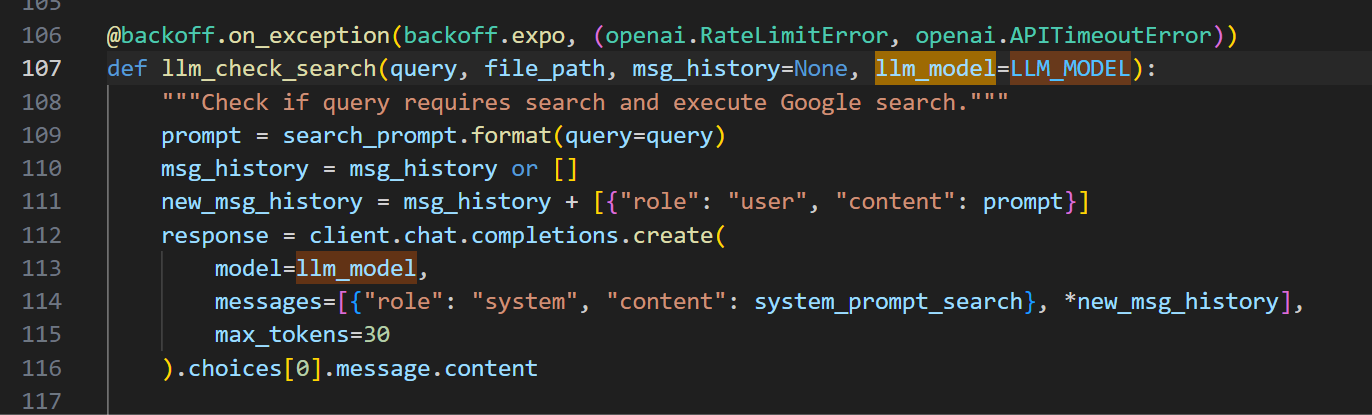
它原来的代码也是很标准的
所以只需要把21行左右的代码

LLM_MODEL = 'deepseek-chat' #'gpt-3.5-turbo' #'gpt-4o'替换成V3即可
7、测试是否能访问google

王玉雯是谁啊?
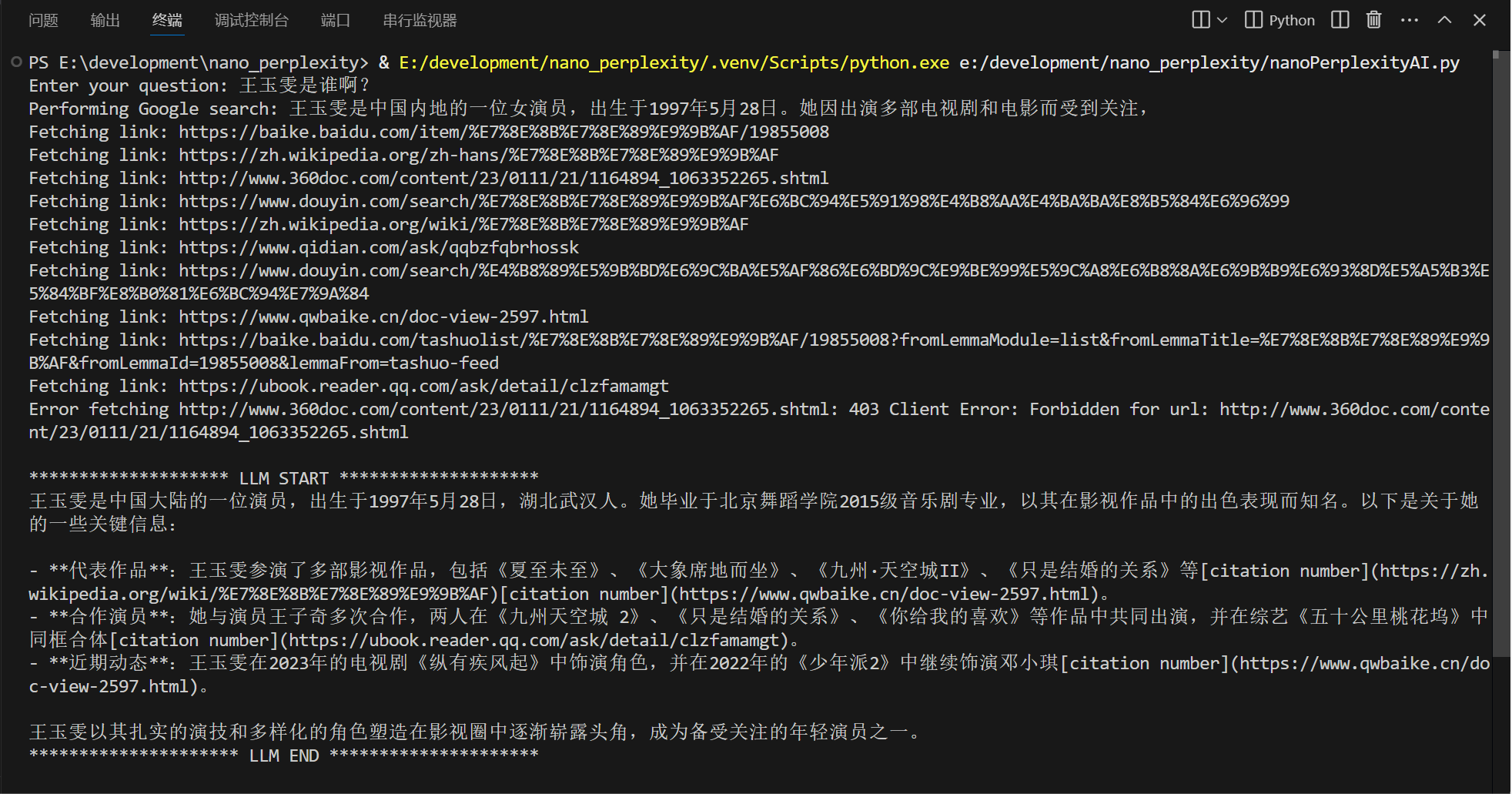
成功!
8、TODO
8.1 编码的移植
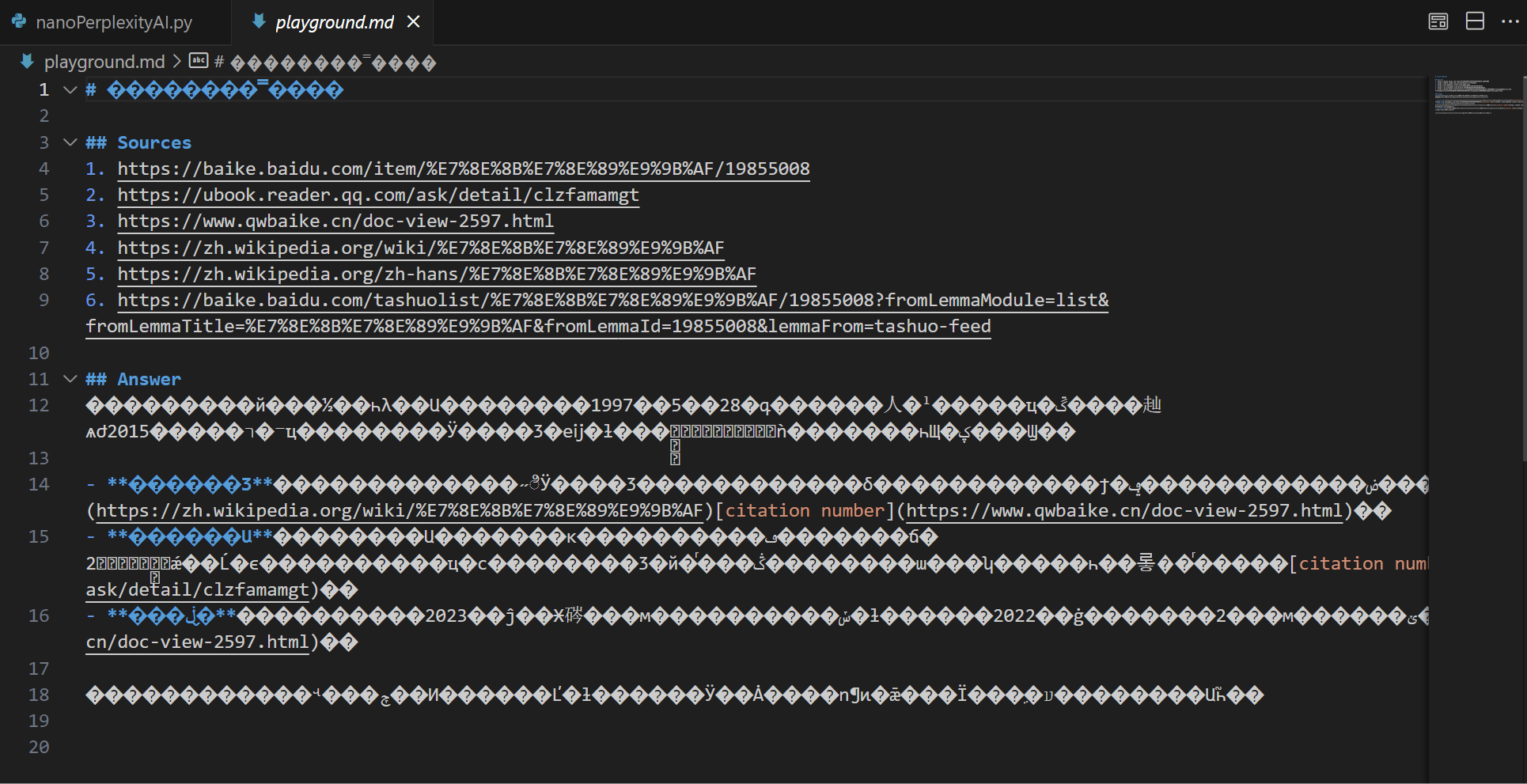
生成的md编码有问题,稍后再改
8.2 稍后让其支持deepseek-R1,需要等R1的官网的API文档那边修复了,今天又挂了
8.3 给这个小程序加一个webui,可以试试gradio那几个技术,虽然我个人其实更加偏好nicegui
8.4 实现信源的选择与配置
9、结尾
相当令人感到愉快的体验